


Description
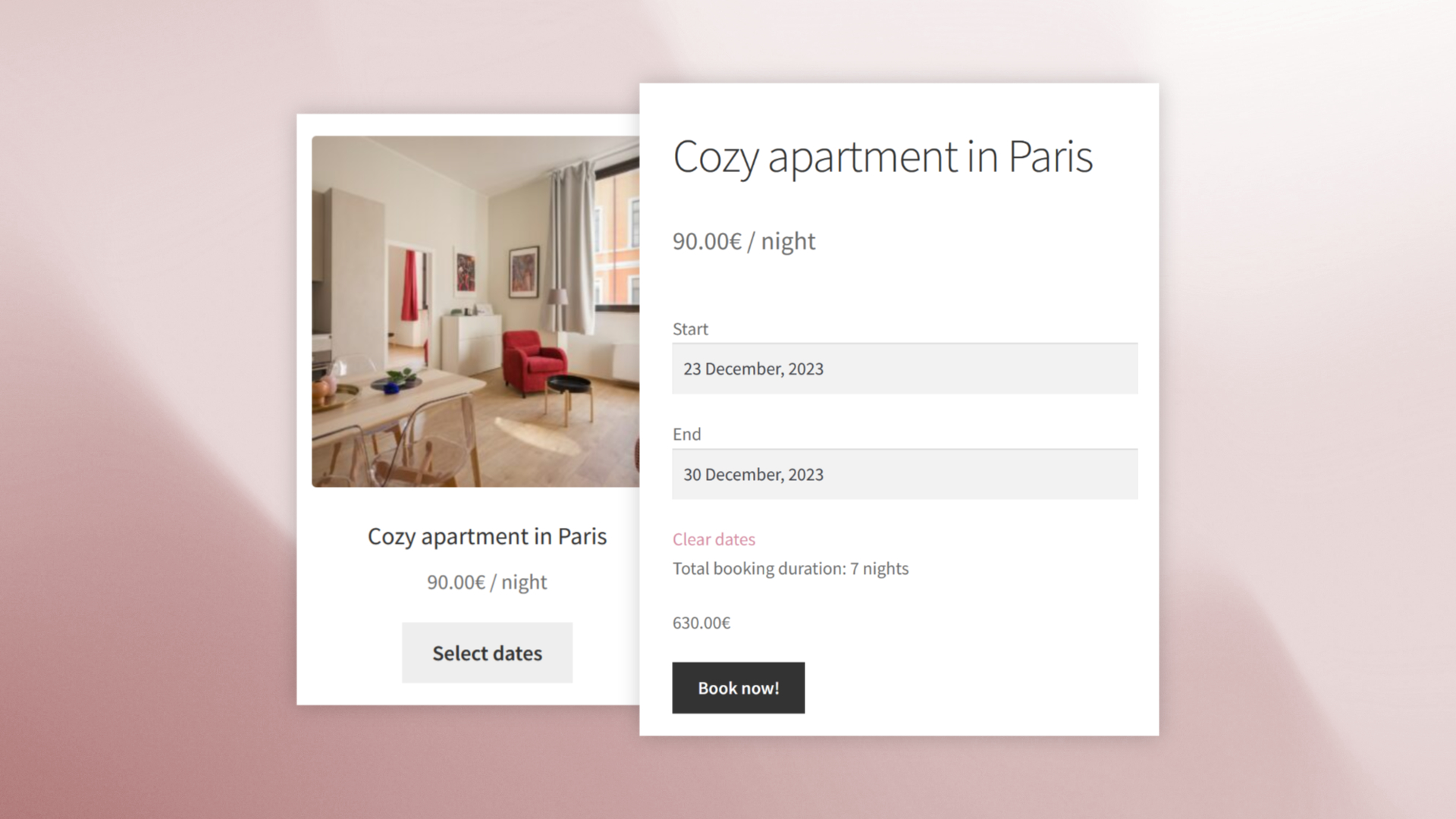
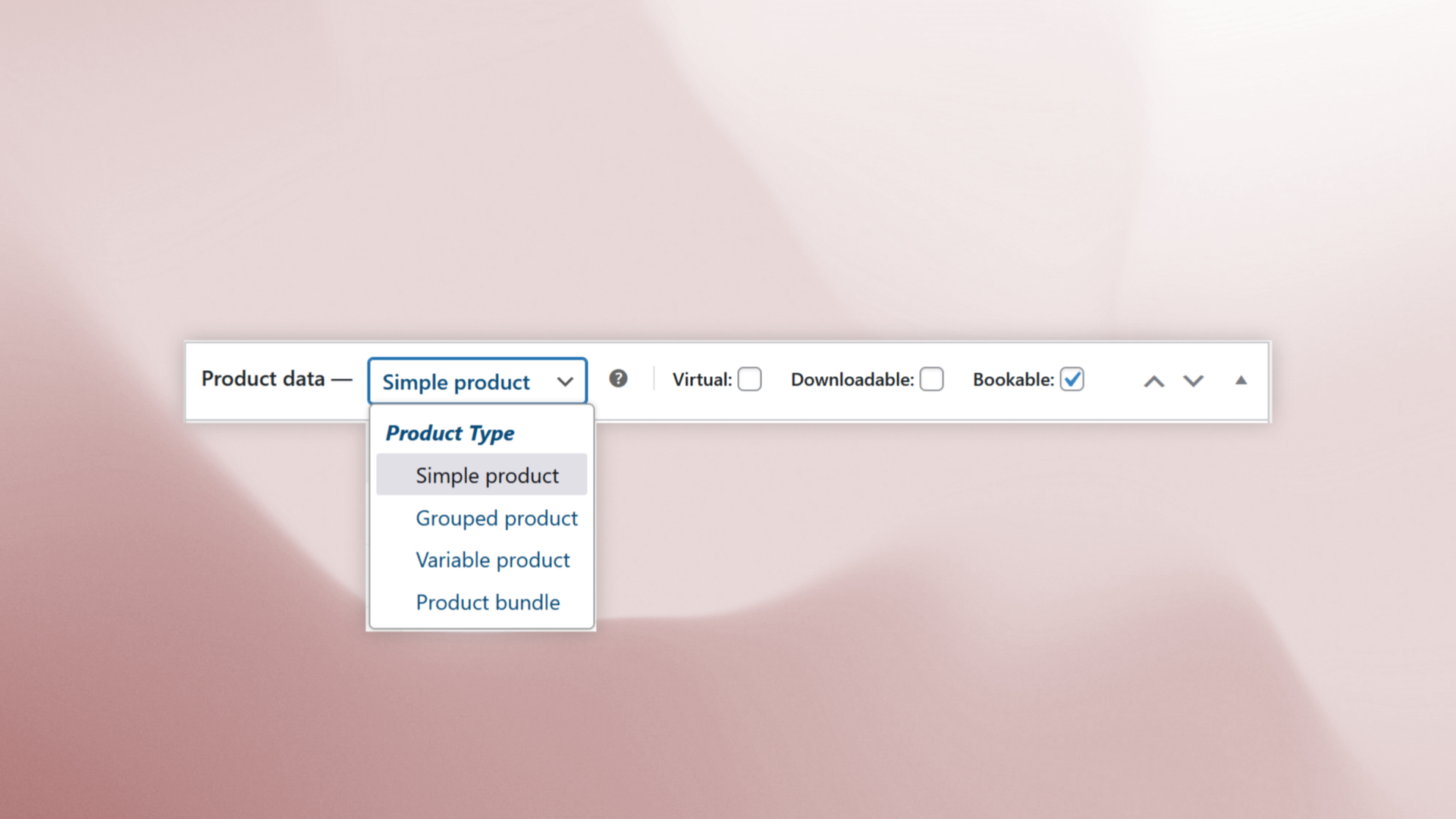
Easy Booking is a powerful yet intuitive WooCommerce booking and rental plugin, fully compatible with simple, variable, grouped, and bundle products.
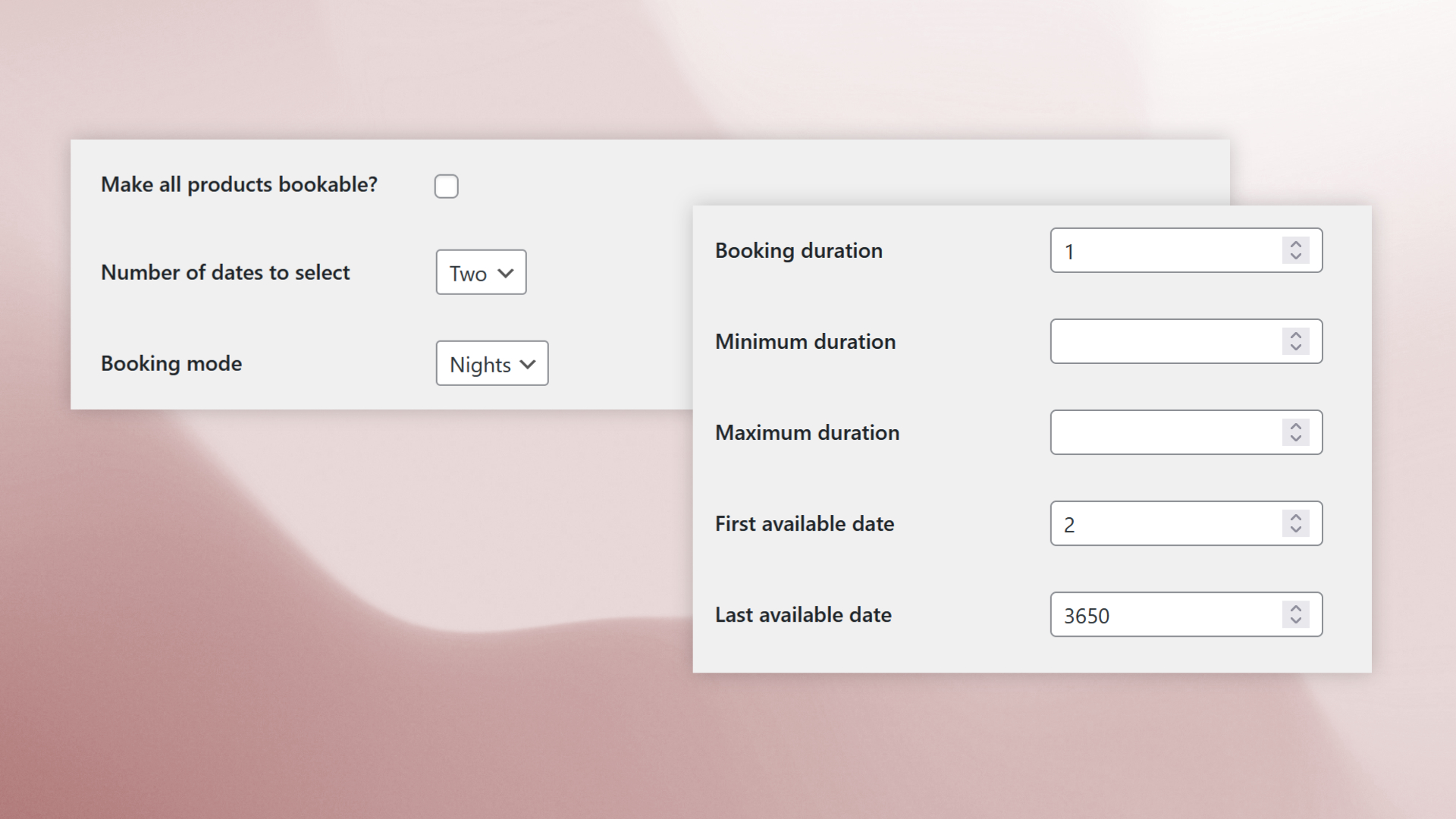
- Flexible booking modes: Choose between Days or Nights mode, and set custom booking durations and limits.
- Date selection: offer single or dual-date bookings (e.g., check-in/check-out).
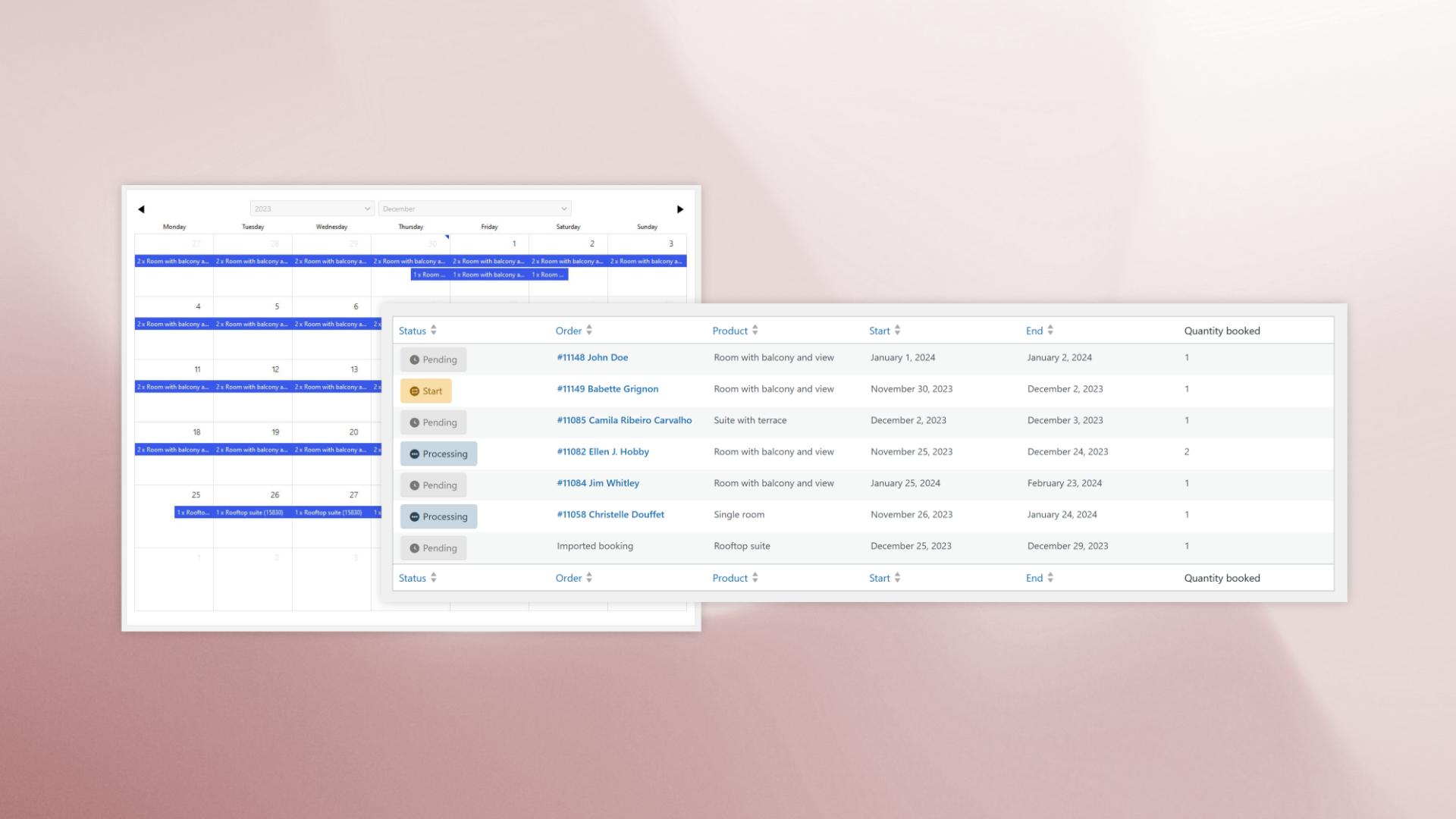
- Dashboard management: Easily track and manage processing or upcoming bookings directly from your WordPress admin.
- Developer-friendly: Extend functionality with filters and action hooks.
Perfect for rentals, event bookings, or any date-based service.
Official website | Demo | Documentation | FAQ
Why choose Easy Booking?
- No complex setup: Works natively with WooCommerce, no extra product types or complicated configurations.
- Adaptable: Whether you rent equipment, manage event registrations, or offer seasonal services, Easy Booking adjusts to your workflow.
- Responsive support & clear documentation : Get help when you need it, with detailed documentation and a quick, friendly developer ready to assist you.
Upgrade to Easy Booking PRO for advanced features
- Stock management by date: Automatic availability management for each date individually, ensuring no overbookings.
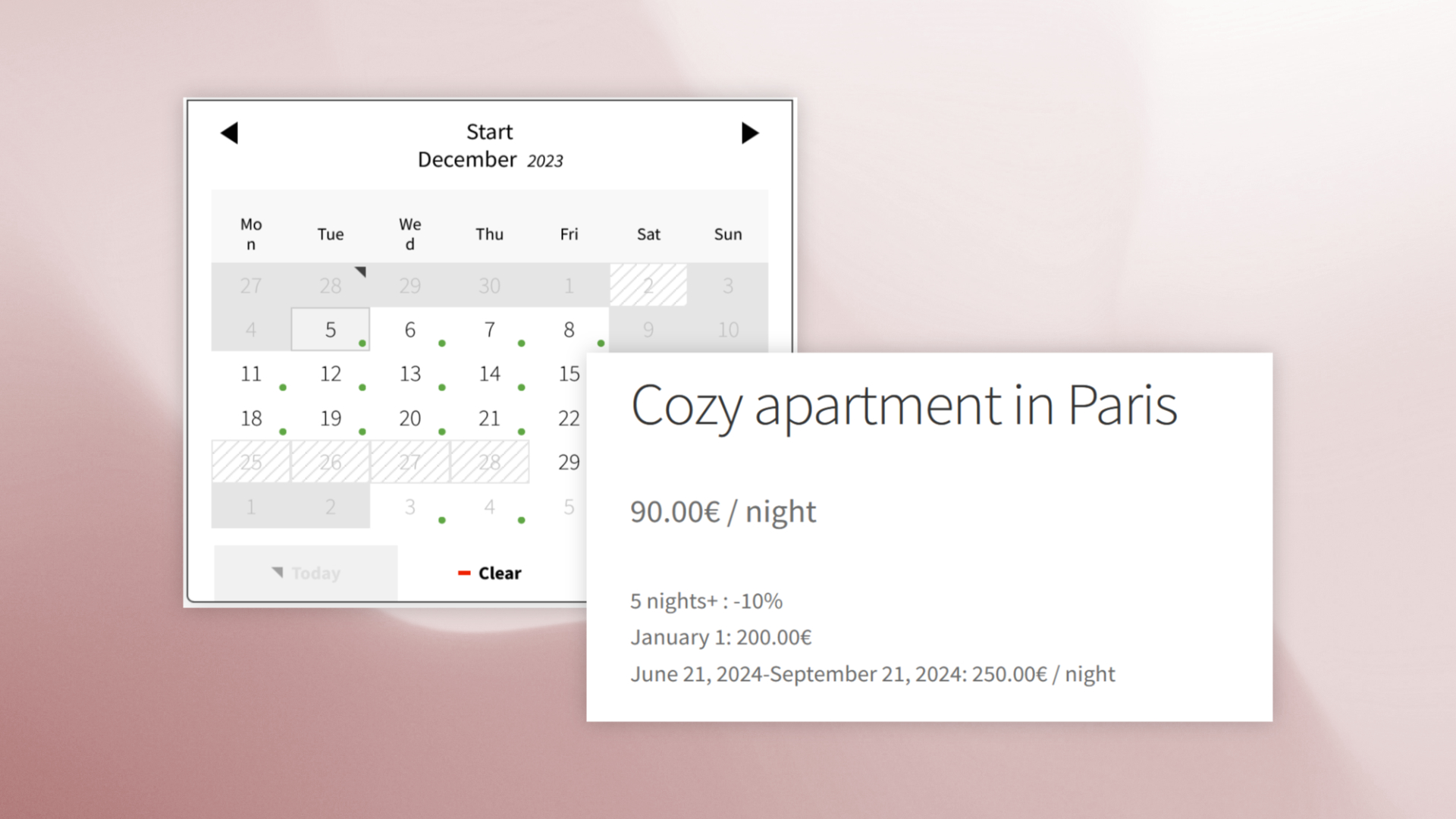
- Disabled dates: Block specific dates (holidays, closures, etc.).
- Advanced pricing: Set prices by date, season, or booking duration.
- Date selection on shop page: Let customers choose dates directly from the product listing, with real-time filtering of available products.
- Manual booking import: Add reservations manually without creating orders, ideal for phone bookings or external systems.
Learn more about Easy Booking PRO.
Looking for time-based bookings instead?
Easy Booking focuses on rentals, accommodations, and date-based bookings without time selection.
For appointments, services, classes, and bookings with time slots, take a look at Easy Scheduling.
Demo
See Easy Booking in action: Check out the demo and explore all the features.
Installation
Requirements
WordPress 6.0 or greater
PHP 7.4 or greater
WooCommerce 10.0 or greater
Make sure WooCommerce is installed and activated before starting.
Installation
You can install the plugin automatically or manually. If you are not familiar with plugin installation, please refer to this page.
Settings
Learn how to configure the plugin and your products in the documentation.
FAQ
Check the FAQ here.
Screenshots
Changelog
3.5.9 – 2026-11-10
- Fix – The average price shown in the booking summary now accounts for the quantity selected and labels multi-day or multi-night periods clearly.
- Tweak – Refined the booking calendar in both themes. The Classic theme now loads if a saved theme is unavailable.
- Fix – Booking price calculations now show an error for invalid booking details or product add-on selections.
- Requirements – Minimum versions are WordPress 6.0, WooCommerce 10.0 and PHP 7.4.
3.5.8 – 2026-10-29
- Add – Compatibility with WooCommerce Add to Cart + Options blocks for variable and grouped products, while preserving classic templates.
- Fix – Booking calculations in pages containing multiple Single Product blocks, including fixed variations.
- Fix – Quantity changes now recalculate booking prices with the current quantity and ignore outdated quantity or product selections.
- Fix – Prevent date fields from flashing before product selection and preserve grouped booking dates when quantities change.
- Fix – Keep booking summary quantities consistent with pricing and hide the parent quantity for grouped products.
- Fix – Apply the correct default calendar theme on new installations.
- Fix – Highlight the selected date instead of the minimum date when reopening the calendar.
- Fix – Prevent WordPress admin styles from overriding calendar styles on mobile.
- Tweak – Improved calendar appearance, date range highlighting, animations and input styling.
- Tweak – Calculate booking prices without fetching or verifying a nonce.
- Dev – Document the public, read-only date-selection endpoint and security requirements for hook callbacks. Legacy nonce helpers remain available for compatibility.
3.5.7 – 2026-10-19
- Fix – Set default calendar theme for new installations.
- Tweak – Small changes to datepicker appearance.
3.5.6 – 2026-10-06
- Improved product page appearance and booking details.
- Tweak – Hide redundant labels on product pages.
- Tweak – Moved availability display CSS to PRO version.
- Tweak – Small CSS improvements for the datepicker.
3.5.5 – 2026-17-09
- Add – Selected date range is now highlighted.
- Add – Dismissible admin notice for the new Google Calendar Sync add-on.
3.5.4 – 2026-08-06
- Fix – Unable to add or modify booking dates in orders since WooCommerce 11.0.
- Fix – End date can no longer be inferior to start date when modifying dates in order page.
3.5.3 – 2026-08-03
- Add – Added a tool to rebuild order bookings from WooCommerce orders.
- Add – Added a shared query API for retrieving bookings from orders and extension sources.
- Tweak – Refactored booking and order booking data handling.
- Tweak – Added exact occupied-date calculation with Days and Nights mode support.
- Tweak – Improved booking synchronization after order updates, refunds and deletions.
- Tweak – Improved database update workflow and HPOS compatibility.
- Tweak – Preserved deprecated booking functions in the legacy compatibility layer.
3.5.2 – 2026-08-01
- Fix – Variation booking settings not being saved.
3.5.1 – 2026-07-13
- Fix – “Please choose valid dates” error message when booking duration was not 1 and product has booking min/booking max set.
3.5.0 – 2026-07-09
- Fix – Check minimum and maximum booking duration before adding to cart.
- Fix – Delete associated bookings when trashing an order.
- Fix – Output not escaped and misc security fixes.
- Tweak – Changed hook to enable bookable option on all products.
3.4.9 – 2026-03-05
- Fix – Fatal error with some themes with outdated WooCommerce templates.
3.4.8 – 2026-03-03
- Tweak – Added global variable to datepicker calendar CSS.
- Tweak – Improved plugin settings, plugin intall and DB update manager
- Tweak – Added tr.js file for Turkish translation.
3.4.7 – 2025-12-01
- Add – Compatibility with Easy Booking PRO new dates filter block.
- Add – “set_min_booking_duration” jquery event to allow dynamically modifying minimum booking duration depending on selected date.
- Fix – First available date can no longer be in the past.
- Fix – Issue where “Number of dates to select” was not saved as “Same as global settings”.
- Fix – Issue with bundle products retruned price after selecting dates.
- Tweak – Improved wceb_is_valid_date() function.
- Tweak – Added wceb_create_sql_placeholders() to generate placeholders for arrays in SQL requests.
- Tweak – Added es.js file for Spanish translation of the calendar.
- Tweak – Removed unnecesary code.
3.4.6 – 2025-10-27
- Fix – Issue with Product Bundles.
- Fix – Issue with Product Add-Ons.
- Fix – Updated deprecated script handles.
3.4.5 – 2025-10-23
- Fix – Updated JS file version to force browsers to load the latest file and avoid cache issues.
3.4.4 – 2025-10-20
- Fix – Cache issues on date selection. The plugin should now be fully compatible with cache plugins without having to disable caching on product pages.
- Add – “Last available date” option at product and variation level.
3.4.3 – 2025-09-09
- Fix – Price not updated correctly on grouped product.
- Tweak – Removed deprecated jquery events.
3.4.2 – 2025-07-01
- Fix – Date not available when week starts on Sunday.