

Description
👑 Get Pro | Documentation | Support
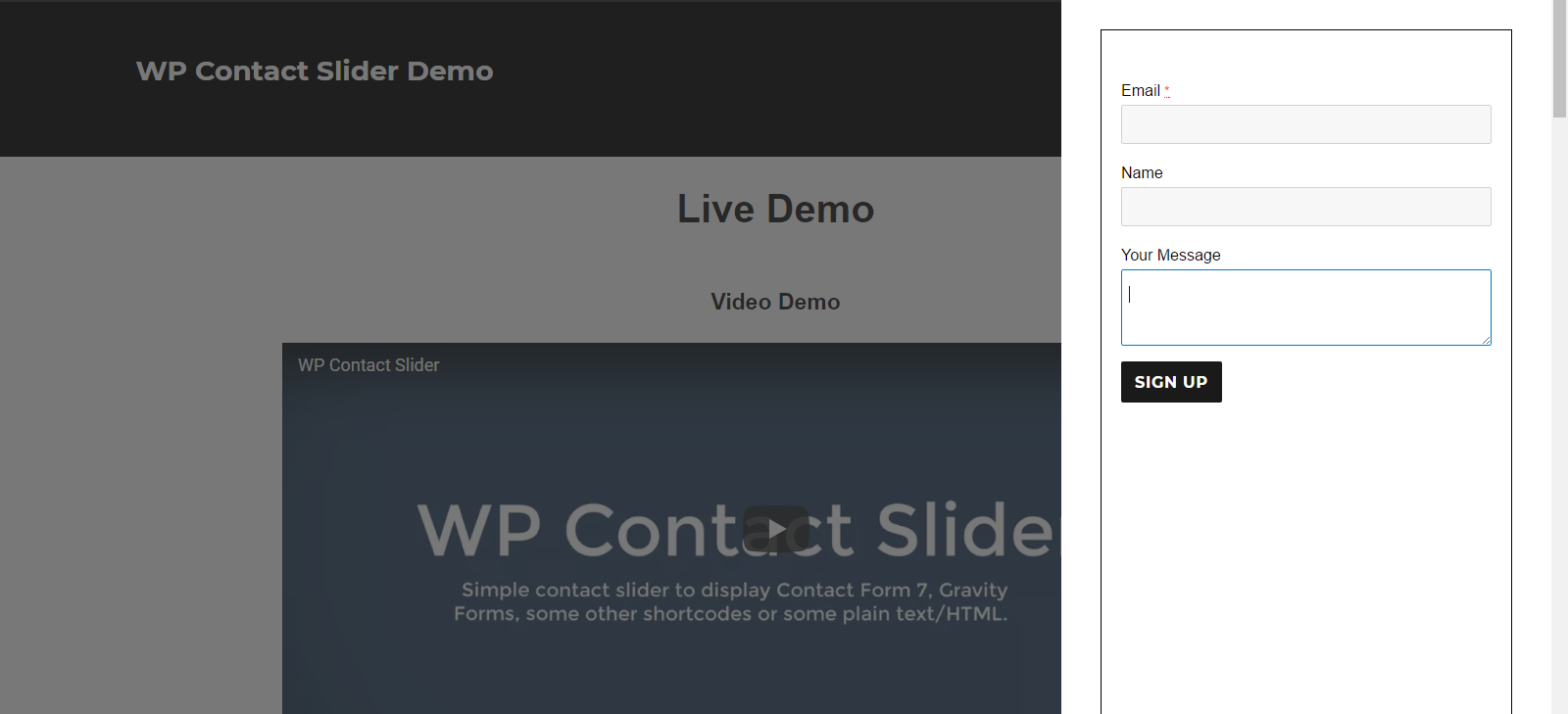
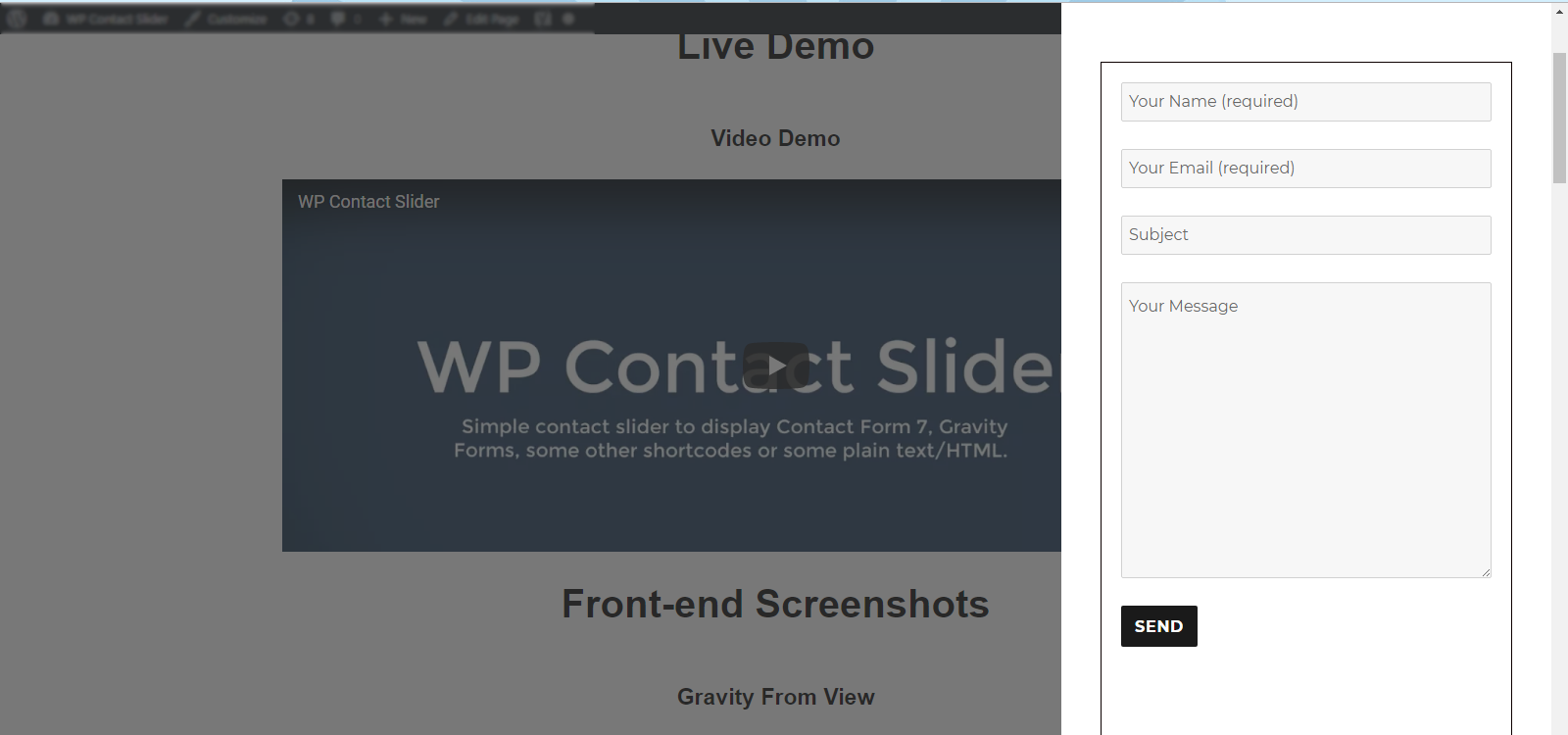
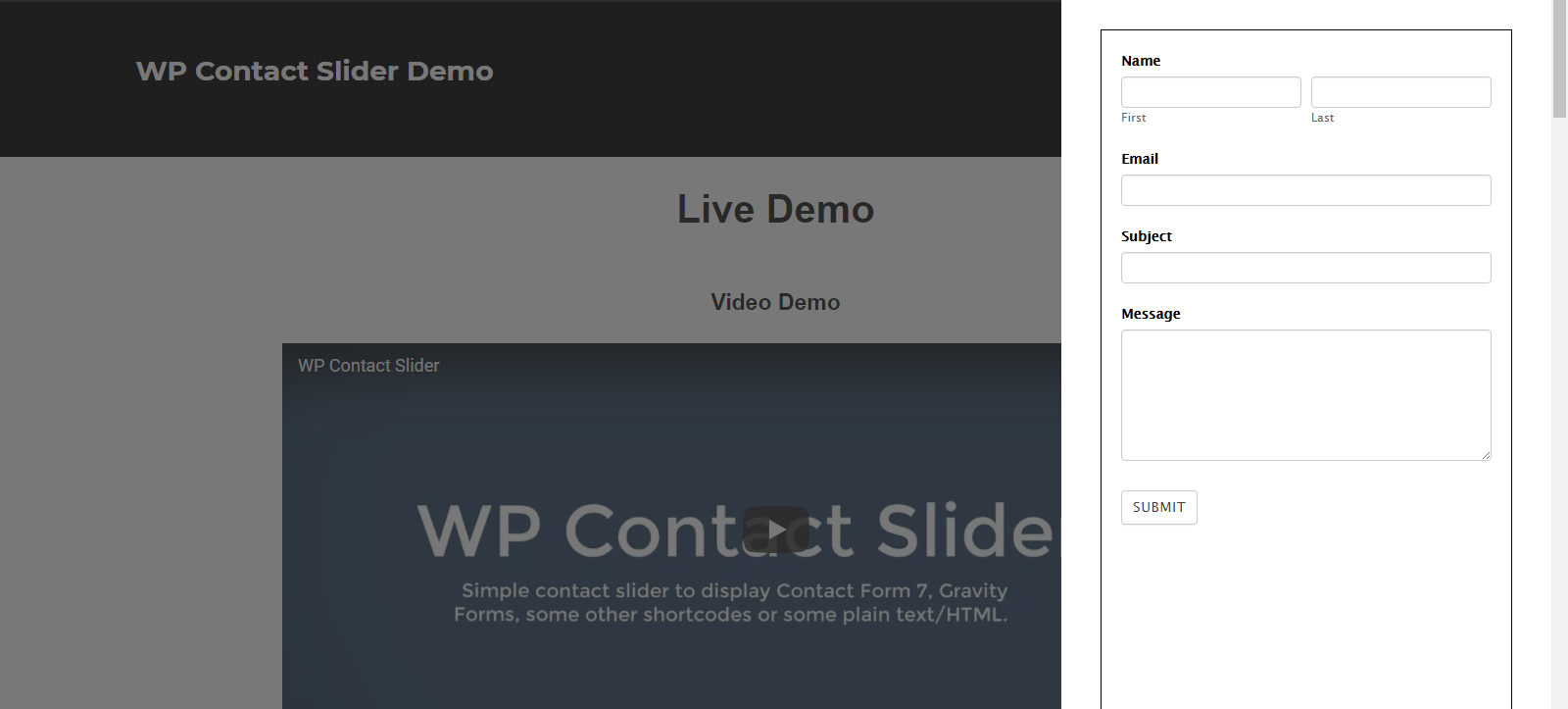
WP Contact Slider lets you display a slide-out panel with any contact form shortcode, including Contact Form 7 (CF7), Gravity Forms, NinjaForms, WP Forms, Caldera Forms, Constant Contact Forms, or custom HTML.
Create multiple sliders and choose where they appear on your site. You can also customize the position, button style, and color scheme using an easy-to-use settings panel.
Use the Display settings column on All Sliders to see where each slider is active (all pages, homepage, or selected pages). If several sliders match the same page, more than one tab may appear; adjust display rules or use the optional Display Multiple Sliders add-on for advanced stacking and tab positioning.
📃 Features:
-
Display plain text or HTML.
-
Support for any shortcode-based form.
-
Gravity Forms shortcode support.
-
Contact Form 7 shortcode support.
-
WPForms shortcode support.
-
Constant Contact Forms shortcode support.
-
Contact Form by PirateForms shortcode support.
-
Formidable Forms shortcode support.
-
Form Maker shortcode support.
-
FormCraft shortcode support.
-
Visual Form Builder shortcode support.
-
Ninja Forms shortcode support.
-
myCred shortcode support.
📕 Docs & Support
Documentation and FAQs are available on the WP Contact Slider’s official website. If you need help, please use the support forum on WordPress.org to create a new topic.
If you were unable to find the answer to your question on the FAQ or in any of the documentation, you should check the support forum on WordPress.org. If you can’t locate any topics that pertain to your particular issue, post a new topic for it.
🚀 GET MORE POWER WITH WP CONTACT SLIDER PRO 🚀
👉 Advance Settings
With Advance Settings Add-On you get more control over your sliders including following:
- Change container width
- Change tab width
- Add a background image.
- Enable push body effect
- Hide the contact tab
- Disable full height
- Editor to manage content above shortcode/content within slider
- Editor to manage content after shortcode/content within slider
- Option to exclude slider, on selected post types
👉 Triggers & Shortcodes
With Triggers & Shortcodes Add On, you will get access to advance triggers and shortcodes
👉 TIME DELAY TRIGGER
Set time in seconds, after which you would like to open slider in front-end without clicking the tab for the slider
👉 TIME DELAY INTERVAL TRIGGER (REPEATING)
Set time in seconds, after which you would like to repetitively open slider again and again
👉 EXIT INTENT TRIGGER
There are times when you want to display form for getting your visitors engaged once they intend to leave the page. Now with this Add-On, you can easily do that.
👉 BUTTON SHORTCODE
This addon will generate shortcode for a button in your respective slider’s edit window so that you can easily add those buttons anywhere in the pages. Clicking on these buttons will trigger to display the respective slider.
👉 LINK SHORTCODE
Triggers and Shortcode addon will also generate shortcode for the link in your respective slider’s edit window so that you can easily add those links anywhere in the pages. Clicking on these links will trigger to display the respective slider.
👉 Display Multiple Sliders
The free plugin shows every slider that matches the current page. An optional Display Multiple Sliders add-on, hosted outside WordPress.org, can add extra positioning controls.
👉 POSITION EACH SLIDER FROM TOP USING SETTINGS IN SLIDER EDIT WINDOW
Adding more than 2 slides on right or left would require to change the distance from the top for each. Now with this addon, you can easily do that.
👉 DISPLAY MULTIPLE SLIDER WITH DIFFERENT SHORTCODES OR HTML WHATEVER YOU WANT
While displaying multiple sliders on the same page you can use different shortcodes, i.e you can use contact form 7 in one slider, ninja forms in other and HTML content in third one and so on and use all on the same page.
👉 Font Awesome Icons
With Font Awesome Icons, you can easily select an icon from 400+ icons options right from slider settings. You will have the option to display a selected icon with or without label text without any custom CSS just with a single click.
👉 Request For Custom Feature
Interested in contributing to WP Contact Slider
Head over to the WP Contact Slider GitHub Repository to find out how you can pitch in 😉
External Services
This plugin integrates with Freemius, a third-party service that provides optional usage tracking, plugin improvement insights, and account-related functionality.
What the service is used for:
Freemius helps the plugin developer understand how the plugin is used and improve its functionality. It also provides account and add-on related functionality.
What data is shared:
If the site administrator explicitly opts in through the Freemius consent prompt, the service may collect and process technical and usage information, such as the website URL, WordPress and PHP versions, plugin version, and administrator account information.
When data is sent:
Data is transmitted to Freemius only when the administrator opts in to the Freemius data-sharing prompt or explicitly uses a feature that requires communication with the service. Administrators can skip the opt-in prompt without affecting the plugin’s core functionality.
Service provider: Freemius, Inc.
- Terms of Service: https://freemius.com/terms/
- Privacy Policy: https://freemius.com/privacy/
Privacy
WP Contact Slider does not independently collect or transmit personal information from website visitors.
The plugin stores slider configurations and associated content in your WordPress database. Content added to sliders, including text, HTML, and third-party form shortcodes, is managed within your WordPress installation.
If you embed a contact form using a supported third-party form plugin, the collection and processing of submitted information is handled by that respective form plugin and its associated services. Please consult the privacy policy of the form plugin you use.
Installation
- Go to Plugins > Add New.
- Under Search, type WP Contact Slider
- Find WP Contact Slider and click Install Now to install it
- If successful, click Activate Plugin to activate it and you are ready to go.
FAQ
How to display Gravity Forms shortcode in WP Contact Slider?
Choose the “Shortcode” option in the slider settings, paste your Gravity Forms shortcode, select the plugin type, and save.
How do I display a Contact Form 7 shortcode in WP Contact Slider?
Open your slider settings, select “Shortcode,” paste your Contact Form 7 shortcode, choose the plugin type, and save.
Can I use HTML in the slider?
Yes. You can use the built-in editor to insert text, images, or HTML in either Visual or Text mode.
Screenshots


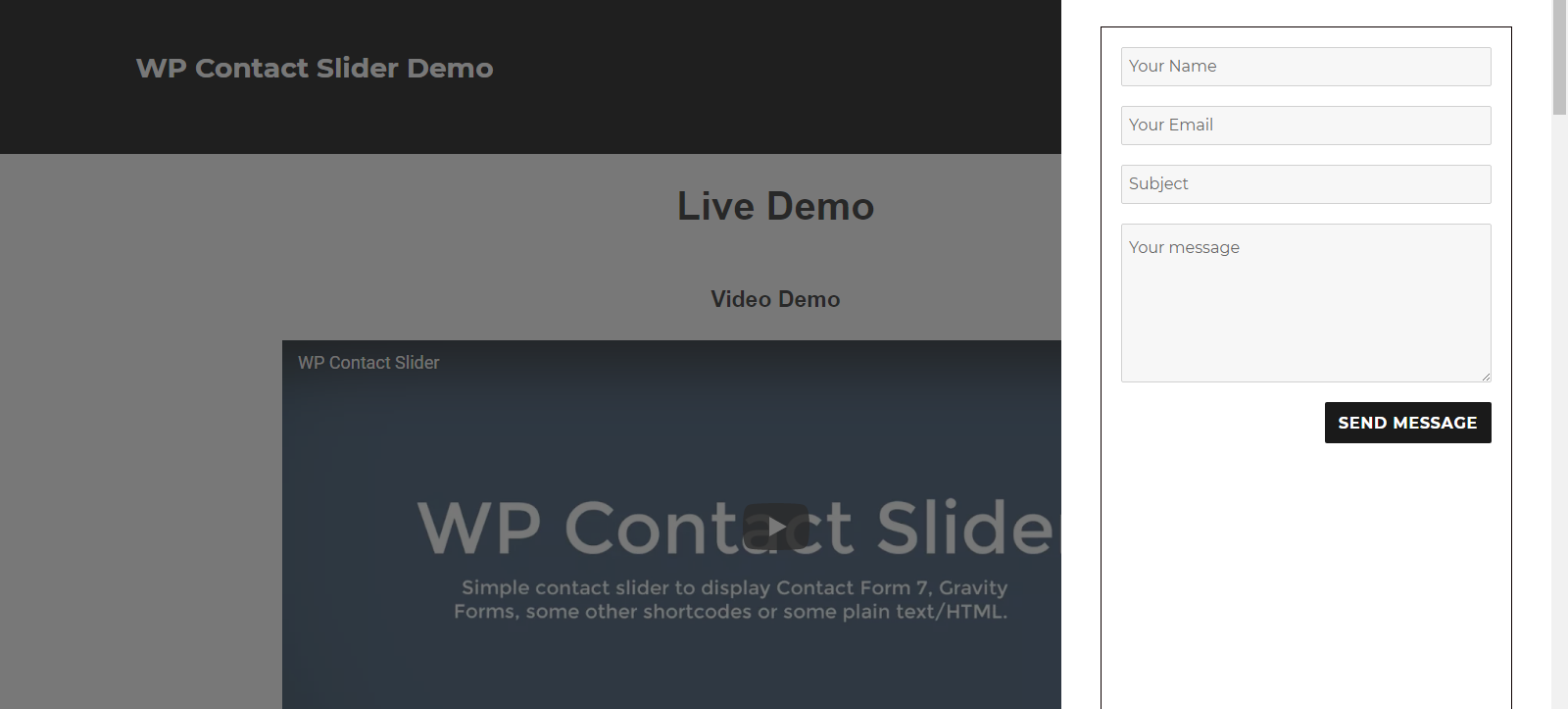
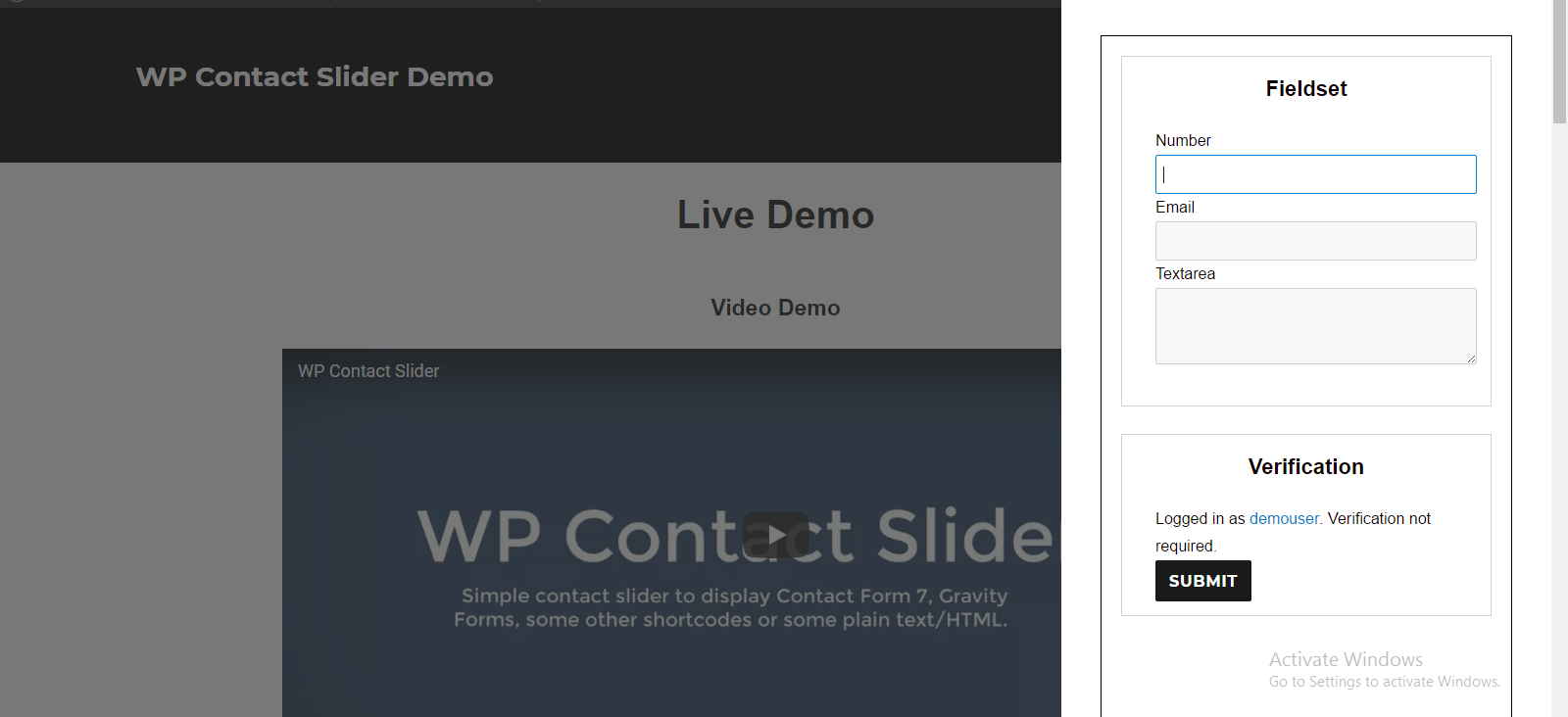
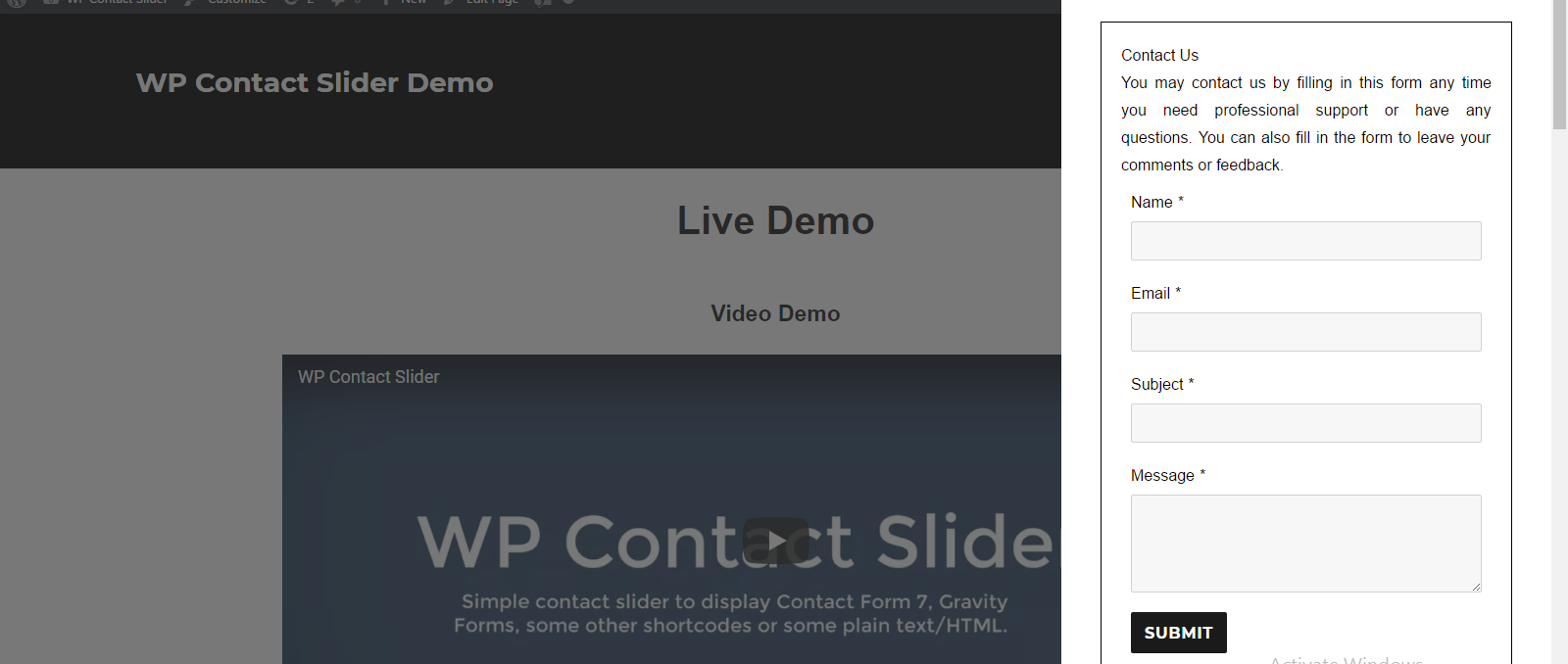
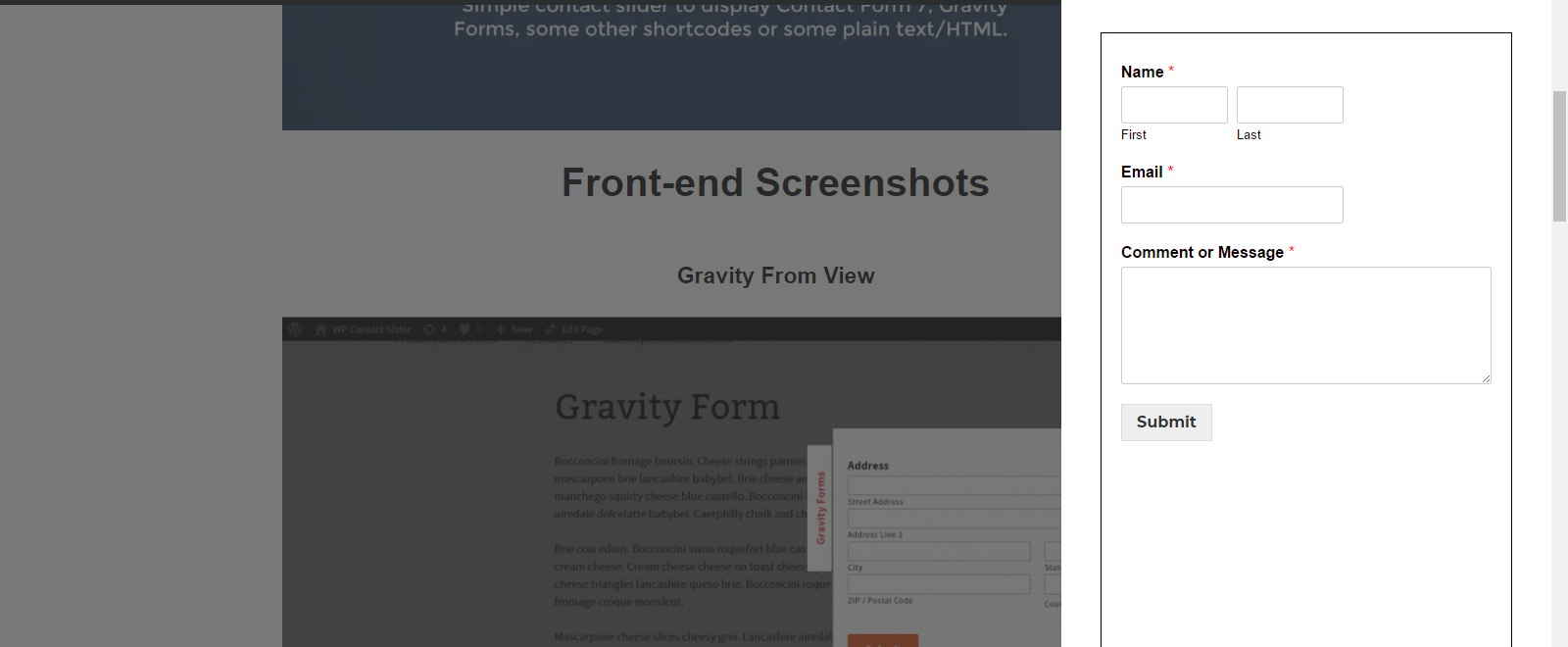
Changelog
2.5.6 – Nov 21, 2026
- Updated – Meta Box to 5.15.4 with bundled Composer support library (fixes admin fatal error). Leaflet is bundled with Meta Box (no external map CDN). Requires WordPress 6.7 or newer.
- Fixed – Plugin Check: removed bundled Meta Box dashboard and abilities modules; Tested up to WordPress 7.1.
- Removed – Unused duplicate Freemius copy in inc/freemius. Active SDK remains 2.13.5.
- Fixed – Slider and admin scripts/styles are enqueued with wp_add_inline_script() and wp_add_inline_style().
- Fixed – Admin requests no longer read the whole request array. Promo notice assets load only on slider screens.
- Security – Custom slider HTML no longer allows iframe or style elements. The wpcs_allowed_html filter can add them back.
- Fixed – “Display on All Pages” help text now matches multi-slider display.
- Removed – Unused tabSlideOut script. Front-end jQuery loads only when a slider is rendered.
2.5.5 – Oct 16, 2026
- Fixed – WordPress.org Guideline 5: removed artificial one-slider-per-page limit; all matching sliders may display.
- Added – Display settings column on All Sliders (all pages, homepage, selected page names).
- Fixed – Display on Home checkbox could not be unchecked (admin script removed).
- Fixed – Text domain aligned with plugin slug (
wp-contact-slider). - Fixed – Admin notice dismiss AJAX now requires nonce and
manage_options. - Improved – Readme tags and external service (Freemius) disclosure.