

Description
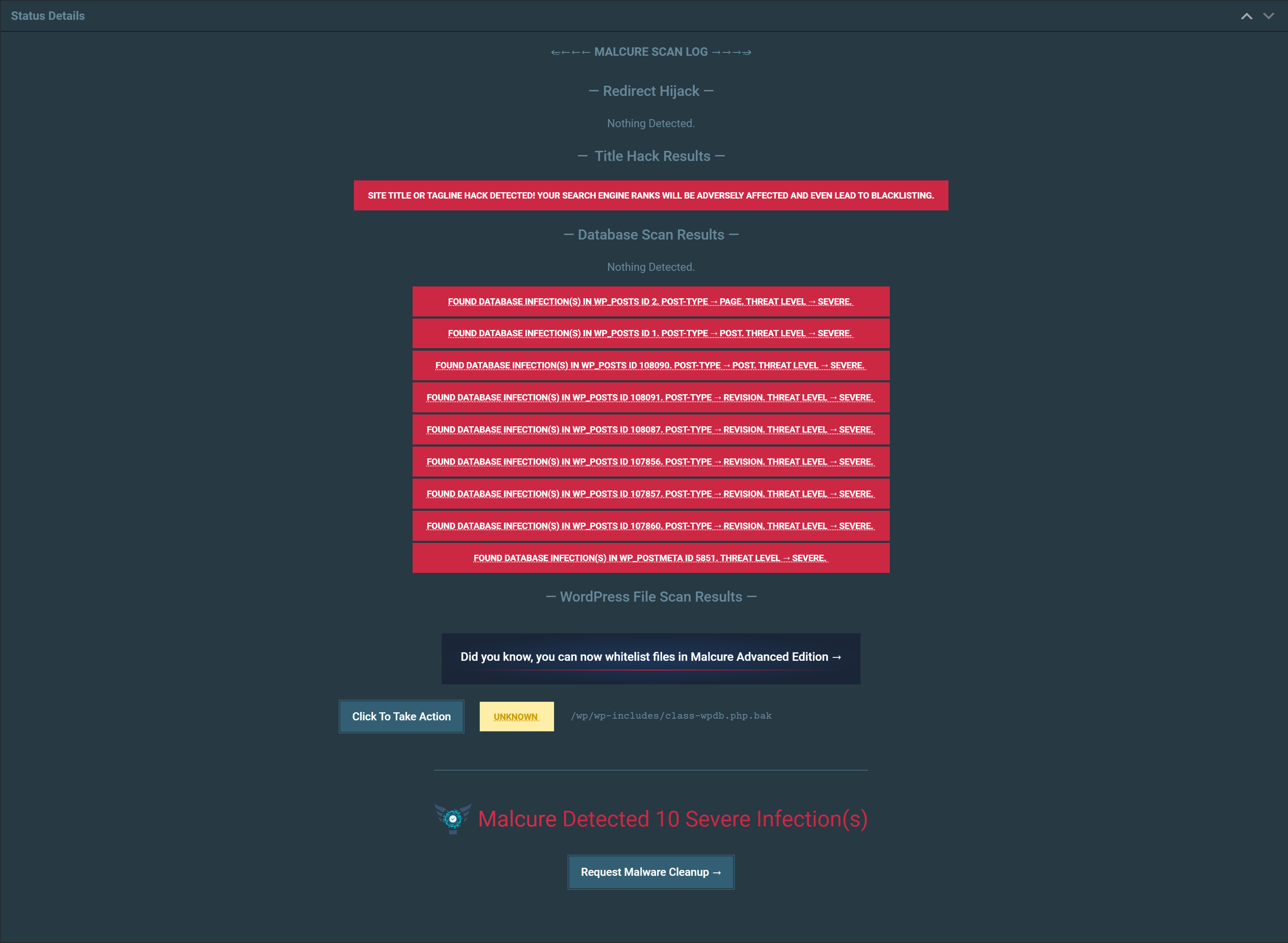
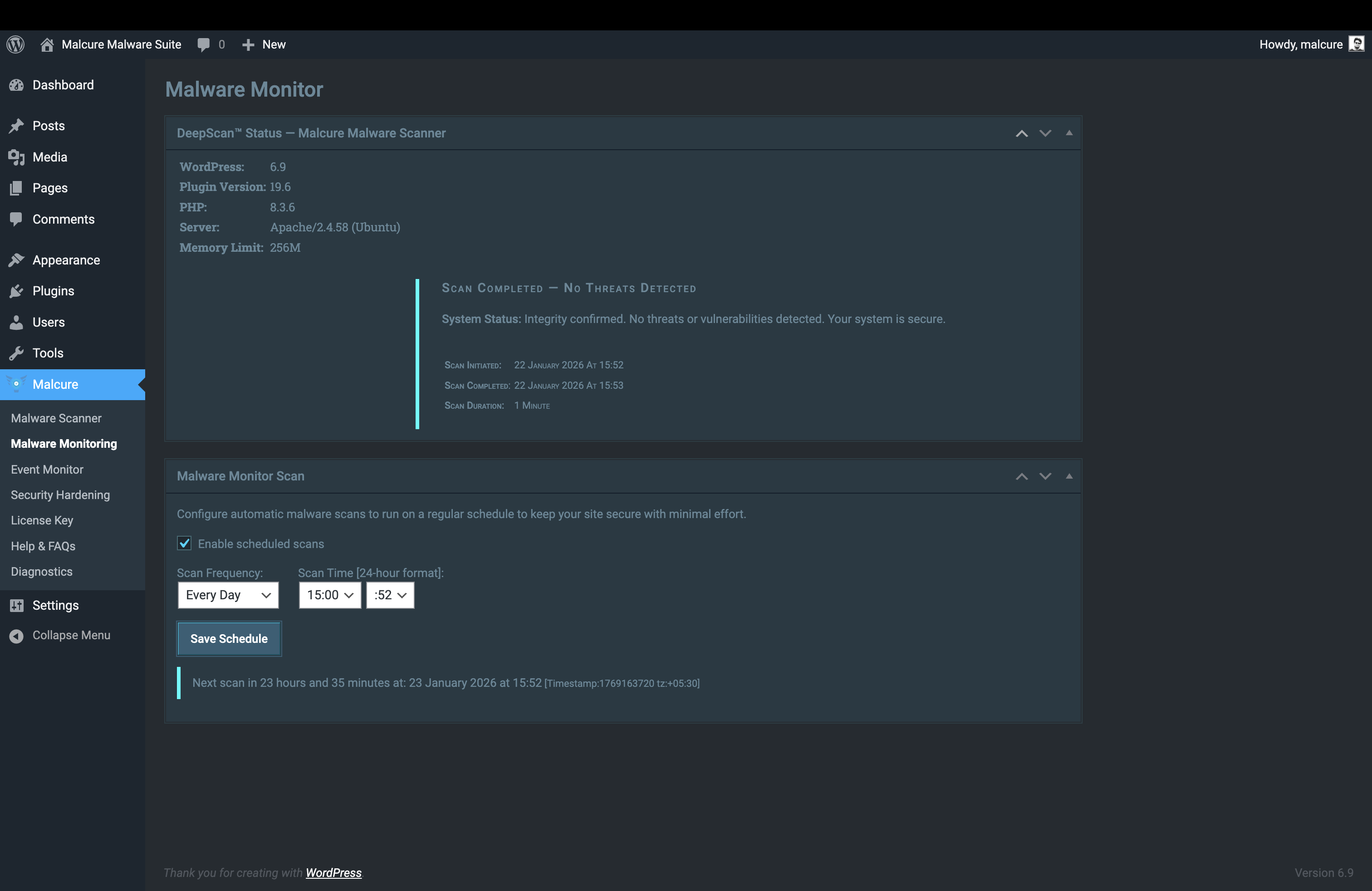
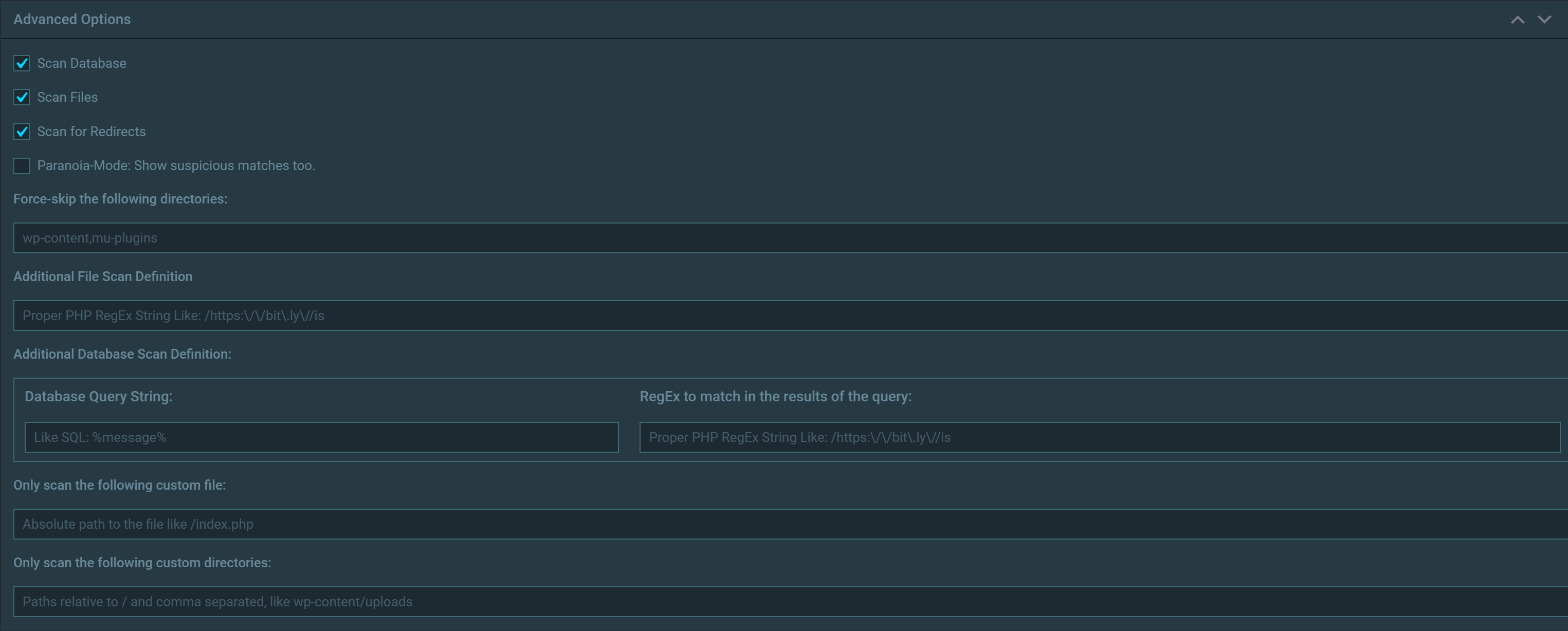
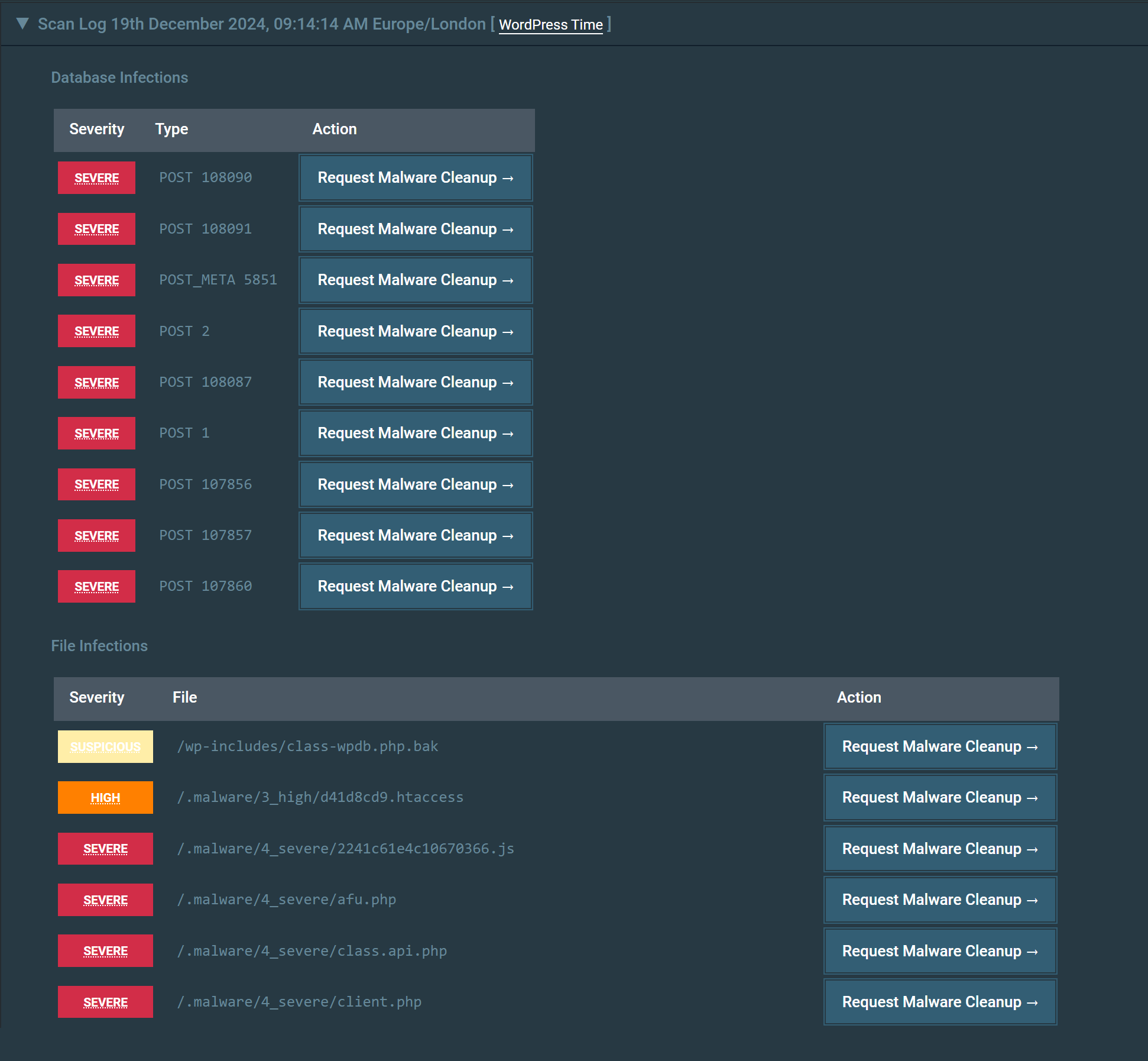
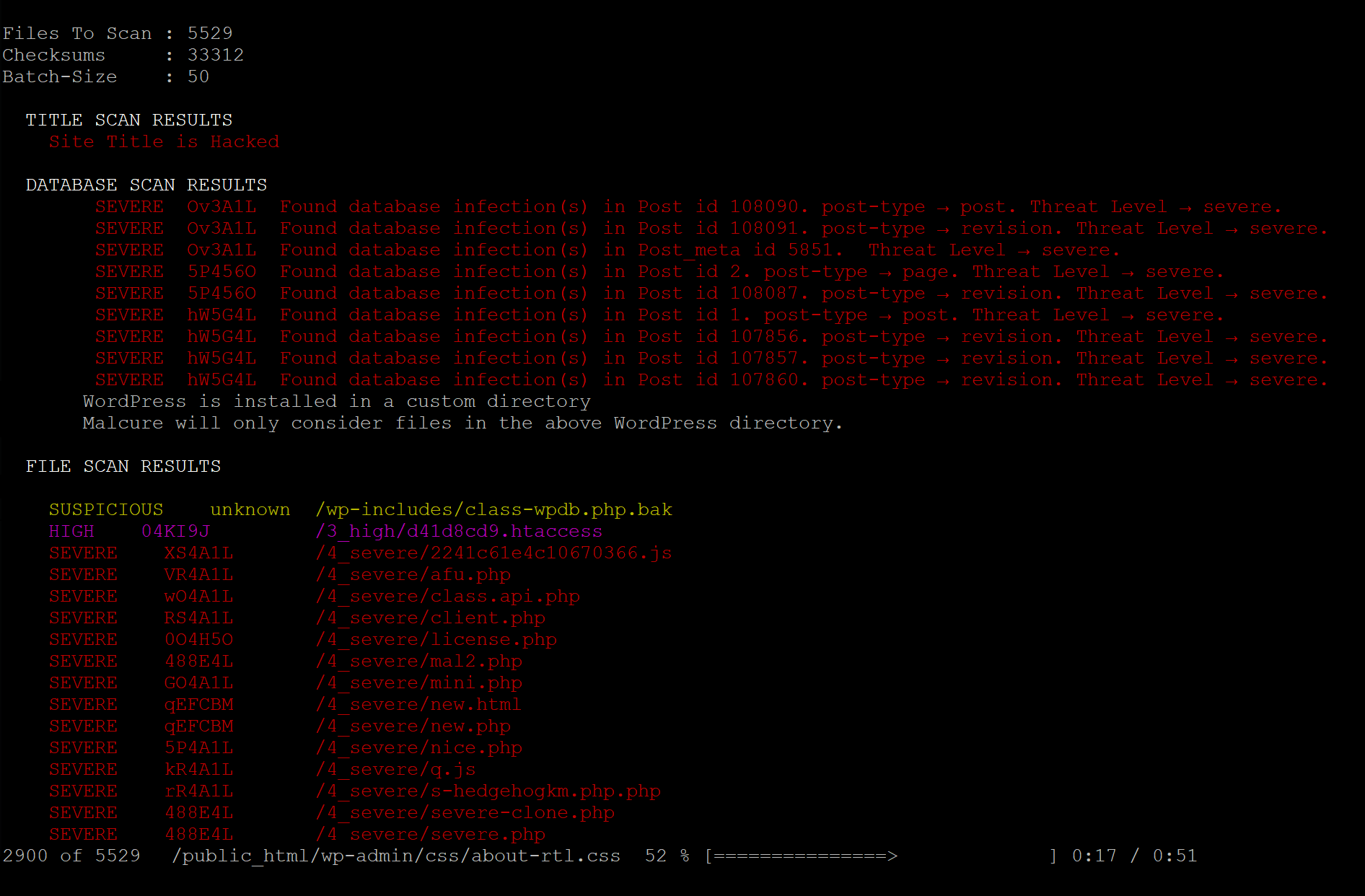
Scans site files, realtime file-uploads, the database, and user accounts for malware, and reports each finding by file path or database record. Schedule automatic scans and email alerts. A free Malcure Cloud connection is required.
Installation
- Upload the
wp-malware-removalfolder to the/wp-content/plugins/directory. - Activate the plugin through the ‘Plugins’ menu in Admin Dashboard.
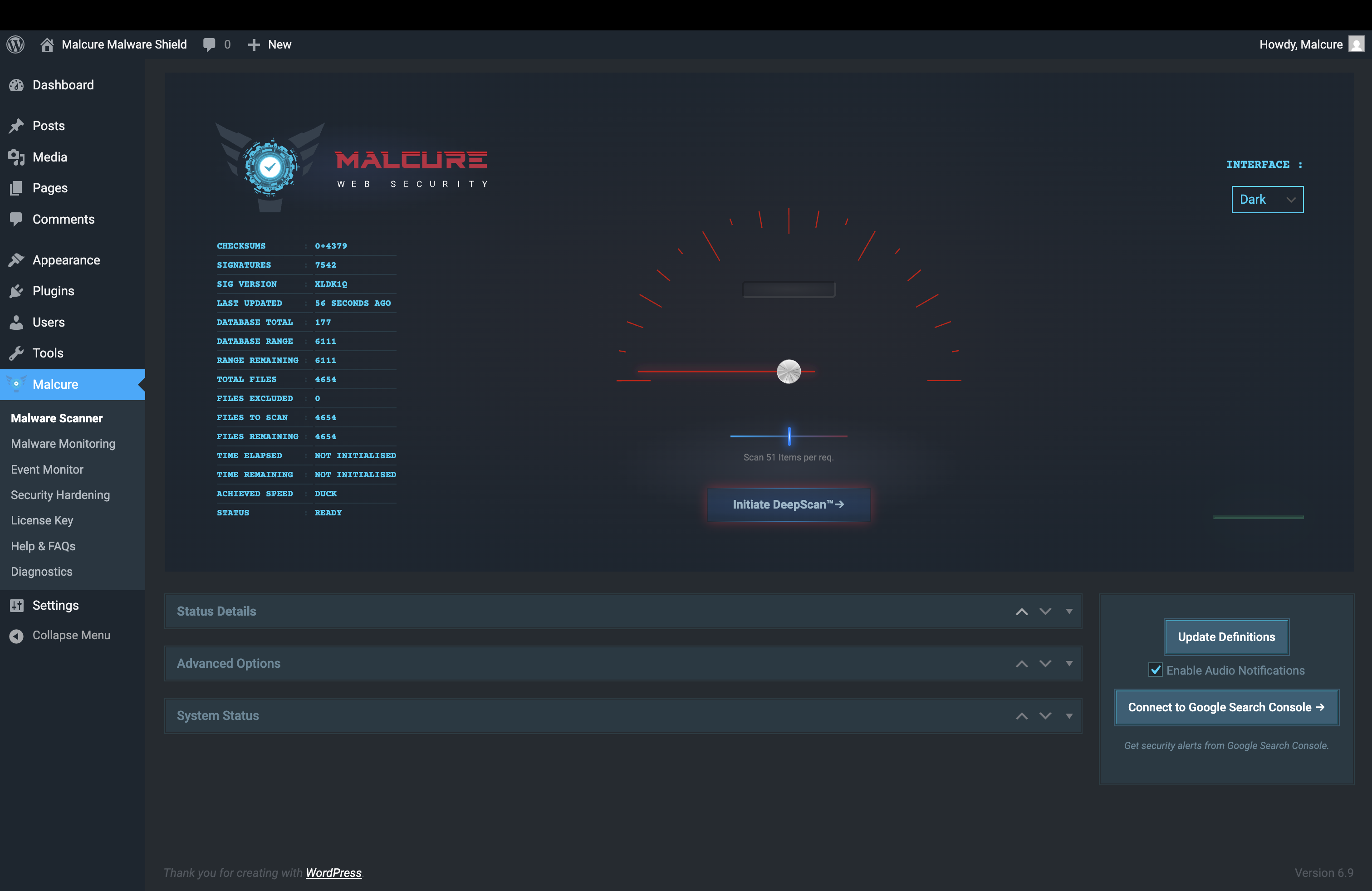
- Open the Malcure menu and follow the simple wizard to start your first scan.
FAQ
Do I need to register?
Yes. A free registration is required for the plugin to function. It is done inside your dashboard, under fair use to prevent abuse.
Where can I find the Malcure Terms of Use and Privacy Policy?
These are available on our website: Terms of Use and Privacy Policy
Screenshots
Changelog
19.9.9
- Feature: Onboarding wizard for unregistered sites.
- Improvement: WP-CLI —
--mcforceskips prompts (--dry-runtakes priority); scan logs are JSON-only. - Minor: Scheduled scans validate choices; duplicated scanner/CTA code cleanup; user scan labels “email missing”/”email invalid”.
19.9.8
- Feature: WP-CLI remediation suite — repair, delete, whitelist management, and nuke-files from the command line.
19.9.7
- Security: Hardened AJAX surface. Credits: Charles Vosburgh
- Security: Added Multisite capability gate for remediation actions. Credits: Charles Vosburgh
- Security: Added content verification and symlink detection for file repair. Credits: Charles Vosburgh
- Feature: DeepScan uploads.
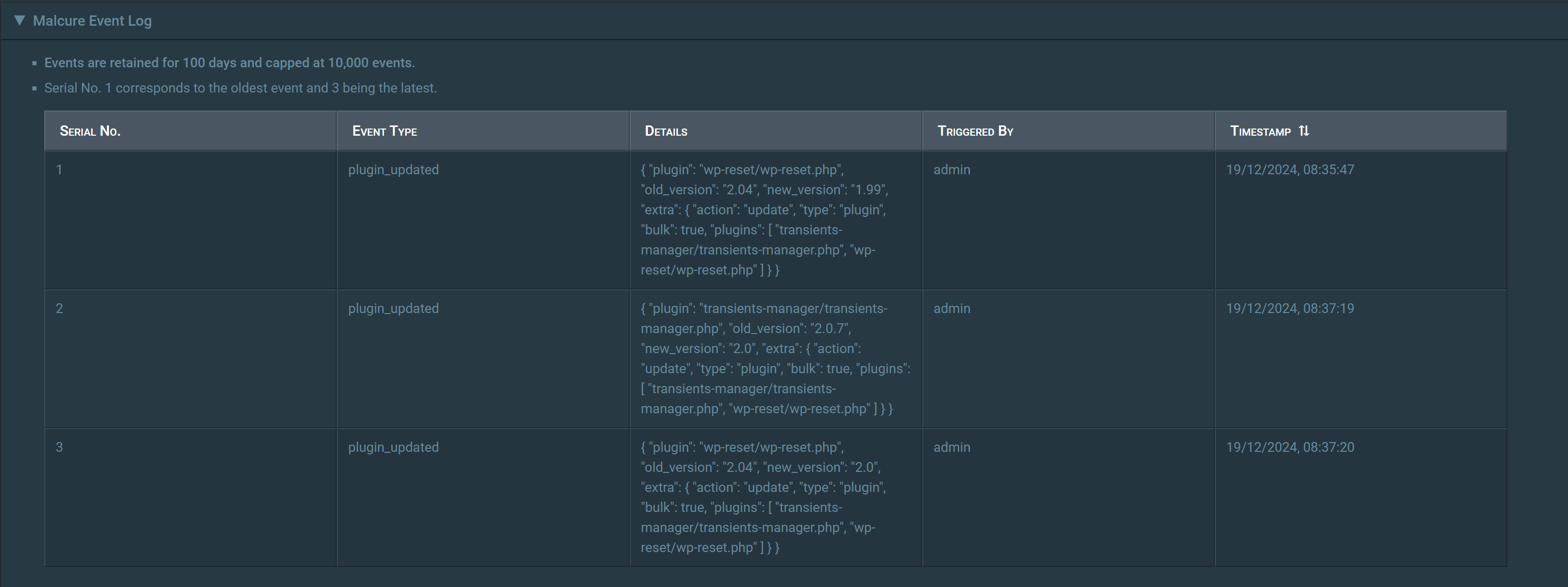
- Improvement: Enhanced Event Logging.
- Bugfix: Self-healing scheduled scan cron.
- Bugfix: Self-healing scheduled scan cron when the plugin is reactivated.
19.9.6
- Bugfix: Compatibility with PHP 5.6.
- Bugfix: User Scan resolves actual capabilities.
19.9.5
- Bugfix: Fixed scanner not auto-updating definitions before scans.
- Feature: Email notification preferences.
19.9.4.1
- Bugfix: Fixed fatal javascript error.
19.9.4
- Feature: User Account Audit results in scans.
- Feature: SaaS-Served File Whitelist.
- Improvement: Enhanced Event Logging.
- Improvement: First-run UX performance optimisation.
- Bugfix: Some UI elements were not styled correctly under certain conditions.
- Bugfix: Cleaned results would not reflect in Stateful scanner.
19.9.3
- Improvement: Stateful scanner now self-heals its monitor cron if WordPress cron is lost (e.g. after a server reboot).
19.9.2
- Hardening: Strengthens scan input validation and database-query sanitisation for safer scans.
- Stability: Improves runtime handling and diagnostics reliability during scans.
19.9.1
- Bugfix: Smaller files were being ignored during monitoring / scheduled scans.
- Improvement: Improved
wp malcure sync --mcforcefeedback and live definitions refresh behavior. - Stability: More reliable definitions updates across admin and WP-CLI workflows.
- UX: Clearer manual definitions update errors in the admin UI.
- Feature: Added WP-CLI definitions export and import commands for moving definitions between environments.
- Feature: Added
wp malcure refresh-checksumsfor on-demand official core, plugin, and theme checksum refresh. - Feature: Added
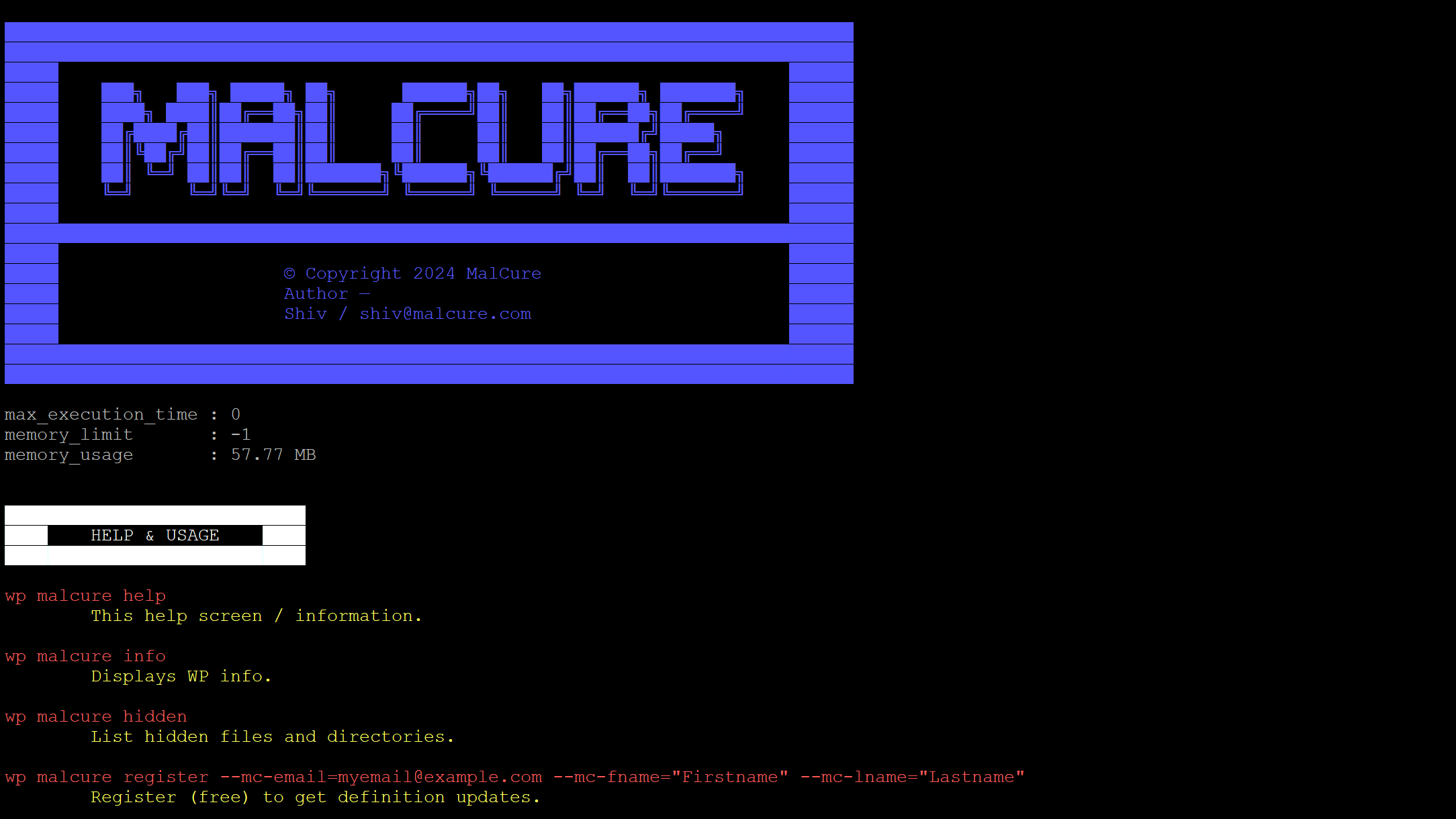
wp malcure start-async-scan,cancel-async-scan, andstatus-async-scan, with text and JSON status output. - Improvement: CLI commands are properly documented.
19.9
- Feature: Malware definitions are now checked hourly for faster threat-intelligence updates.
- Stability: Reduced unnecessary SaaS requests with smarter local freshness checks before contacting the API.
- Improvement: Admin and WP-CLI now use the same definitions-check flow and record the last successful definitions check for more consistent refresh behavior.
- Improvement: Diagnostics now flag MySQL settings that can interrupt large definition updates and database scans.
19.8
- Bugfix: Scheduled scanning wouldn’t ignore whitelisted items.
- Several UI fixes.
19.7
- Major Bugfix: In certain conditions unknown files inside core directories were never reported.
- Bugfix: Fixed styles for Monitoring UI.
19.6
- Fixed issues not clearing when initializing scan.
- Fixed low confidence issues being saved.
- Fixed database issues not being saved.
- Fixed compatibility testing transients.
- Minor UI improvements.
- Updated readme with respect to recent features, functionality and updates.
19.5
- New: Clearer admin UI labeling.
- Bugfix: Styles not loading on Scan Scheduler page.
- Stability: Several other stability fixes.
19.4
- Major Bugfix: Fatal error during auto-upgrade.
- Updated readme.
19.3
- Major Bugfix: The very initial database record was never scanned.
- Feature: New DB-record inspection + (Advanced Edition) DB-record whitelisting.
- Improvement: Smart Checksum Refresh — Updates only modified components during upgrades for faster performance.
- Major: Checksum system overhaul: more robust payload handling, better core vs non-core validation, and automatic checksum refresh after WP/plugin/theme upgrades.
19.2
- Feature: Major performance optimization for checksums.
- Feature: Enhanced SaaS API integration with signature verification.
- Feature: Compatibility check for plugin version.
- UX: Improved license validation and error messages.
- UX: Better handling of database vs file infections in UI.
19.1
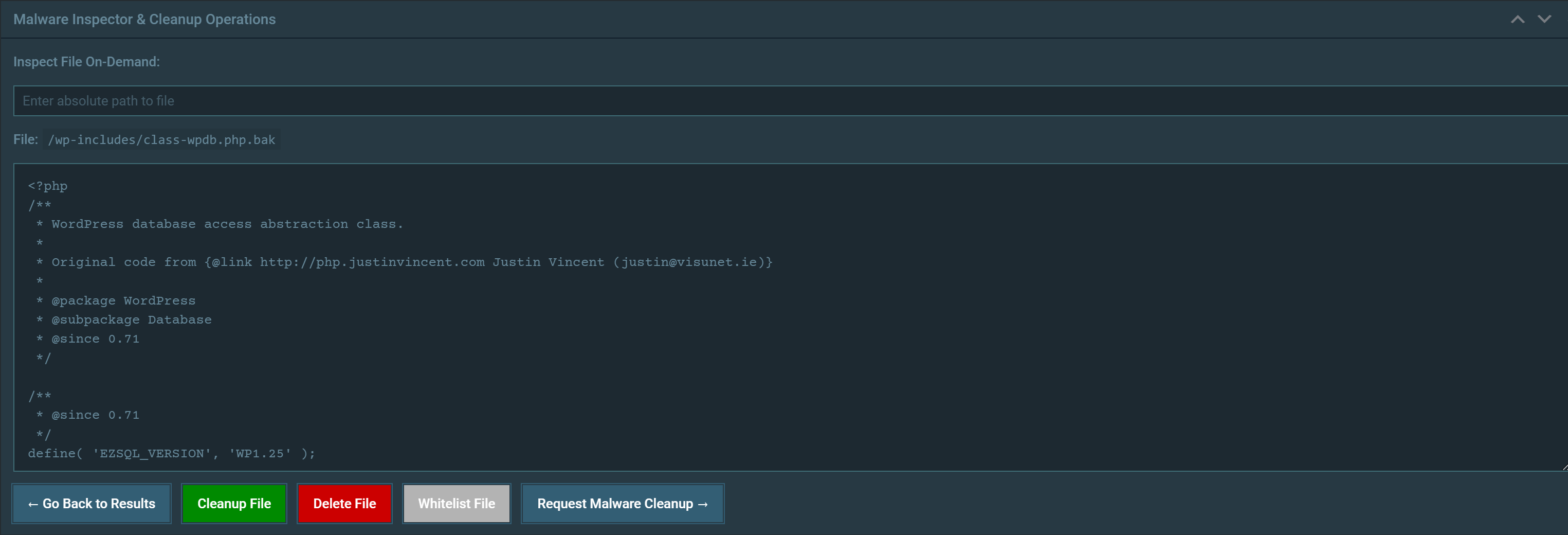
- Feature: Introducing enhanced cleanup operations.
19.0
- Bugfix: Enhanced detection of suspicious empty files in core directories.