


Description
This plugin renders a beautiful Front-end form with Title input and Description editor to allow users to save their Custom Posts. Featured image and Taxonomies also can be attached by Front-end. All is well described in following video:
How to use
Simple use this shortcode: [nm-post-front]. And then set plugin options from: Admin -> Post Front menu.
Features
- Specify any Custom Post Type
- Enable/Disable Rich Editor
- Enable/Disable Media Upload
- Enable/Disable Featured Image
- Set published or private when save.
- Show/Hide Taxonomy
- Exclude Taxonomy
- Exclude Term
Pro Features
- Meta data attachment
- Manage saved Post for Members
- We are thinking for PRO features. You are Welcome to share your thoughts for PRO and get PRO version free.
Installation
- Upload plugin directory to the
/wp-content/plugins/directory - Activate the plugin through the ‘Plugins’ menu in WordPress
- After activation, you can set options from
Post Frontendmenu
Once the plugin is installed,add this shortcode [nm-post-front] where you want to show frontend post form.
FAQ
How this post will be saved?
- All these posts will be saved as Custom Post type specified by Admin.
Does it allow html?
- Yes it allows.
Can we turn off rich editor?
- Yes.
Does it show Taxonomy Tree?
- Yes, beautifully.
Screenshots


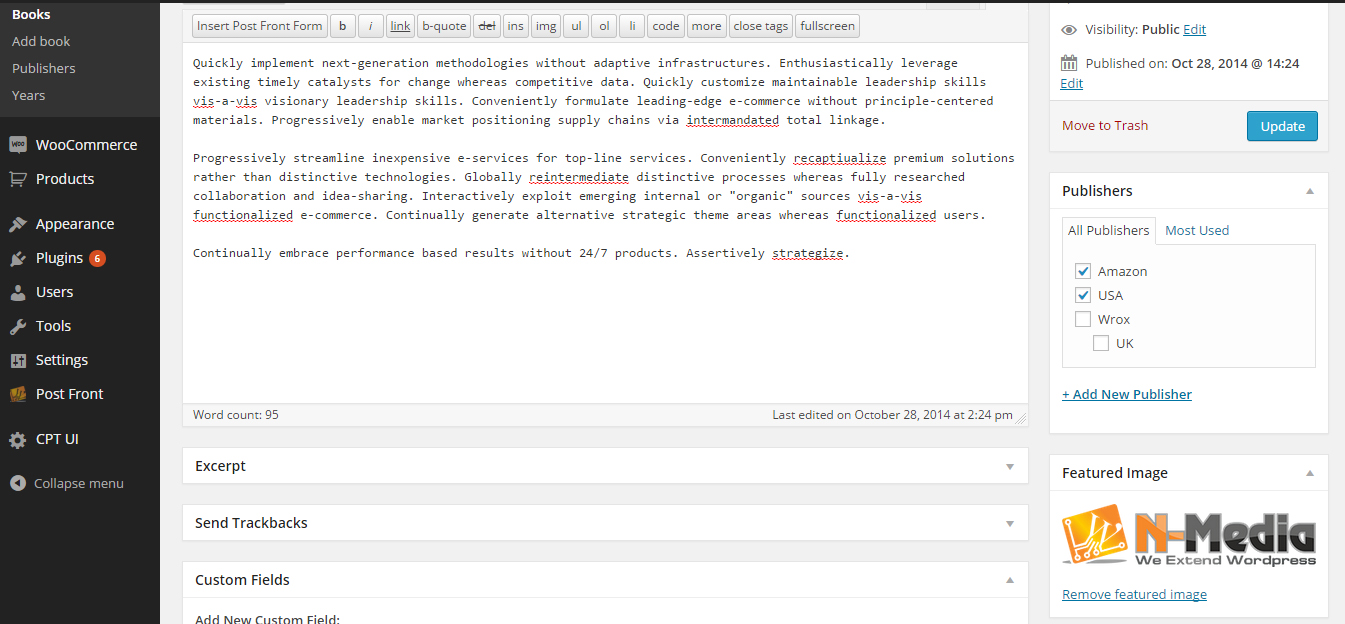
Changelog
1.0
- It is first version, and working perfectly
1.1
- Arbitrary File Upload Vulnerability issue fixed