


Description
Pretty icons for categories, tags, and other taxonomy terms
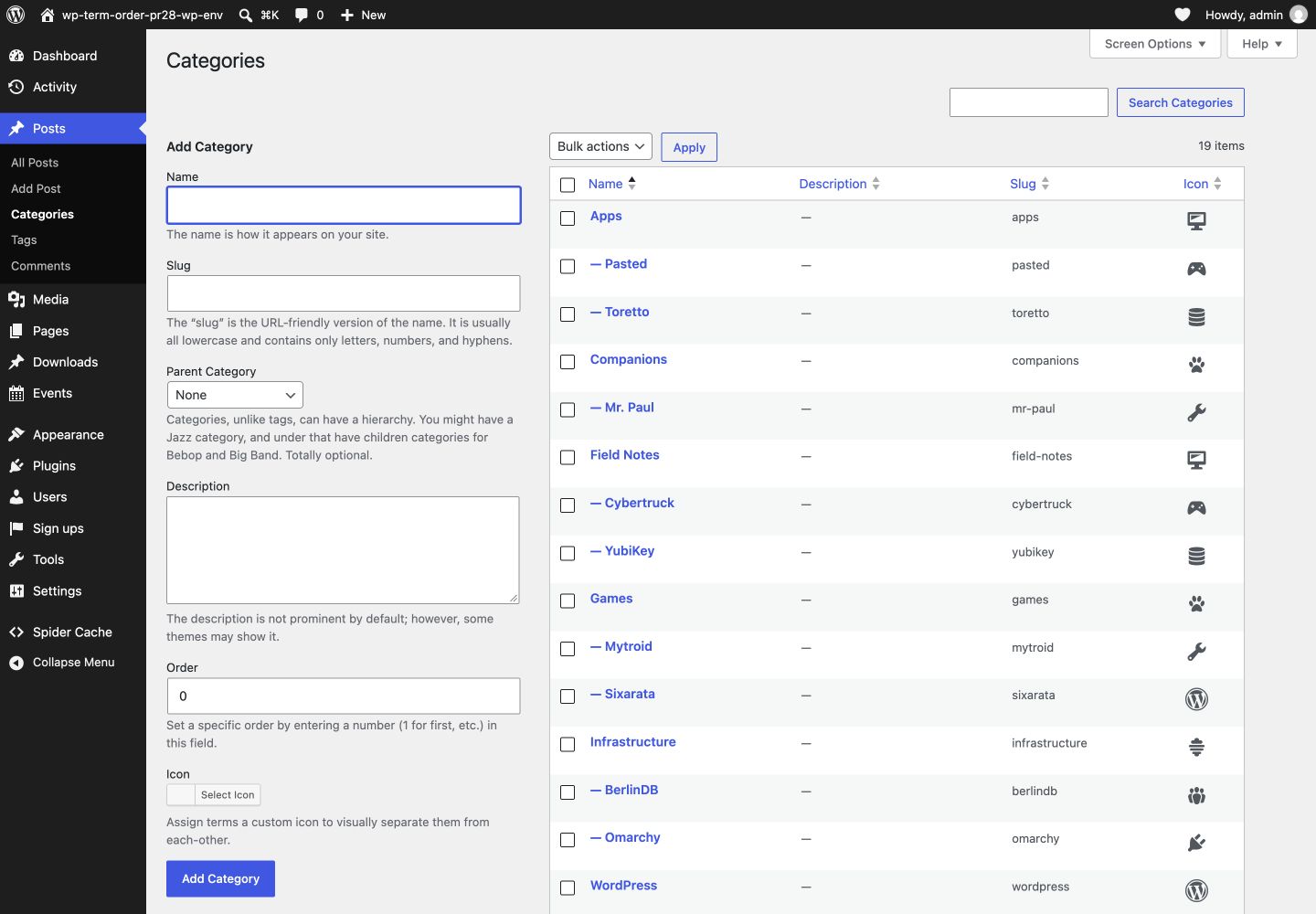
WP Term Icons allows users to assign icons to any visible category, tag, or taxonomy term using a fancy icon picker, providing a customized look for their taxonomy terms.
Also checkout
Installation
- Download and install using the built in WordPress plugin installer.
- Activate in the “Plugins” area of your admin by clicking the “Activate” link.
- No further setup or configuration is necessary.
FAQ
Does this plugin depend on any others?
No. Not since WordPress 4.4.
Does this create new database tables?
No. There are no new database tables with this plugin.
Does this modify existing database tables?
No. All of WordPress’s core database tables remain untouched.
How do I query for terms via their icons?
With WordPress’s get_terms() function, the same as usual, but with an additional meta_query argument according the WP_Meta_Query specification:
https://developer.wordpress.org/reference/classes/wp_meta_query/
$terms = get_terms( 'category', array(
    'depth'      => 1,
    'number'     => 100,
    'parent'     => 0,
    'hide_empty' => false,

    // Query by icon using the "wp-term-meta" plugin!
    'meta_query' => array( array(
        'key'   => 'icon',
        'value' => 'dashicons-networking'
    ) )
) );
Where can I get support?
The WordPress support forums: https://wordpress.org/support/plugin/wp-term-icons/
Where can I find documentation?
https://github.com/stuttter/wp-term-icons/
Screenshots
Changelog
2.0.0
- Update base class
0.2.0
- Update base class
0.1.2
- Add “term-icon-wrap” class to fields
0.1.1
- Remove erroneous “form-required” class from field
0.1.0
- Initial release