


Description
Accept crypto on Easy Digital Downloads with 0.1% fee
Zeno Crypto Checkout for Easy Digital Downloads lets your store receive crypto and Binance Pay payments directly through on-chain transactions
See exactly what your customers will experience at checkout:
Try the checkout demo
Questions? Check the FAQs
Or reach out through Telegram
External services
This plugin sends order data (amount, currency) to api.zenobank.io to process crypto payments.
Installation
- Install via the WordPress Plugin Installer or upload manually.
- Activate the plugin under Plugins → Installed Plugins.
- Go to dashboard.zenobank.io and create your account.
- Add a wallet address (this is where you will receive funds).
- In your dashboard, go to Integrations → Easy Digital Download, and click Connect.
- Copy the generated API key.
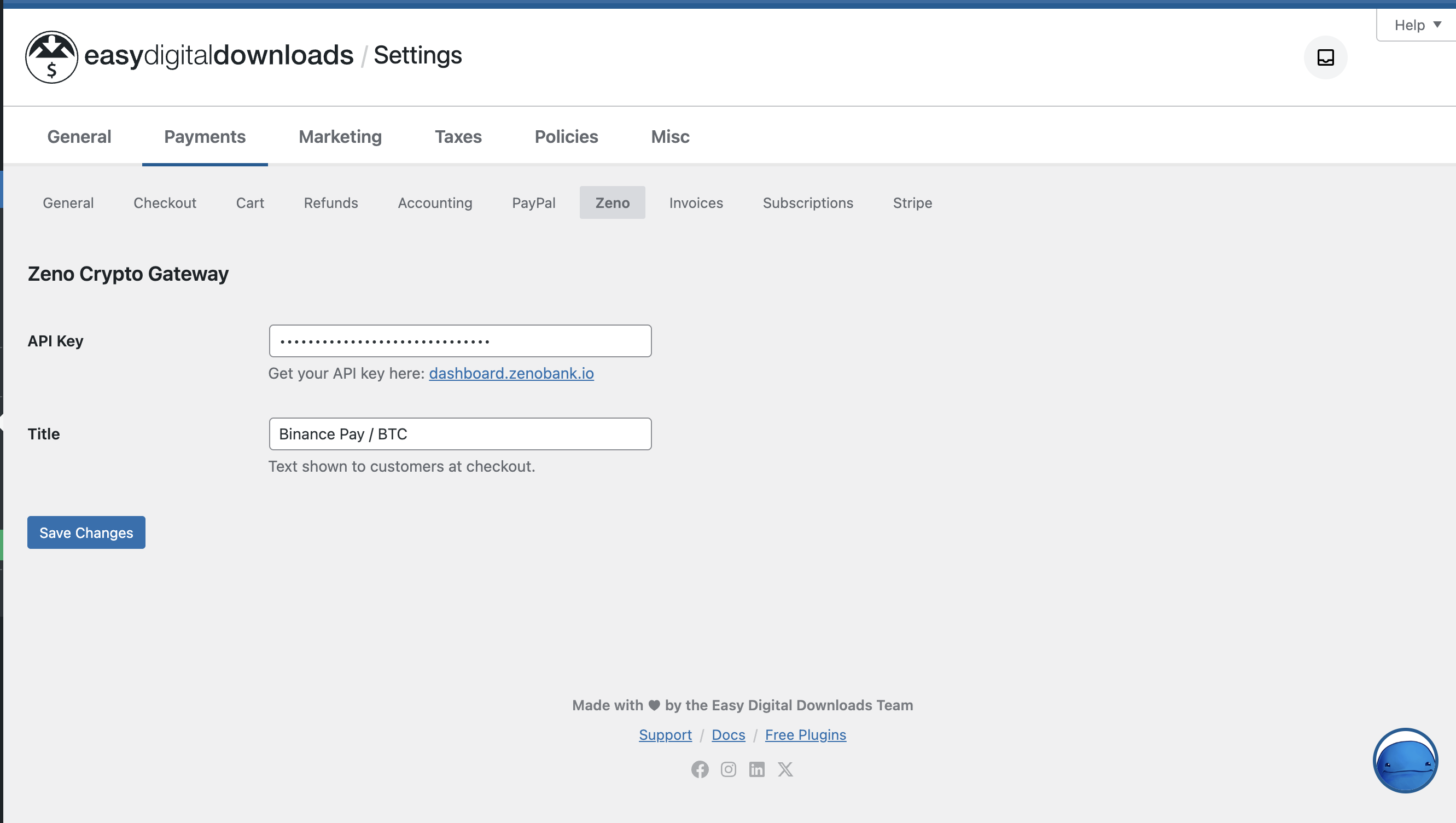
- In your EDD store, open the Downloads -> Settings -> Payments -> Zeno settings and paste the API key.
- Save changes, enable the gateway, and start accepting crypto payments.
Screenshots


Changelog
1.0.3
- Fixed payments not being confirmed on multisite subsites after network activation
- Tested up to WordPress 7.1
- The plugin now identifies itself with a standard User-Agent header
1.0.2
- Declared compatibility with WordPress 7.0
1.0.1
- Drop the Requires Plugins header so the gateway works with both the free Easy Digital Downloads and Easy Digital Downloads (Pro). A runtime check still ensures EDD is active.
1.0.0
- Release