
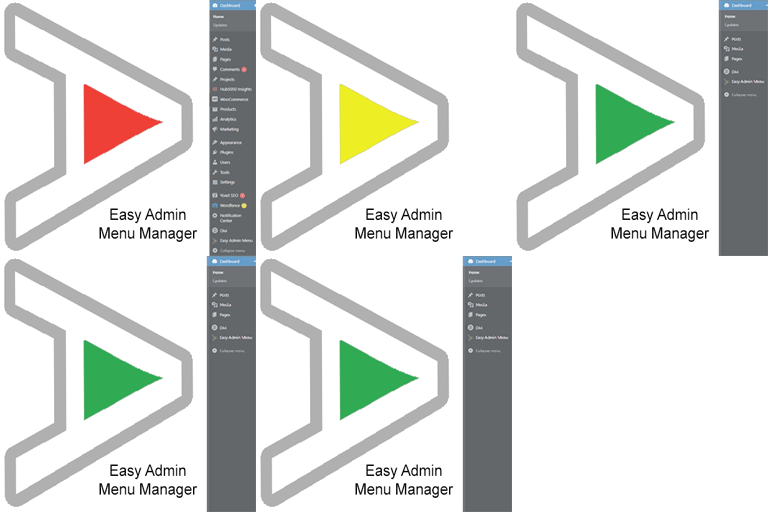
Take control of your Dashboard Menu with the Easy Admin Menu Manager. Remove the clutter without losing any functionality.
★ 5.0/5 (1)40+ active installations
- Version
- 2.2.0
- WordPress
- 6.0+
- PHP
- 7.3+
- Updated
- 15 Jul 2026
WORDPRESS RESOURCES
Explore public plugin information from the official WordPress.org directory. Compare what a plugin does, its requirements and update history before adding it to your website.
Explore WordPress hosting →10,000 matching plugins reported by WordPress.org · Page 10 of 50
Source: WordPress.org
Data refreshed 21 Nov 2026 01:07 UTC
Take control of your Dashboard Menu with the Easy Admin Menu Manager. Remove the clutter without losing any functionality.

By techieresource
Restrict your WordPress site to registered/logged-in users only. Perfect for private communities, staging sites, and intranet portals.

By Emre Vona
The simplest and fastest WP Cache system

By reimund
Compact Admin simply makes the posts and pages lists in the admin pages more compact.

By Pinny Fried
Add multiple admin email recipients to WordPress notifications so your team receives updates, errors, and user registration alerts.

By WP Overnight
Create, print & automatically email PDF or XML Invoices & PDF Packing Slips for WooCommerce orders.

By TrustedLogin
Disable Dashboard access for users of a specific role or capability. Disallowed users are redirected to a chosen URL. Get set up in seconds.
Secure your WordPress site with easy and effective basic authentication. Restrict access, monitor attempts, and enhance security.

By Phil
A plugin to check the age of a visitor before view site or specified content

Powerful user profile plugin to create front-end user registration forms, login & user profile forms. Includes user role editor & content restriction.

By jp-secure
Adds WordPress login and admin protections, including CAPTCHA, login lock, login alerts, renamed login URLs, and SiteGuard WAF tuning support.

By Burst Statistics B.V.
Simple, lightweight WordPress analytics with privacy-friendly visitor tracking. Cookieless and GDPR-ready. Setup in seconds, no cookie banner needed.
CHOOSE WHAT YOUR WEBSITE NEEDS
Start with the task you need to solve. Compare features, WordPress and PHP requirements, update history and the author’s documentation. Test changes on a private copy and avoid adding several plugins for the same job.
This independent directory displays plugin information on WebFulHost and links to the official source. Packages are not mirrored or installed here. A plugin can include paid extensions or services with separate terms from its author.
