

Advanced Settings 3
By Helmut Wandl
Adds settings that you might expect to find in the WordPress core.
★ 3.9/5 (7)200+ active installations
- Version
- 3.3.2
- WordPress
- 5.3+
- PHP
- 7.4+
- Updated
- 25 Oct 2026
WORDPRESS RESOURCES
Explore public plugin information from the official WordPress.org directory. Compare what a plugin does, its requirements and update history before adding it to your website.
Explore WordPress hosting →662 matching plugins reported by WordPress.org · Page 10 of 50
Source: WordPress.org
Data refreshed 20 Nov 2026 22:29 UTC
By Helmut Wandl
Adds settings that you might expect to find in the WordPress core.
All-in-one WordPress maintenance, support and client management platform for agencies.
WordPress security for Japanese sites: login protection, 2FA, file protection and malware scanning, each explained in clear Japanese.

By Sovereign Stack, LLC
This security plugin helps you quickly audit, harden, and secure your WordPress website.
All-in-one Elementor addons plugin with 150+ widgets, templates, builder, performance optimization, security features & smart WordPress utilities.

By Jaroslav Svetlik
VulnTitan security toolkit for WordPress sites. Detect and remove malware, vulnerable plugins, risky file changes, and comment or form spam.
Secure, control and customize WordPress with modular admin tools, access controls, 2FA, Firewall protection, activity monitoring, and more.
By Tamas Rottenbacher
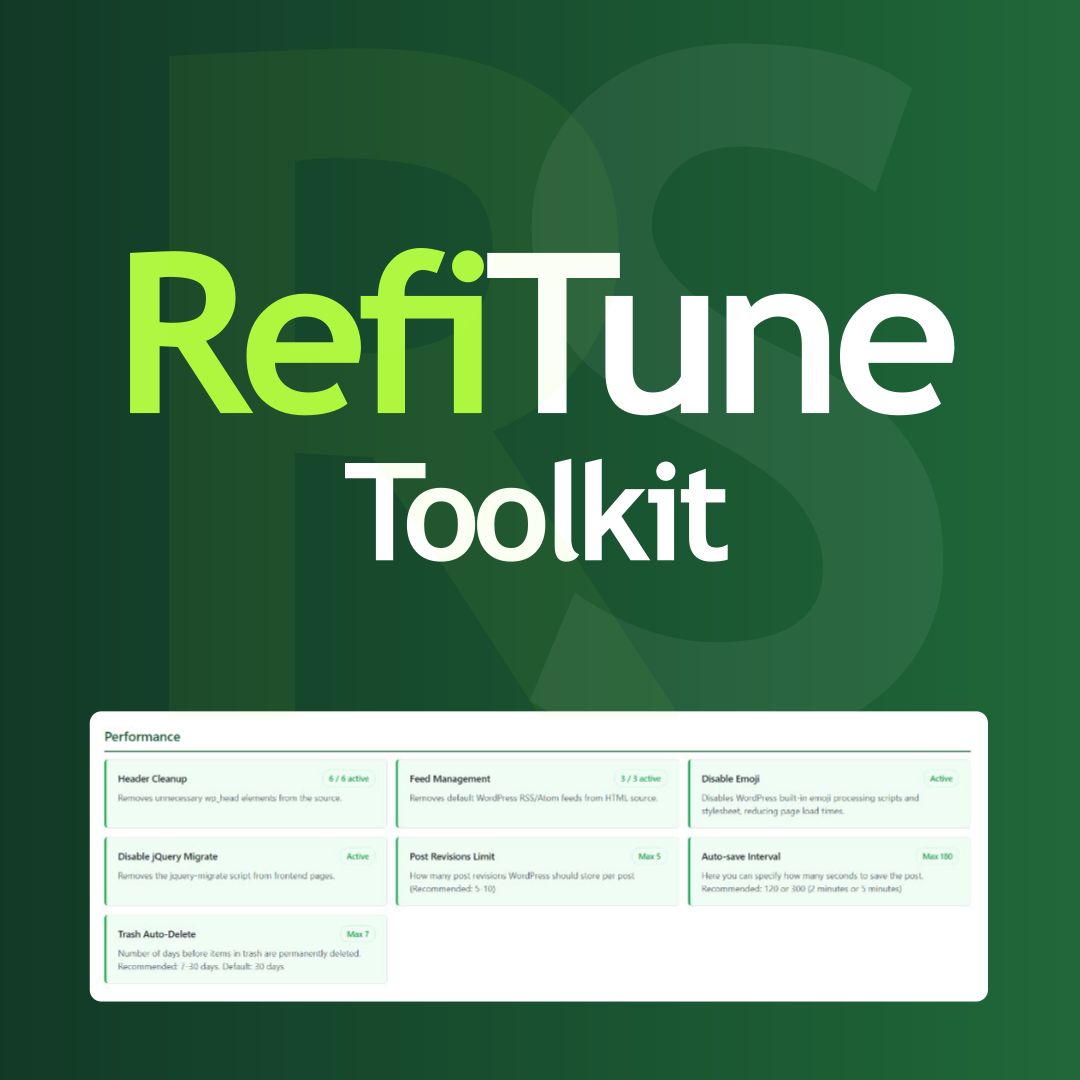
Take control of WordPress with smart performance tweaks, security enhancements, and usability improvements. RefiTune is an all-in-one toolkit.
Automatically boost your PageSpeed score to 90+ for both mobile & desktop and pass Core Web Vitals for WordPress website without any technical skills.

By 24 Tech Time
Agency-level visual branding alongside critical perimeter defense, login obfuscation, and strict access controls.

By Patrick Schlesinger
Read-only security audit for WordPress: 64 checks including PHP2Shell and NGINX2Root, an A to F grade, and a checklist of what you have fixed.

By Mat Bao Corporation
All-in-one WordPress toolkit: contact channels, SMTP, maintenance, AI, spam filter, WooCommerce — one plugin.
CHOOSE WHAT YOUR WEBSITE NEEDS
Start with the task you need to solve. Compare features, WordPress and PHP requirements, update history and the author’s documentation. Test changes on a private copy and avoid adding several plugins for the same job.
This independent directory displays plugin information on WebFulHost and links to the official source. Packages are not mirrored or installed here. A plugin can include paid extensions or services with separate terms from its author.




