Sell event tickets with WooCommerce. Event registration, recurring events, RSVP, attendee management & event calendar — free.
★ 4.5/5 (167)6,000+ active installations
- Version
- 5.7.16
- WordPress
- 5.3+
- PHP
- 7.4+
- Updated
- 19 Nov 2026
WORDPRESS RESOURCES
Explore public plugin information from the official WordPress.org directory. Compare what a plugin does, its requirements and update history before adding it to your website.
Explore WordPress hosting →1,228 matching plugins reported by WordPress.org · Page 10 of 50
Source: WordPress.org
Data refreshed 22 Nov 2026 23:30 UTC
Sell event tickets with WooCommerce. Event registration, recurring events, RSVP, attendee management & event calendar — free.

By Trustindex
Embed Yelp reviews fast and easily into your WordPress site. Increase SEO, trust and sales using Yelp reviews.

By tabbyai
Boost your business with Tabby
By YITHEMES
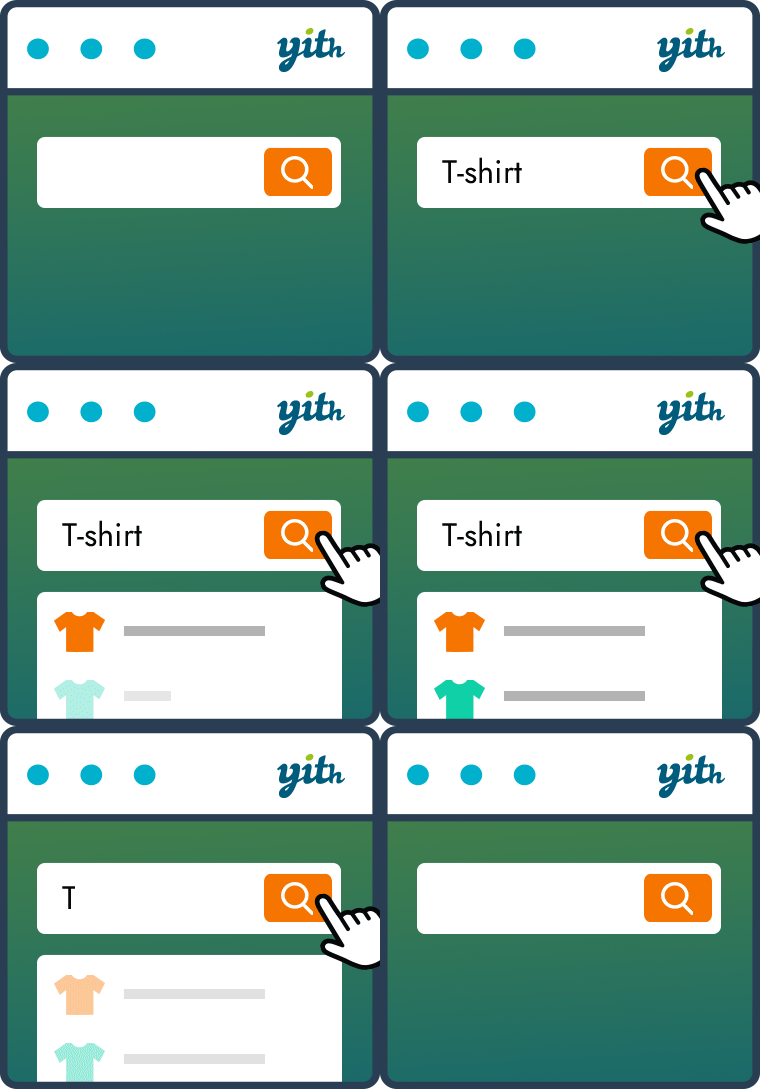
YITH WooCommerce Ajax Search allows your users to search products in real time.

By Jerry Rietveld
The click-to-call button for WordPress since 2013. Add a call button in under a minute. No code, mobile and desktop, with click tracking.

By QuantumCloud
AI chatbot for WooCommerce. Automate support, Increase WooCommerce Sales. AI TryOn, AI Business Analysis. ChatGPT, Gemini. Boost Engagement No Coding!

Popup Maker plugin will help you run cleverer and more effective marketing popups for your website. Create the most optimal popup to boost your sales.

By Aurélien LWS
Add banners and widgets from the LWS affiliate program to your posts, your widget areas or automatically on your site.
Write, send and track newsletters from WordPress. Block-based email editor, unlimited contacts and lists, sending through your host or SMTP.

By Michal Jaworski
Track website visitors, log and analyze their behavior and increase your sales using WP Tao – a powerful, easy-to-use WordPress tracking plugin.
Boost your sales and turn visitors into customers with live chat, AI tools and chatbots. Smartsupp is trusted by 100,000+ online stores.
Helps you to earn more affiliate money!
CHOOSE WHAT YOUR WEBSITE NEEDS
Start with the task you need to solve. Compare features, WordPress and PHP requirements, update history and the author’s documentation. Test changes on a private copy and avoid adding several plugins for the same job.
This independent directory displays plugin information on WebFulHost and links to the official source. Packages are not mirrored or installed here. A plugin can include paid extensions or services with separate terms from its author.