Replaces WooCommerce search with AI semantic search. Finds products even with natural language queries. No OpenAI key needed. Free forever.
★ 5.0/5 (3)200+ active installations
- Version
- 1.5.5
- WordPress
- 5.8+
- PHP
- 7.4+
- Updated
- 3 Nov 2026
WORDPRESS RESOURCES
Explore public plugin information from the official WordPress.org directory. Compare what a plugin does, its requirements and update history before adding it to your website.
Explore WordPress hosting →3,427 matching plugins reported by WordPress.org · Page 10 of 50
Source: WordPress.org
Data refreshed 22 Nov 2026 15:39 UTC
Replaces WooCommerce search with AI semantic search. Finds products even with natural language queries. No OpenAI key needed. Free forever.

By Pagup
Automatically fill missing Yoast SEO, Rank Math, SEOPress, or All in One SEO focus keywords from post titles. Batch sync, exclusions, and Pro auto-syn …
Comprehensive WooCommerce reporting plugin: sales reports, statistics, analytics & forecasts for orders, products, customers, countries & more.

By Cool Plugins
AI-powered translation for your WordPress site, fully compatible with Elementor, Gutenberg, ACF, Rank Math, & Yoast SEO.
Qode Wishlist for WooCommerce plugin is the ideal toolkit for letting your visitors save & share comprehensive lists with their products of interest.

By Delower Hossain
Safely disable XML-RPC, block attacks with HTTP 403, stop pingback DDoS, and protect your WordPress site with a single click.

By Cool Plugins
Easily display cryptocurrency prices and generate customizable widgets for 250+ coins, including Bitcoin, Ethereum, and more in Elementor.
A simple yet powerful plugin to create a business directory, job board, real estate, classifieds, or basically any type of listing website.
By PI Web Solution
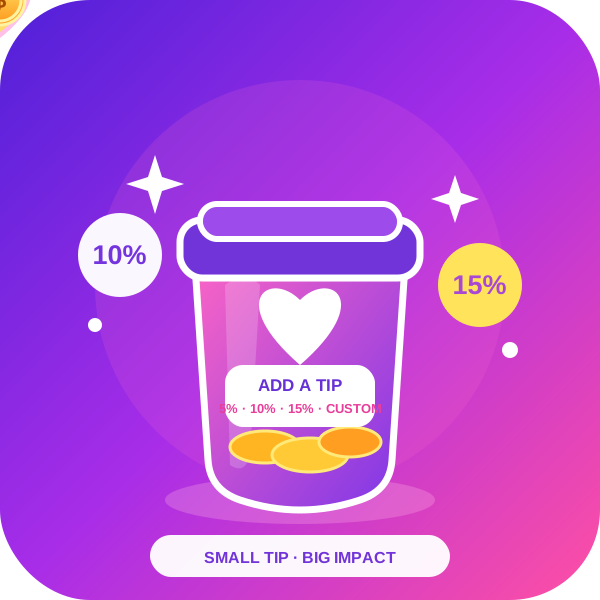
Order Tip for WooCommerce adds an option for customer service tips, tips for waitresses, in WooCommerce.

By Merlot Digital (by TNC)
Multi-stack caching for WordPress: ea-NGINX (cPanel) and LiteSpeed (OpenLS/Enterprise). Auto-detects web server!
Add the LinkedIn Insight Tag to WordPress without editing code. Paste your Partner ID, enable the tag, and keep B2B tracking simple.
Find and delete unused images in your WordPress media library, free up hosting space, and keep your backups small.
CHOOSE WHAT YOUR WEBSITE NEEDS
Start with the task you need to solve. Compare features, WordPress and PHP requirements, update history and the author’s documentation. Test changes on a private copy and avoid adding several plugins for the same job.
This independent directory displays plugin information on WebFulHost and links to the official source. Packages are not mirrored or installed here. A plugin can include paid extensions or services with separate terms from its author.