

Essentials by Digital Creatings
By Puneet Tiwari
Lightweight WordPress essentials for security, performance, SMTP email, and custom code — built by Digital Creatings.
10+ active installations
- Version
- 2.0.0
- WordPress
- 5.0+
- PHP
- 7.4+
- Updated
- 27 May 2026
WORDPRESS RESOURCES
Explore public plugin information from the official WordPress.org directory. Compare what a plugin does, its requirements and update history before adding it to your website.
Explore WordPress hosting →926 matching plugins reported by WordPress.org · Page 10 of 50
Source: WordPress.org
Data refreshed 26 Nov 2026 13:41 UTC
By Puneet Tiwari
Lightweight WordPress essentials for security, performance, SMTP email, and custom code — built by Digital Creatings.
Grow your traffic with AI-powered SEO, local listings, review management, social media & Google Ads — all inside WordPress.
AI-powered email marketing automation plugin for WordPress & WooCommerce - capture leads, create campaigns, and automate workflows with AI assistance.
By wpbranddigital
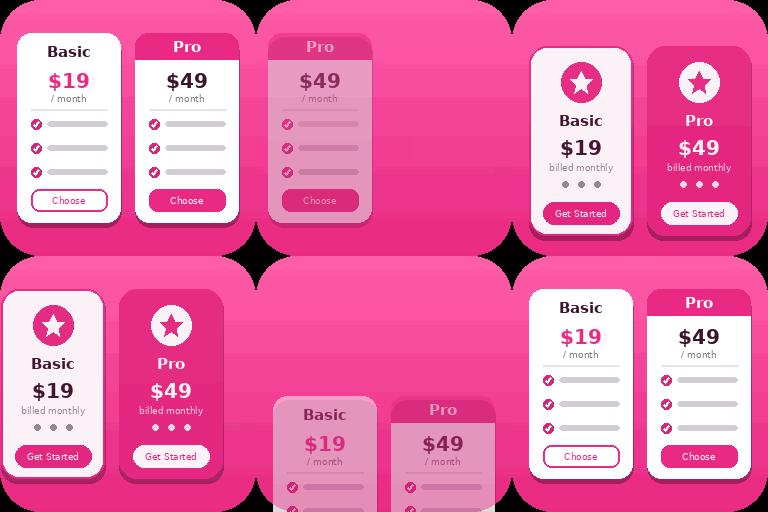
Create responsive WordPress pricing tables in Gutenberg with customizable plans, feature lists, CTA buttons, and clear pricing comparisons.

By GFM nonprofit-donation-forms
Supporting your organization should be simple and meaningful. GoFundMe Pro’s embedded donation forms empower donors to give from anywhere on any websi …
Media hosting for WordPress. Move course, LMS and membership videos off Vimeo: we migrate your entire video library for free. Works with LifterLMS.

By Dojo Digital
Live front-end and Customizer CSS editing powered by native WordPress Additional CSS storage.
Sky Addons is a powerful Elementor addon with a GSAP animation builder, 160+ widgets, 167+ templates, 2,000+ blocks and a complete Theme Builder.
Secure WordPress MCP for Claude and ChatGPT, AI Studio and full WebOps, Backups, Sandbox & Fleet Control.

By klaviyo
Klaviyo for WooCommerce
Generate, validate and sell serial codes & license keys — with protected file downloads (sell software) and WooCommerce integration.
Build a digital business card with a scannable QR code, a downloadable vCard and tap-to-call contact links. No CSS needed.
CHOOSE WHAT YOUR WEBSITE NEEDS
Start with the task you need to solve. Compare features, WordPress and PHP requirements, update history and the author’s documentation. Test changes on a private copy and avoid adding several plugins for the same job.
This independent directory displays plugin information on WebFulHost and links to the official source. Packages are not mirrored or installed here. A plugin can include paid extensions or services with separate terms from its author.






