Edit widget content using the default WordPress visual editor and media uploading functionality. Create widgets like you would create posts or pages.
★ 4.8/5 (60)10,000+ active installations
- Version
- 2.3.13
- WordPress
- 4.1+
- PHP
- 7.4+
- Updated
- 20 Aug 2026
View plugin details ↗Modern Bulk Editor for EDD products and downloads, create and edit hundreds of users in a spreadsheet inside wp-admin. Quick edits.
★ 4.6/5 (9)80+ active installations
- Version
- 1.0.81
- WordPress
- 4.7+
- Updated
- 20 Oct 2026
View plugin details ↗Process payments from the WooCommerce Edit Order screen.
★ 4.7/5 (12)800+ active installations
- Version
- 2.8.11
- WordPress
- 4.7+
- PHP
- 5.6+
- Updated
- 20 Aug 2026
View plugin details ↗A powerful WordPress plugin for full URL control. Set custom permalinks, auto-redirects, and use dynamic tags for ideal site structure and SEO.
★ 4.1/5 (116)100,000+ active installations
- Version
- 3.3.3
- WordPress
- 5.9+
- PHP
- 7.4+
- Updated
- 13 Oct 2026
View plugin details ↗Customize the default WooCommerce email templates design and text through the native WordPress customizer. Preview emails and send test emails.
★ 4.5/5 (142)90,000+ active installations
- Version
- 1.5.19.2
- WordPress
- 5.3+
- PHP
- 5.2.4+
- Updated
- 21 Sep 2026
View plugin details ↗You can make and register your original custom block patterns.
★ 5.0/5 (2)100,000+ active installations
- Version
- 1.39.1
- WordPress
- 6.7+
- PHP
- 7.4+
- Updated
- 31 Aug 2026
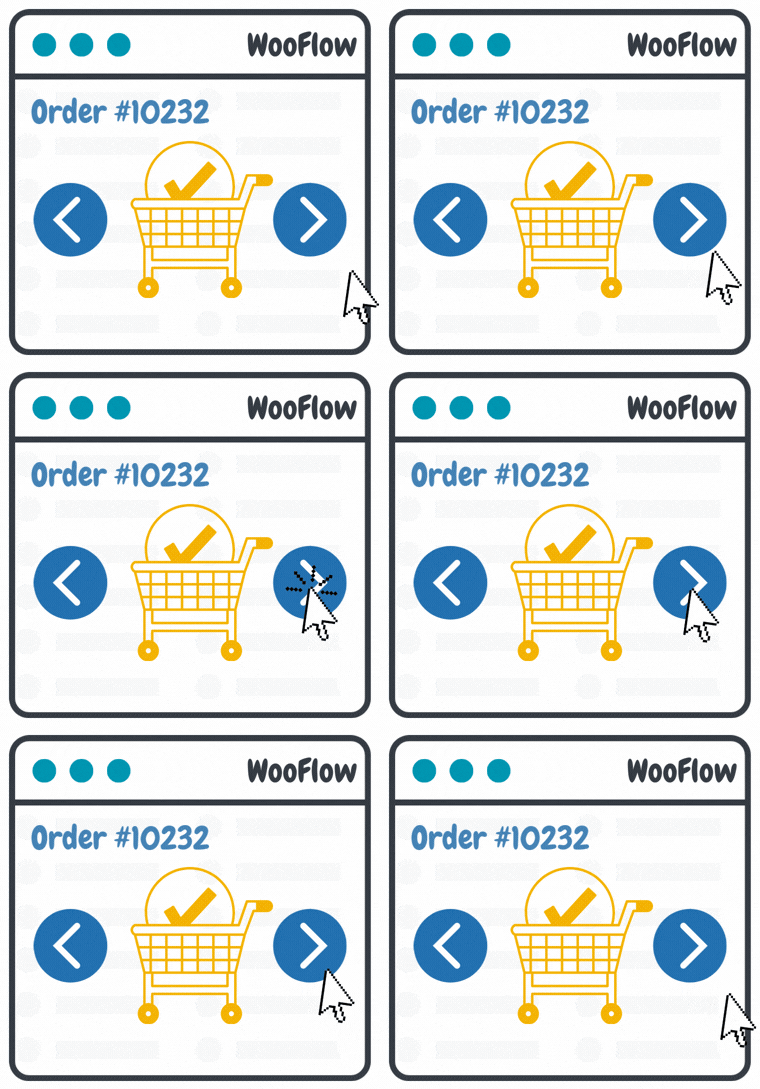
View plugin details ↗This plugin enables you to quickly access and edit the next and previous orders. It saves times while processing orders in a sequence which boosts pro …
★ 5.0/5 (4)100+ active installations
- Version
- 1.0.4
- WordPress
- 5.2+
- PHP
- 5.6+
- Updated
- 17 Aug 2026
View plugin details ↗Modern Bulk Editor for Events, create and edit events in a spreadsheet inside wp-admin. No need to export/import, all the changes are applied live.
★ 5.0/5 (3)100+ active installations
- Version
- 1.1.41
- WordPress
- 4.7+
- Updated
- 20 Oct 2026
View plugin details ↗Manage WordPress files and folders from your dashboard with a built-in code editor: upload, edit, delete, move, rename, and archive, no FTP needed.
★ 4.3/5 (202)10,000+ active installations
- Version
- 7.0
- WordPress
- 5.0+
- PHP
- 8.0+
- Updated
- 29 Oct 2026
View plugin details ↗Password Protect Pages, Posts & Content in WordPress
★ 4.2/5 (60)10,000+ active installations
- Version
- 4.3.25
- WordPress
- 6.5+
- PHP
- 7.2+
- Updated
- 19 Nov 2026
View plugin details ↗Easily allows you to manage WordPress user roles. You can create, edit, delete and manage capabilities, also copy existing roles.
★ 4.5/5 (65)30,000+ active installations
- Version
- 4.2.6
- WordPress
- 5.1+
- PHP
- 7.0+
- Updated
- 12 Nov 2026
View plugin details ↗Build photo galleries in a visual editor. Free MCP support lets Claude, ChatGPT or Cursor create galleries and write your image alt text.
★ 4.7/5 (620)100,000+ active installations
- Version
- 3.0.22
- WordPress
- 5.3+
- PHP
- 5.6+
- Updated
- 17 Nov 2026
View plugin details ↗