

A plugin by PushAlert to enable automated Push Notifications for your WordPress website and WooCommerce Store to increase traffic and sales.
★ 4.6/5 (8)1,000+ active installations
- Version
- 2.9.0
- WordPress
- 2.7+
- Updated
- 14 Aug 2026
WORDPRESS RESOURCES
Explore public plugin information from the official WordPress.org directory. Compare what a plugin does, its requirements and update history before adding it to your website.
Explore WordPress hosting →1,352 matching plugins reported by WordPress.org · Page 11 of 50
Source: WordPress.org
Data refreshed 22 Nov 2026 12:26 UTC
A plugin by PushAlert to enable automated Push Notifications for your WordPress website and WooCommerce Store to increase traffic and sales.
Helps you to earn more affiliate money!

By Steve Truman
Places an icon, all time views count and views today count at the bottom of posts, pages and custom post types on any WordPress website.

By Denis Botić
Display number of visits for each page in admin dashboard and browser developer-tool/console. Doesn't count page refresh as a new visit...

By WPBeginner
Easily transfer your Shopify Store to WooCommerce

By LikeBtn
Add Like button to posts, pages, comments, WooCommerce, BuddyPress, bbPress, UM, custom posts! Sort content by likes! Get instant stats and insights!

By lukeseager
Keep users logged in forever, limit the number of active logins allowed at one time, and alert users of new devices logging into their account.

By Syed Balkhi
The best WordPress call now button plugin. We help you add a clickable phone link (quick call button), so people can easily call your business phone.
By YITHEMES
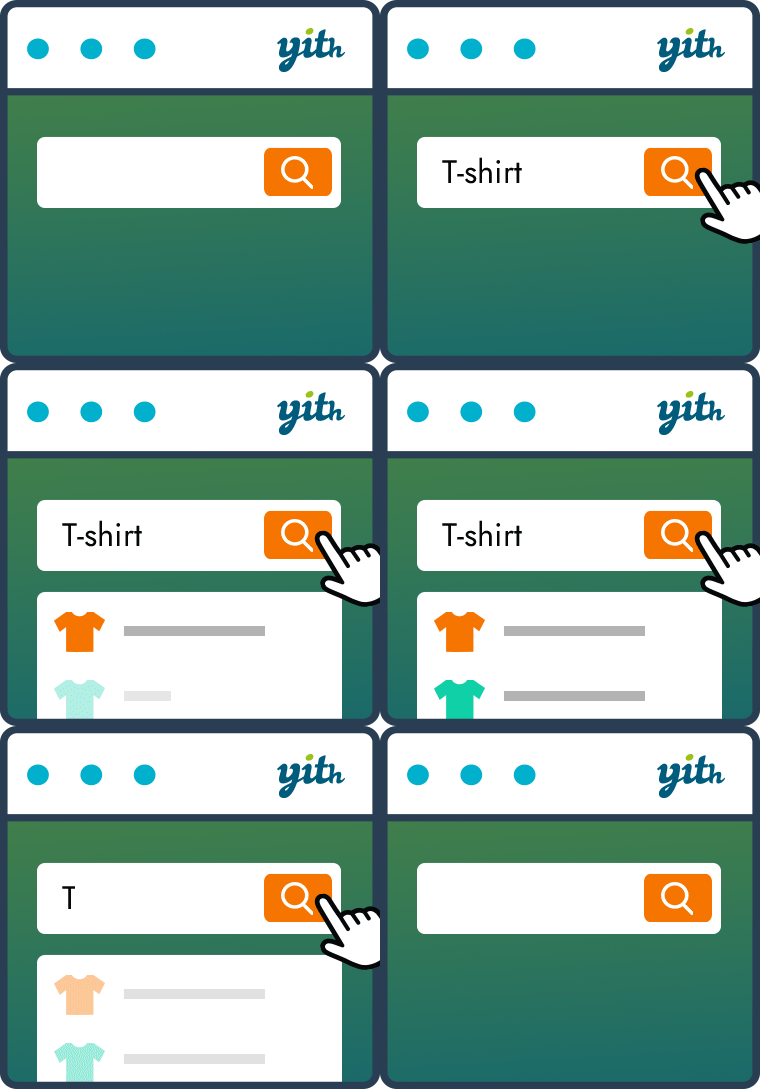
YITH WooCommerce Ajax Search allows your users to search products in real time.

By Automattic
Easily add cloud-powered instant search and filters to your website or WooCommerce store with advanced algorithms that boost your search results based …
The complete Elementor addons plugin: 55+ widgets for Elementor, Mega Menu Builder, Popup Builder, Widget Builder & Elementor Template Kits.

Floating Awesome Button (FAB) helps website owner, getting more conversion, by adding interactive element such as (Sticky Button, Popup, Toast, etc)
CHOOSE WHAT YOUR WEBSITE NEEDS
Start with the task you need to solve. Compare features, WordPress and PHP requirements, update history and the author’s documentation. Test changes on a private copy and avoid adding several plugins for the same job.
This independent directory displays plugin information on WebFulHost and links to the official source. Packages are not mirrored or installed here. A plugin can include paid extensions or services with separate terms from its author.

