

Force WebP
By Qrzysio
Say goodbye to JPG and PNG - make your site run on fast, modern WebP images.
★ 4.0/5 (1)200+ active installations
- Version
- 1.6
- WordPress
- 6.5+
- PHP
- 7.4+
- Updated
- 23 Aug 2026
WORDPRESS RESOURCES
Explore public plugin information from the official WordPress.org directory. Compare what a plugin does, its requirements and update history before adding it to your website.
Explore WordPress hosting →498 matching plugins reported by WordPress.org · Page 11 of 42
Source: WordPress.org
Data refreshed 20 Nov 2026 22:40 UTC
By Qrzysio
Say goodbye to JPG and PNG - make your site run on fast, modern WebP images.
Make WooCommerce product images the same size without cropping. Unlimited bulk, free AVIF + WebP, and cache-safe delivery. No catalog limit.

By Tekod lab.
Smart on-demand image resizer for WordPress.
By Tamas Rottenbacher
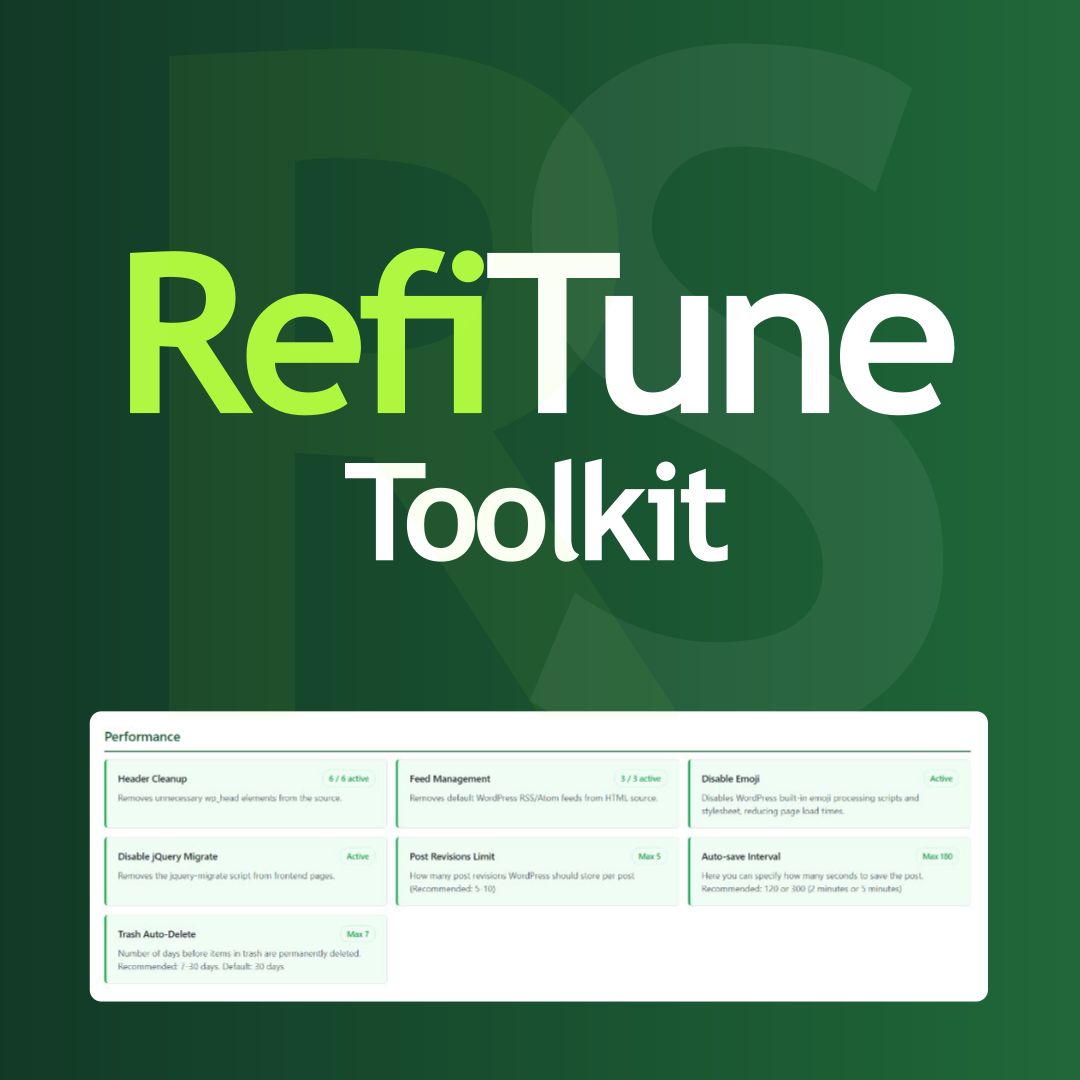
Take control of WordPress with smart performance tweaks, security enhancements, and usability improvements. RefiTune is an all-in-one toolkit.

By Jamie Poitra
Manage data sets in a spreadsheet, display them as charts with the bundled Chart.js library, and embed them anywhere with a shortcode or block.

Web Accessibility (formally known as Ally) is a free, powerful, and user-friendly plugin that helps WordPress creators build more accessible websites …
Improve WordPress speed and Core Web Vitals with page cache, WebP, minification, database cleanup and built-in performance diagnostics.

By Stephen Walker
Manage Etch Collections directly in WordPress, with optional Wicked Folders or HappyFiles synchronization.

By Studio digital
Standardize WooCommerce featured product photos directly in WordPress while keeping the original image available for restore.

By Scott Paterson
Before After Image with a draggable handle. Works with Elementor, WooCommerce, and shortcode.

By shrinkify
Supercharge your WordPress site with next-gen image compression. Convert to AVIF & WebP in one click.
Real-time WordPress analytics with live visitor tracking, bot detection, UTM campaign tracking, 404 monitoring and SEO health checks.
CHOOSE WHAT YOUR WEBSITE NEEDS
Start with the task you need to solve. Compare features, WordPress and PHP requirements, update history and the author’s documentation. Test changes on a private copy and avoid adding several plugins for the same job.
This independent directory displays plugin information on WebFulHost and links to the official source. Packages are not mirrored or installed here. A plugin can include paid extensions or services with separate terms from its author.


