Force Sell for WooCommerce plugin allows you to link products to another product, so they are added to the cart together.
★ 5.0/5 (17)600+ active installations
- Version
- 3.8
- WordPress
- 5.0+
- PHP
- 7.4+
- Updated
- 18 Nov 2026
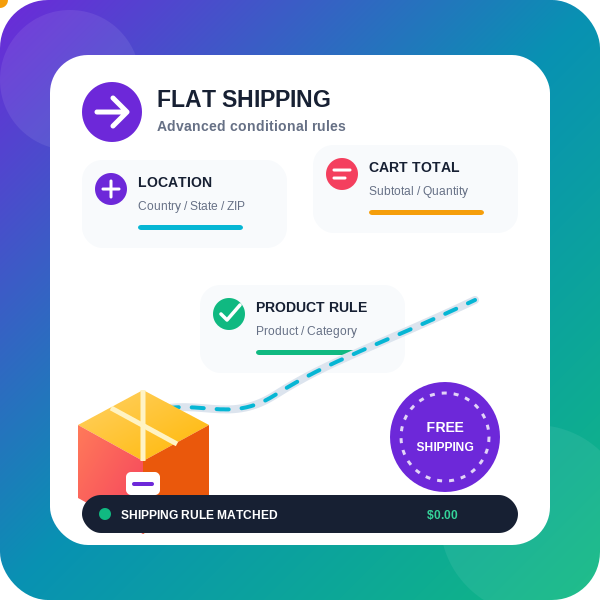
View plugin details ↗WooCommerce conditional shipping & WooCommerce Advanced shipping rates plugin to create Advanced Flat rate shipping or Free shipping method or tab …
★ 4.9/5 (59)2,000+ active installations
- Version
- 1.6.6.22
- WordPress
- 5.6+
- Updated
- 17 Nov 2026
View plugin details ↗Take full control over the emails you send and customize your WooCommerce emails with our plugin.
★ 5.0/5 (18)2,000+ active installations
- Version
- 3.7.5
- WordPress
- 4.4+
- PHP
- 7.4+
- Updated
- 23 Nov 2026
View plugin details ↗Track active, abandoned, and converted WooCommerce carts and Shopper Lists (Wishlist, Save for Later) in real time from the WordPress admin dashboard.
★ 5.0/5 (4)900+ active installations
- Version
- 2.1.1
- WordPress
- 6.5.0+
- PHP
- 7.0+
- Updated
- 5 Nov 2026
View plugin details ↗Create sales reports and order exports for WooCommerce with product analytics, order fulfillment data, filtering, charts, and 15+ templates.
★ 4.4/5 (57)5,000+ active installations
- Version
- 2.1.4
- WordPress
- 6.2+
- PHP
- 8.1+
- Updated
- 17 Nov 2026
View plugin details ↗Pause WooCommerce orders during vacations, holidays, or fulfilment breaks while keeping your store online and your products visible.
★ 4.6/5 (189)10,000+ active installations
- Version
- 1.9.9
- WordPress
- 6.5+
- PHP
- 7.4+
- Updated
- 23 Sep 2026
View plugin details ↗Set WooCommerce product prices in multiple currencies with flexible cart and checkout options and per-product currency settings.
★ 4.1/5 (17)2,000+ active installations
- Version
- 2.0.1
- WordPress
- 4.4+
- PHP
- 7.4+
- Updated
- 16 Sep 2026
View plugin details ↗Display a list of customers who bought a specific product at the bottom of the product edit page in WooCommerce and send them e-mails.
★ 4.9/5 (75)9,000+ active installations
- Version
- 3.1.11
- WordPress
- 5.0+
- Updated
- 24 May 2026
View plugin details ↗This WordPress Booking Plugin lets you manage full-day bookings, service appointments, Accept/reject bookings, show booking availability & much more.
★ 4.5/5 (43)3,000+ active installations
- Version
- 3.13.1
- WordPress
- 6.2+
- PHP
- 7.4+
- Updated
- 5 Nov 2026
View plugin details ↗Cart All In One For WooCommerce helps your customers view cart effortlessly.
★ 4.5/5 (51)5,000+ active installations
- Version
- 1.1.27
- WordPress
- 5.0+
- PHP
- 7.4+
- Updated
- 13 Nov 2026
View plugin details ↗A helpful tool that allows you to bulk edit available attributes of products such as ID, Title, Content,...
★ 4.6/5 (53)10,000+ active installations
- Version
- 1.3.5
- WordPress
- 6.2+
- PHP
- 7.4+
- Updated
- 6 Nov 2026
View plugin details ↗WooCommerce refund and returns process made simple. Let your customers request a refund and return products directly from the My Account page.
★ 4.0/5 (4)2,000+ active installations
- Version
- 2.1.5
- WordPress
- 6.4+
- PHP
- 7.4+
- Updated
- 21 Nov 2026
View plugin details ↗