Convert to WebP/AVIF, resize, lazy load and add alt text. Plus cleaner, watermarks, media folders and image protection. All free.
★ 5.0/5 (1)600+ active installations
- Version
- 4.2.0
- WordPress
- 6.0+
- PHP
- 8.0+
- Updated
- 11 Oct 2026
View plugin details ↗Use your AI subscription to manage WordPress: create Elementor pages, update content, automate tasks, and stay fully in control.
★ 5.0/5 (1)80+ active installations
- Version
- 3.24.3
- WordPress
- 6.0+
- PHP
- 7.4+
- Updated
- 16 Nov 2026
View plugin details ↗Free AI chatbot and content generation for WordPress. Train ChatGPT, Claude, Gemini or Grok on your content. WooCommerce ready with RAG.
★ 5.0/5 (31)2,000+ active installations
- Version
- 3.2.29
- WordPress
- 5.3+
- PHP
- 7.4+
- Updated
- 17 Nov 2026
View plugin details ↗Content curation made easy! Create "zones" then add and order your content!
★ 5.0/5 (3)2,000+ active installations
- Version
- 0.11.0
- WordPress
- 6.4+
- PHP
- 7.4+
- Updated
- 25 Apr 2026
View plugin details ↗Testimonial blocks for the block editor. Show customer reviews, star ratings and photos in a responsive grid or carousel slider. No coding.
★ 4.5/5 (2)1,000+ active installations
- Version
- 1.3.0
- WordPress
- 6.5+
- PHP
- 7.0+
- Updated
- 9 Nov 2026
View plugin details ↗Publish eligible posts and recycle older content at your chosen intervals, with publishing rules and a local activity log.
30+ active installations
- Version
- 1.0.2
- WordPress
- 5.3+
- PHP
- 7.4+
- Updated
- 13 Oct 2026
View plugin details ↗Translate WordPress into 110+ languages with AI. Multilingual plugin with SEO-friendly URLs, hreflang tags, language switcher, and glossary rules.
★ 5.0/5 (2)30,000+ active installations
- Version
- 1.0.11
- WordPress
- 6.0+
- PHP
- 7.4+
- Updated
- 21 Oct 2026
View plugin details ↗Adds Authentication through OAuth 2. Provides the ability for Single Sign On for websites & Mobile Applications.
★ 3.8/5 (41)3,000+ active installations
- Version
- 4.5.2
- WordPress
- 4.7.2+
- PHP
- 7.4+
- Updated
- 24 Sep 2026
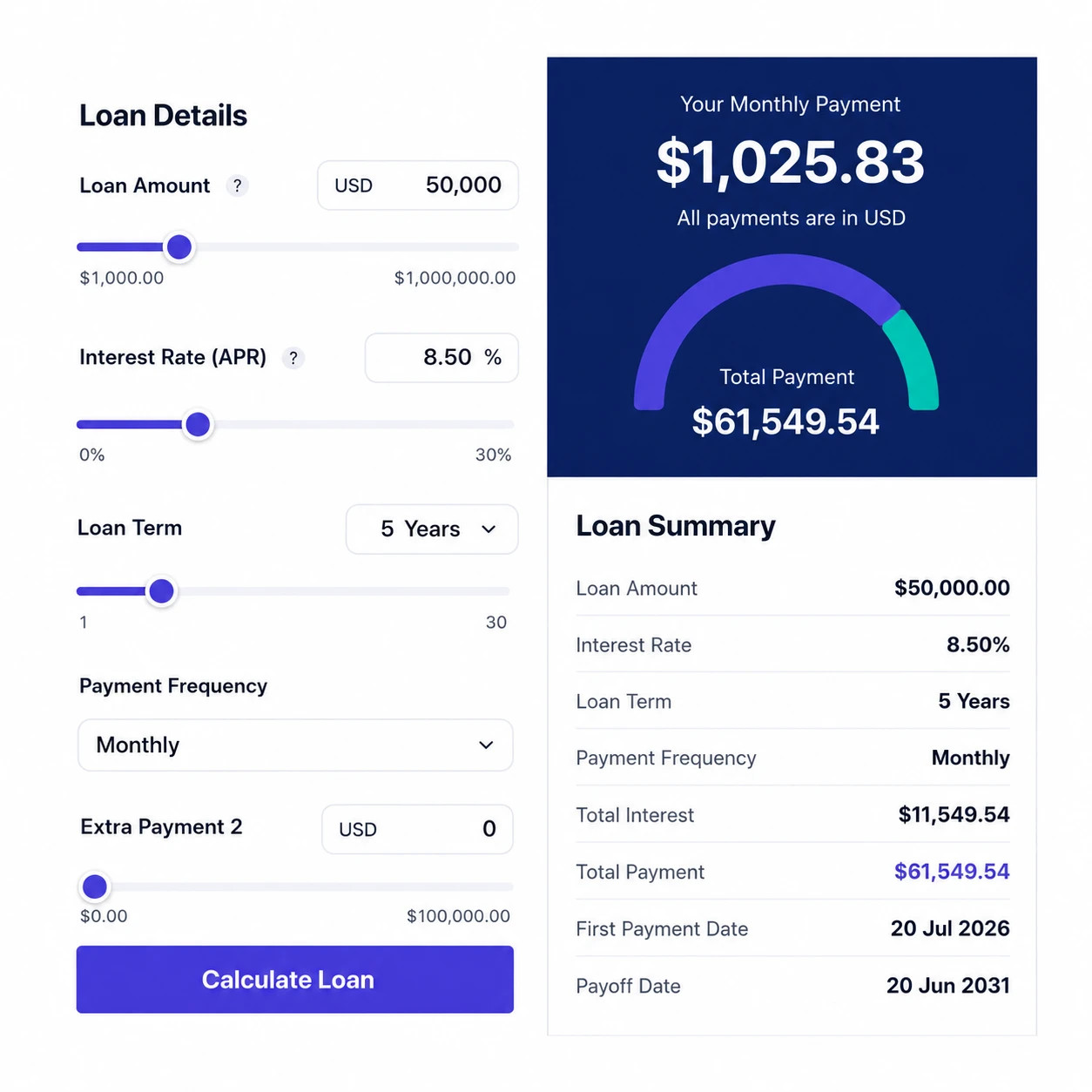
View plugin details ↗Turn casual visitors into qualified loan leads. A beautiful, mobile-friendly loan & mortgage calculator with amortization schedule, charts, full d …
★ 5.0/5 (1)100+ active installations
- Version
- 1.4
- WordPress
- 5.5+
- PHP
- 7.2+
- Updated
- 20 Jun 2026
View plugin details ↗Build fast, accessible accordions and FAQ sections in the WordPress block editor.
★ 4.4/5 (16)7,000+ active installations
- Version
- 1.6.0
- WordPress
- 6.6+
- PHP
- 7.4+
- Updated
- 12 Nov 2026
View plugin details ↗Synchronize backend data with WordPress post collections over HTTP APIs, enabling remote and automated web content management.
★ 5.0/5 (1)20+ active installations
- Version
- 4.2.0
- WordPress
- 6.7+
- PHP
- 8.0+
- Updated
- 11 Aug 2026
View plugin details ↗Easily create custom blocks and custom meta fields for Gutenberg without hard coding.
★ 4.9/5 (80)20,000+ active installations
- Version
- 4.5.2
- WordPress
- 6.2+
- PHP
- 8.3+
- Updated
- 17 Nov 2026
View plugin details ↗