

Amedea – Unique Design Elements for Elementor
By Ki-Themes
Amedea - Unique Design Elements for Elementor
★ 5.0/5 (1)400+ active installations
- Version
- 0.0.4.8
- WordPress
- 6.5.1+
- PHP
- 8.2+
- Updated
- 13 Aug 2026
WORDPRESS RESOURCES
Explore public plugin information from the official WordPress.org directory. Compare what a plugin does, its requirements and update history before adding it to your website.
Explore WordPress hosting →2,030 matching plugins reported by WordPress.org · Page 12 of 50
Source: WordPress.org
Data refreshed 20 Nov 2026 05:54 UTC
By Ki-Themes
Amedea - Unique Design Elements for Elementor

Create smooth Elementor marquee sliders, logo marquees, news tickers, image box & icon box, post scrollers, testimonials & WooCommerce marquees.

By wpmart
Image hotspot lets you easily add custom tooltips to your images and add hotspot when highlighting them. Furthermore, you have the option of setting c …
Build fast, accessible accordions and FAQ sections in the WordPress block editor.
Ultimate logo showcase plugin to create responsive logo carousel, logo slider & logo grid and display unlimited clients, partners, sponsors logos
Add a Contact Form 7 popup on button click. Create a simple CF7 popup form or contact form popup with just a few clicks.

By quadlayers
Formerly known as "Instagram Feed", this is the best plugin for displaying Instagram feeds on WordPress. It also supports Instagram reels.
By antoapweb
Swap WooCommerce product images on hover using the second gallery image.
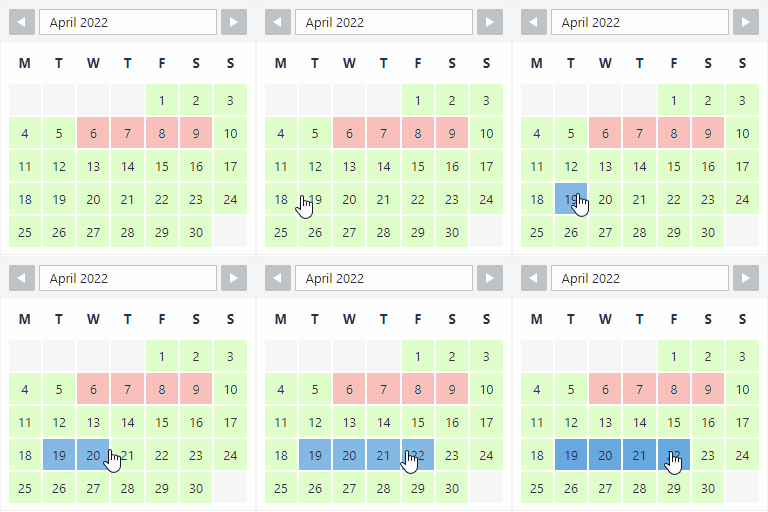
By Roland Murg
The booking calendar plugin for WordPress. Get easy online booking with this lightweight and powerful booking calendar.

By RadiusTheme
Variation Swatches for WooCommerce change beautiful colors, images and buttons variation swatches for WooCommerce product attributes.

By Plugin Devs
Before After Image Comparison Slider for Elementor is an image comparison slider plugin for Elementor Page Builder. This plugin allows you to create t …
Show a second product image on hover in your WooCommerce shop: fade, slide or zoom, gallery rotation, arrows and a lightbox.
CHOOSE WHAT YOUR WEBSITE NEEDS
Start with the task you need to solve. Compare features, WordPress and PHP requirements, update history and the author’s documentation. Test changes on a private copy and avoid adding several plugins for the same job.
This independent directory displays plugin information on WebFulHost and links to the official source. Packages are not mirrored or installed here. A plugin can include paid extensions or services with separate terms from its author.



