25 ready-made blocks for the block editor: hero, pricing, FAQ, testimonials, icon boxes, logo clouds and more. Free, lightweight, no account needed.
★ 5.0/5 (4)10+ active installations
- Version
- 1.3.1
- WordPress
- 6.6+
- PHP
- 7.4+
- Updated
- 25 Oct 2026
WORDPRESS RESOURCES
Explore public plugin information from the official WordPress.org directory. Compare what a plugin does, its requirements and update history before adding it to your website.
Explore WordPress hosting →390 matching plugins reported by WordPress.org · Page 13 of 33
Source: WordPress.org
Data refreshed 22 Nov 2026 21:21 UTC
25 ready-made blocks for the block editor: hero, pricing, FAQ, testimonials, icon boxes, logo clouds and more. Free, lightweight, no account needed.

By Tap Team
Advanced back-to-top button with 6 unique shapes, smooth animations, and smart scroll library detection for WordPress.

By Greg - SiteOrigin
Essential elements for modern websites. Add buttons, sliders, heroes, maps, images, carousels, features, icons, more. Create dynamic pages easily.

By Haider Shah
Landing-page blocks for the block editor — sliders, countdowns, marquees, motion and more — with each block's code loaded only where it's used.

By ConicPlex
Automatically generate a fully customizable and interactive table of contents block from post headings in the WordPress block editor.

By WPPoland (Mariusz Szatkowski)
Keep Add to cart within reach on long product pages, on mobile and desktop, with a slim bar that slides in as shoppers scroll.
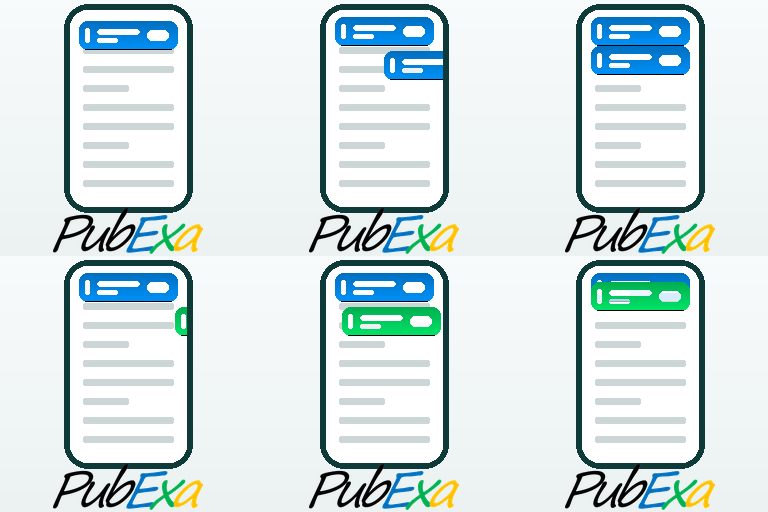
Ad manager and ad inserter for WordPress, plus an ad network that pays you. Monetize your site with scroll-in mobile ad tabs. AdSense alternative.

By Jiwoon Kim
On-page table of contents block that builds from a post's headings and keeps the heading ids in sync.

By WP Craft Engineer
Help visitors quickly choose whether to buy, learn more, or contact you.

By forgesmith
A low-code, themeless visual site builder that enhances Gutenberg. Get faster page speeds, responsive blocks, and total creative control. Try it now!

By erryn.io
Add a fast reading progress bar and automatic table of contents to WordPress posts and pages.

By jgorres
Full-screen media that stay in place while text boxes scroll across them, built from blocks in the editor.
CHOOSE WHAT YOUR WEBSITE NEEDS
Start with the task you need to solve. Compare features, WordPress and PHP requirements, update history and the author’s documentation. Test changes on a private copy and avoid adding several plugins for the same job.
This independent directory displays plugin information on WebFulHost and links to the official source. Packages are not mirrored or installed here. A plugin can include paid extensions or services with separate terms from its author.