One-Click Post Checkout Registration for WooCommerce
By Ali Khallad
Reduce abandonment and allows guest users to register after checkout with one-click.
★ 5.0/5 (4)40+ active installations
- Version
- 2.1.1
- WordPress
- 6.5+
- PHP
- 7.4+
- Updated
- 11 Aug 2026
WORDPRESS RESOURCES
Explore public plugin information from the official WordPress.org directory. Compare what a plugin does, its requirements and update history before adding it to your website.
Explore WordPress hosting →10,000 matching plugins reported by WordPress.org · Page 13 of 50
Source: WordPress.org
Data refreshed 28 Nov 2026 18:54 UTC
By Ali Khallad
Reduce abandonment and allows guest users to register after checkout with one-click.

By One Step Order
Turn WooCommerce product pages into direct checkout experiences: fewer steps, unlimited orders, card payments or COD, live order summary.
Make your WooCommerce Notices (sucess, info, and error) more visible to your customers by turning them into popups
Add PayPal Pro and PayPal Checkout to WooCommerce. Accept credit cards on-site, offer PayPal buttons, and sell recurring PayPal subscriptions.

Add custom fields to your WooCommerce registration form and page. Drag-and-drop signup form builder with billing, shipping and user fields.
Manage WooCommerce checkout fields for virtual and downloadable product carts.
Buy now button, a shorter checkout, quantity −/+ buttons and AJAX cart updates for WooCommerce — fewer clicks from product to order.
Accept M-Pesa, Airtel Money, and MTN MoMo payments in WooCommerce with a secure, multi-country mobile money checkout.

By Powdi Themes
Easily style the WooCommerce My Account Page using Divi Builder. Add icons, rename tabs, and create a branded customer experience.
By PI Web Solution
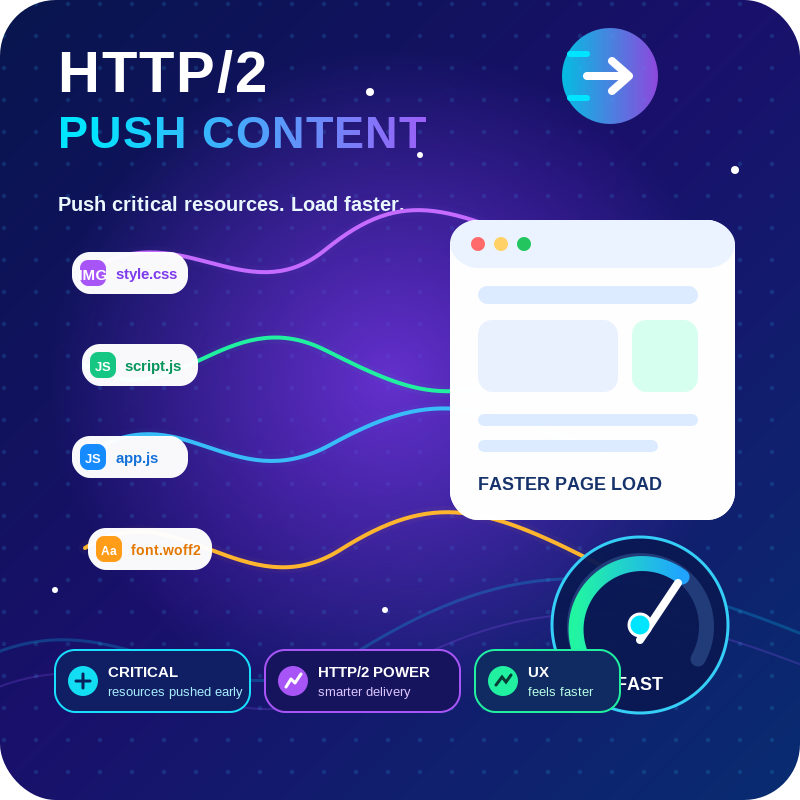
HTTP2 Server push, Async JavaScript, Defer Render Blocking CSS, with fine rule set to control js and css on different page types,

By Riffaz A. M.
WooCommerce checkout field editor for Classic and Block Checkout. Hide default fields, use Full Name, and add custom and conditional fields.
Conditional Discount Rules For WooCommerce Checkout Plugin will help you to create and manage complex discount rules based on your requirement.
CHOOSE WHAT YOUR WEBSITE NEEDS
Start with the task you need to solve. Compare features, WordPress and PHP requirements, update history and the author’s documentation. Test changes on a private copy and avoid adding several plugins for the same job.
This independent directory displays plugin information on WebFulHost and links to the official source. Packages are not mirrored or installed here. A plugin can include paid extensions or services with separate terms from its author.