

Add a percentage or fixed fee to any WooCommerce payment method and shipping method at checkout.
★ 5.0/5 (5)200+ active installations
- Version
- 2.1.0
- WordPress
- 6.2+
- PHP
- 8.0+
- Updated
- 15 May 2026
WORDPRESS RESOURCES
Explore public plugin information from the official WordPress.org directory. Compare what a plugin does, its requirements and update history before adding it to your website.
Explore WordPress hosting →7,621 matching plugins reported by WordPress.org · Page 13 of 50
Source: WordPress.org
Data refreshed 28 Nov 2026 16:49 UTC
Add a percentage or fixed fee to any WooCommerce payment method and shipping method at checkout.
A minimalist Gutenberg Block Plugin that extends Gutenberg to provide page building capabilities.

By Dotstore
Mass Pages/Posts Creator is a plugin which provide a simplest interface by which user can create multiple Pages/Posts at a time.
WooCommerce Extra Product Options plugin lets you add product addons (custom products field) of 20 different field types to your product page.
The ultimate Elementor addon for cross-domain copying, magic copy buttons, and instant page duplication. Build websites faster with one-click design t …
Customize your WooCommerce thank you page. Redirect customers after purchase based on products, categories, payment methods & more.

By mandeep007
Redirect WooCommerce customers to any custom URL after checkout. Set a delay, show a countdown timer, and upgrade to Pro for a powerful rules engine.
By PI Web Solution
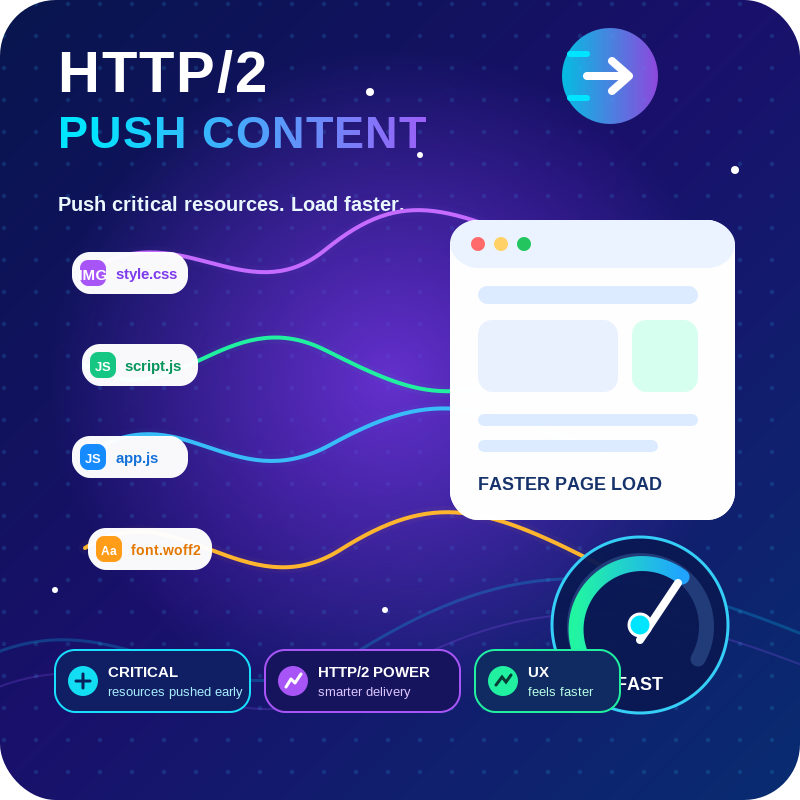
HTTP2 Server push, Async JavaScript, Defer Render Blocking CSS, with fine rule set to control js and css on different page types,
A powerful side cart designed to make shopping faster and easier. Give customers instant cart access and a seamless checkout experience

By AsanaPlugins
WooCommerce discount plugin & dynamic pricing: bulk discount, BOGO, quantity discount, category discount & auto-apply coupons — no coding needed.
The easiest to use WordPress map plugin! Create a custom map, map block, store locator or map widget with high quality markers.
Make your WooCommerce Notices (sucess, info, and error) more visible to your customers by turning them into popups
CHOOSE WHAT YOUR WEBSITE NEEDS
Start with the task you need to solve. Compare features, WordPress and PHP requirements, update history and the author’s documentation. Test changes on a private copy and avoid adding several plugins for the same job.
This independent directory displays plugin information on WebFulHost and links to the official source. Packages are not mirrored or installed here. A plugin can include paid extensions or services with separate terms from its author.






