

90+ Gutenberg Blocks & AI Website Builder with 1000+ Templates. Complete Page Builder, Popup Builder, Mega Menu, Form Builder & More. No Code.
★ 4.8/5 (90)9,000+ active installations
- Version
- 5.0.11
- WordPress
- 5.6+
- PHP
- 7.4+
- Updated
- 17 Nov 2026
WORDPRESS RESOURCES
Explore public plugin information from the official WordPress.org directory. Compare what a plugin does, its requirements and update history before adding it to your website.
Explore WordPress hosting →1,923 matching plugins reported by WordPress.org · Page 14 of 50
Source: WordPress.org
Data refreshed 26 Nov 2026 07:58 UTC
90+ Gutenberg Blocks & AI Website Builder with 1000+ Templates. Complete Page Builder, Popup Builder, Mega Menu, Form Builder & More. No Code.
By YITHEMES
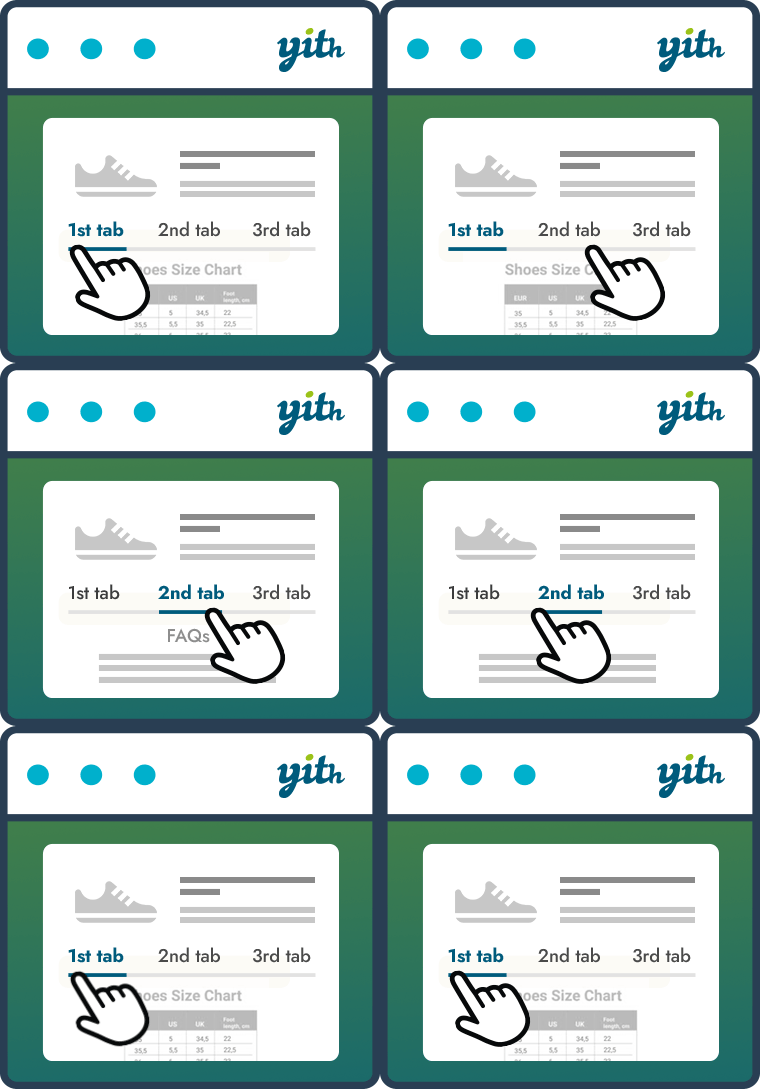
Improve your WooCommerce product pages by adding custom tabs and ad hoc content for your customers

By AuditySEO
Attach images to WordPress comments with drag-and-drop, preview before posting, admin moderation, and lightbox viewer.

By YITHEMES
Increase average order value by letting your customers purchase additional options on your products.
Build global Elementor templates and apply them as automatic post and page layouts, or embed them anywhere with a shortcode.

Track active, abandoned, and converted WooCommerce carts and Shopper Lists (Wishlist, Save for Later) in real time from the WordPress admin dashboard.

By Niloy - Codeixer
Supercharge your sales with WooCommerce Wishlist - a powerful tool that empowers customers to create wishlists and enhances their shopping experience.

By CreedAlly
Allows you to set featured image on the post, page and product if woocommerce active.
Watermark images with text or a logo: automatic, bulk or tiled. WooCommerce & Dokan ready, with backups and one-click restore of every original.

By Saad Iqbal
Control how your WordPress posts, pages, WooCommerce products, and custom post types look when shared on Facebook, X/Twitter, LinkedIn, WhatsApp, Slac …
Create a responsive portfolio grid with a Filterable portfolio grid, portfolio gallery and portfolio slider for WordPress, Elementor and lightbox.
Add a quick view popup to WooCommerce products so customers can preview product details without leaving the shop page.
CHOOSE WHAT YOUR WEBSITE NEEDS
Start with the task you need to solve. Compare features, WordPress and PHP requirements, update history and the author’s documentation. Test changes on a private copy and avoid adding several plugins for the same job.
This independent directory displays plugin information on WebFulHost and links to the official source. Packages are not mirrored or installed here. A plugin can include paid extensions or services with separate terms from its author.



