

Hwinote Image Scroll
By hwinote
Add optional vertical scrolling to standard WordPress Image blocks without replacing them.
0+ active installations
- Version
- 1.0.0
- WordPress
- 6.4+
- PHP
- 7.4+
- Updated
- 15 Oct 2026
WORDPRESS RESOURCES
Explore public plugin information from the official WordPress.org directory. Compare what a plugin does, its requirements and update history before adding it to your website.
Explore WordPress hosting →510 matching plugins reported by WordPress.org · Page 14 of 43
Source: WordPress.org
Data refreshed 24 Nov 2026 20:58 UTC
By hwinote
Add optional vertical scrolling to standard WordPress Image blocks without replacing them.

By Pathmaka Galappaththi
A floating "Listen to this article" widget powered by the visitor's own browser. No API keys, no external services, no ongoing cost.
By Tamas Rottenbacher
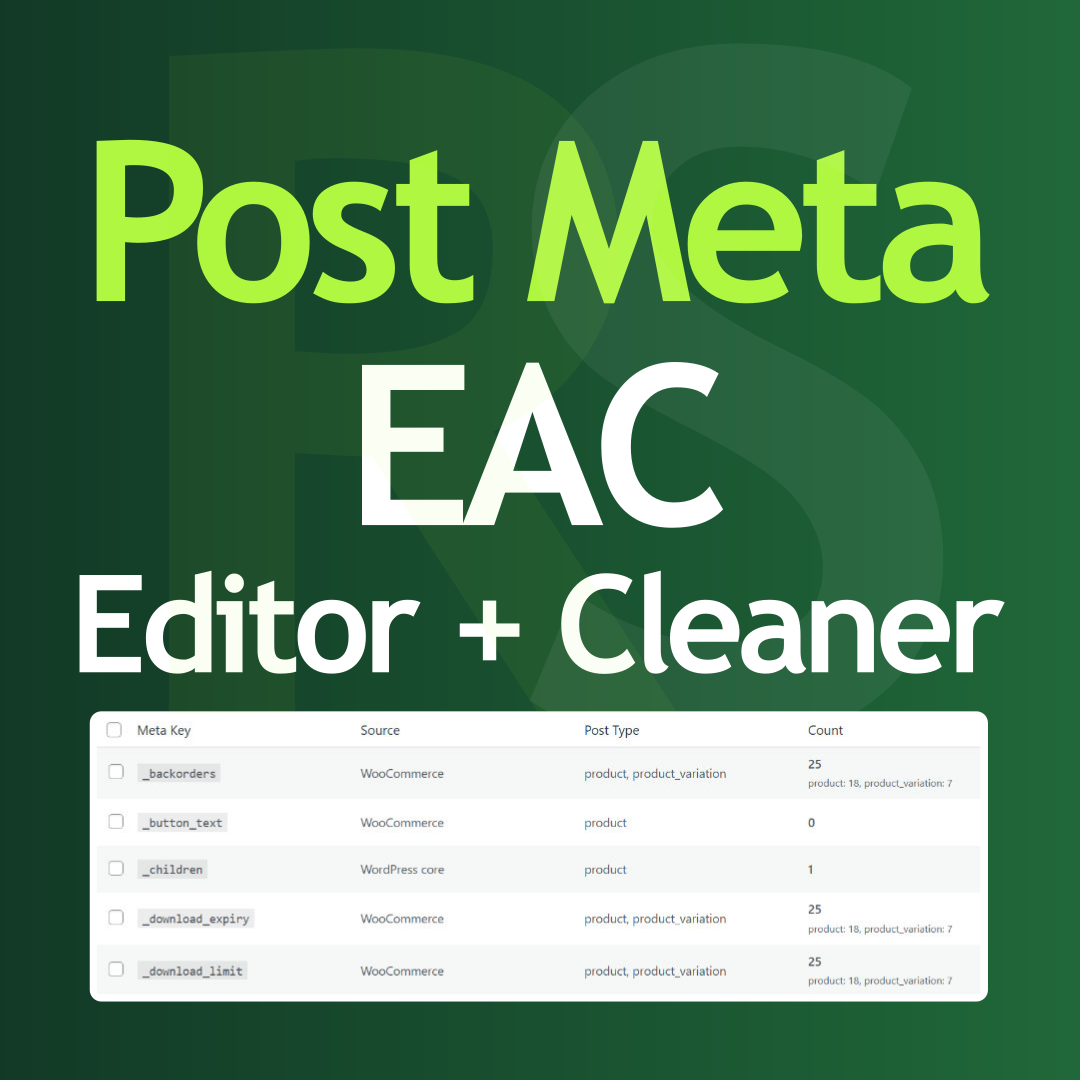
Post Meta bulk editor to delete unused data, overwrite values, run search and replace, and clean your database directly from the admin panel.

By Kirill Udrugov
Bulk SEO rewrites through chat. Sample-and-extrapolate UX, sits on top of RankMath, Yoast, AIOSEO, or SEOPress.

By hishmitesh
Native widgets and editor tools for Elementor's Atomic Editor (Editor V4), with WooCommerce product, cart and review elements.

By Md Jahid Shah
Lightweight Elementor widget collection with modern, accessible, and performance-focused widgets for building professional WordPress websites.

By Courtney Robertson
Add XFN (XHTML Friends Network) relationship metadata to WordPress links. Semantic social connections for the block editor.

By WPDINO
A powerful collection of advanced Elementor widgets including WooCommerce products, Blog layouts, Newsletter with MailChimp and more.

By winner1
Move the WordPress admin menu from the sidebar to a compact collapsible horizontal top bar — more screen space, same navigation.

By Jaime Alnassim
A block suite for developer documentation: syntax-highlighted code snippets plus a full set of API-documentation blocks.

By ConicPlex
Create beautiful, screen-reader-friendly accordions and FAQ sections. Features layout customization, modern design presets, and one-click SEO FAQ Sche …

By Pär Thernström
Get a tree view of all your pages directly in the admin menu. Search, add, edit, view, re-order – all is just one click away!
CHOOSE WHAT YOUR WEBSITE NEEDS
Start with the task you need to solve. Compare features, WordPress and PHP requirements, update history and the author’s documentation. Test changes on a private copy and avoid adding several plugins for the same job.
This independent directory displays plugin information on WebFulHost and links to the official source. Packages are not mirrored or installed here. A plugin can include paid extensions or services with separate terms from its author.