

Speed up your website. Optimize your JPEG, PNG, and WebP images automatically with TinyPNG.
★ 4.6/5 (183)100,000+ active installations
- Version
- 3.8.1
- WordPress
- 4.0+
- Updated
- 13 Oct 2026
WORDPRESS RESOURCES
Explore public plugin information from the official WordPress.org directory. Compare what a plugin does, its requirements and update history before adding it to your website.
Explore WordPress hosting →5,995 matching plugins reported by WordPress.org · Page 14 of 50
Source: WordPress.org
Data refreshed 21 Nov 2026 18:49 UTC
Speed up your website. Optimize your JPEG, PNG, and WebP images automatically with TinyPNG.
By YITHEMES
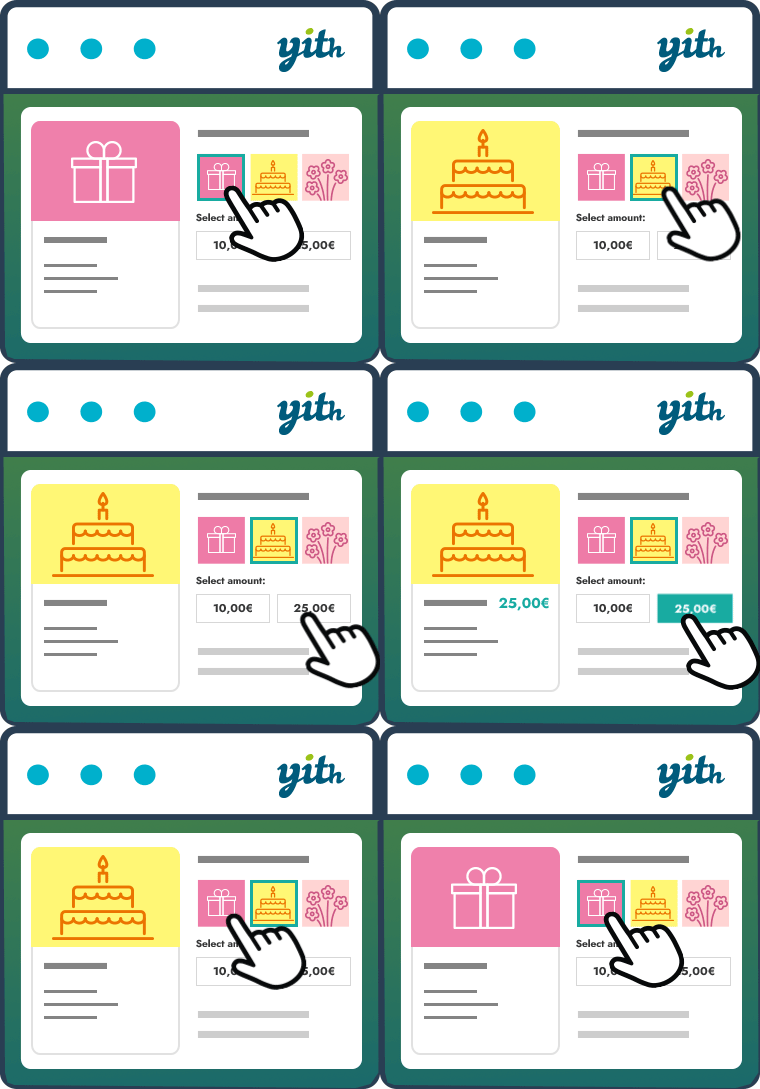
The essential tool for selling gift cards in your store, increasing your conversion rate and attracting new customers.
Apply discounts & coupons via URL (link) to enhance user experience and increase conversion rates on your store

By GutenSuite
Easily embed and showcase Trustpilot reviews on your WordPress site to build trust and boost conversions.
Give your WordPress or WooCommerce website a modern login experience with beautiful, fast, and fully customizable forms.

By Link Nacional
Brazilian checkout fields: CPF/CNPJ, address number, neighborhood and phone, with automatic CEP address pre-filling and much more for WooCommerce.

By VeronaLabs
Self-hosted, GDPR-ready Google Analytics alternative: cookieless or server-side tracking, visitor statistics, UTM campaigns, goals and funnels.

By WPClever
WPC Smart Wishlist is a simple but powerful tool that can help your customer save products for buying later.

By George Gkouvousis
Expand hidden content without a page refresh. 100% SEO-friendly and crawlable, now with accordion/FAQ schema, content locker, teaser paywall, AI summa …

By Nitin Prakash
Thank You Page for WooCommerce lets you create custom Thank You page or Thank You URL, giving customers a more personalized post‑purchase experience.

Powerful A/B testing for WordPress with heatmaps, session replays, and e-commerce tracking for WooCommerce, SureCart, and EDD.

By ismeteroglu
WhatsApp click-to-chat, click-to-call & floating contact button. Sticky bar on mobile, FAB on desktop, click analytics, WooCommerce ready.
CHOOSE WHAT YOUR WEBSITE NEEDS
Start with the task you need to solve. Compare features, WordPress and PHP requirements, update history and the author’s documentation. Test changes on a private copy and avoid adding several plugins for the same job.
This independent directory displays plugin information on WebFulHost and links to the official source. Packages are not mirrored or installed here. A plugin can include paid extensions or services with separate terms from its author.

