

Animate In View
By Kevin Batdorf
Fade and slide in your blocks with style as they enter into the user's view.
★ 4.5/5 (2)1,000+ active installations
- Version
- 1.2.4
- WordPress
- 5.9+
- PHP
- 7.0+
- Updated
- 17 Aug 2026
WORDPRESS RESOURCES
Explore public plugin information from the official WordPress.org directory. Compare what a plugin does, its requirements and update history before adding it to your website.
Explore WordPress hosting →1,936 matching plugins reported by WordPress.org · Page 15 of 50
Source: WordPress.org
Data refreshed 20 Nov 2026 17:02 UTC
By Kevin Batdorf
Fade and slide in your blocks with style as they enter into the user's view.
Backup, restore & migrate WordPress in one click. Full site backup (files + database), AES-256 encryption, WP-CLI — never times out on shared hosting.

By Cloudways
Breeze is a caching plugin developed by Cloudways. Breeze uses advance caching systems to improve site loading times exponentially.
Turn your site into an app-like PWA with install prompts, offline use, push notifications, and more to boost engagement, repeat visits, and sales.

By Husain Ahmed
Remove empty paragraphs and fix awkward spacing without breaking your layout.
WCPOS is a point of sale (POS) for WooCommerce. Same stock online and at the till. Free, no transaction fees. Keep selling when the connection drops.

By Presslabs
Automatic git version control and deployment for your plugins and themes integrated into wp-admin.

By Narrative Forms
HTML form plugin for WordPress: build a contact form or any custom form from HTML or AI. Conditional logic, webhooks, file uploads, no builder.

By SuperPWA
SuperPWA helps you convert your WordPress website into a Progressive Web App instantly.

By monetagwp
This plugin enables WordPress site owners (Publishers) to easily integrate and manage Monetag ad codes to increase revenue from their sites.

Secure WooCommerce payments with Multibanco, MB WAY, Credit card, Apple Pay, Google Pay, Payshop, and PIX via ifthenpay’s payment gateway.
By YITHEMES
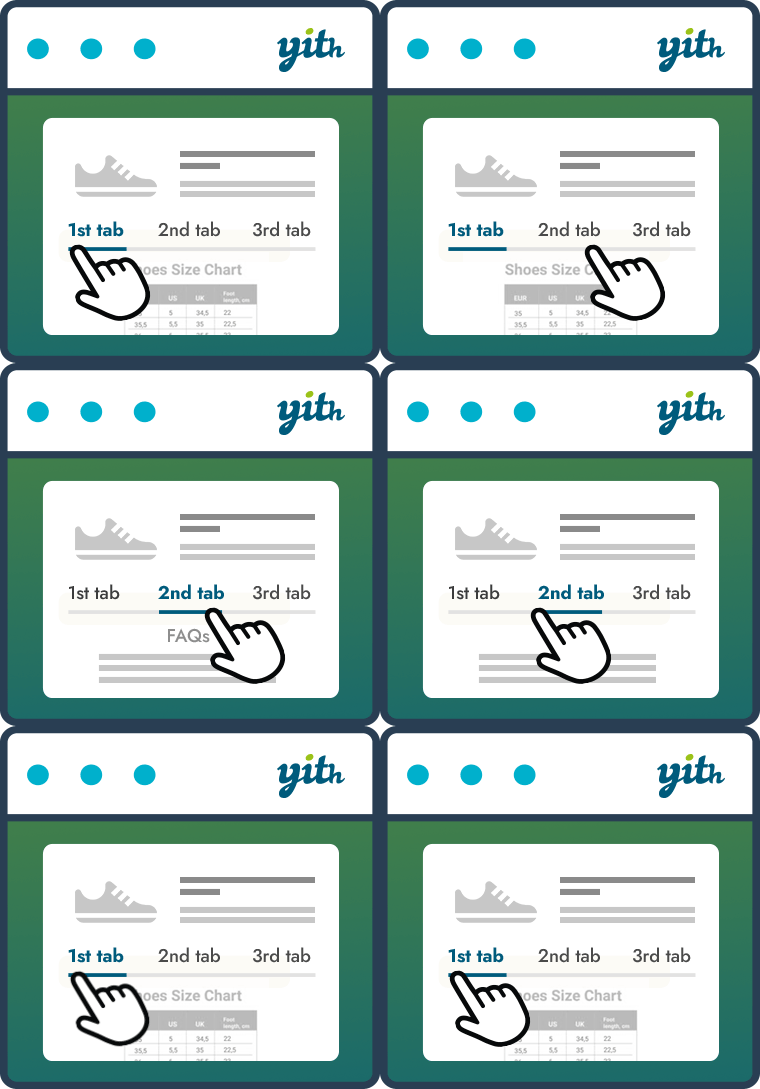
Improve your WooCommerce product pages by adding custom tabs and ad hoc content for your customers
CHOOSE WHAT YOUR WEBSITE NEEDS
Start with the task you need to solve. Compare features, WordPress and PHP requirements, update history and the author’s documentation. Test changes on a private copy and avoid adding several plugins for the same job.
This independent directory displays plugin information on WebFulHost and links to the official source. Packages are not mirrored or installed here. A plugin can include paid extensions or services with separate terms from its author.


