Sort posts and custom post type objects using a drag-and-drop, sortable JavaScript AJAX interface, or through the default WordPress dashboard
★ 4.5/5 (296)600,000+ active installations
- Version
- 2.6.1
- WordPress
- 2.8+
- PHP
- 5.6+
- Updated
- 25 Nov 2026
View plugin details ↗High-efficiency plugin establishing a WooCommerce payment gateway for Stripe Checkout, supporting both Checkout Block and classic shortcode checkout.
★ 5.0/5 (1)30+ active installations
- Version
- 1.7.2
- WordPress
- 6.0+
- PHP
- 7.4+
- Updated
- 30 Nov 2025
View plugin details ↗Disables password strength enforcement in WooCommerce.
★ 4.3/5 (6)1,000+ active installations
- Version
- 1.0.3
- WordPress
- 3.5+
- Updated
- 12 Aug 2024
View plugin details ↗Newsletter and email marketing plugin: sign-up forms, popup, lists, templates, automation, SMTP, statistics. Unlimited subscribers, no monthly bill.
★ 5.0/5 (1)200+ active installations
- Version
- 1.13.0
- WordPress
- 5.8+
- PHP
- 7.4+
- Updated
- 25 Nov 2026
View plugin details ↗Adds to WooCommerce an automatic city name generated from the postcode.
★ 4.7/5 (3)100+ active installations
- Version
- 2.2.1
- WordPress
- 5.1+
- PHP
- 7.4+
- Updated
- 5 Nov 2026
View plugin details ↗An easy WordPress restaurant plugin for online food ordering with WooCommerce.
★ 4.8/5 (5)20+ active installations
- Version
- 1.6.1
- WordPress
- 5.8+
- PHP
- 7.4+
- Updated
- 12 Oct 2026
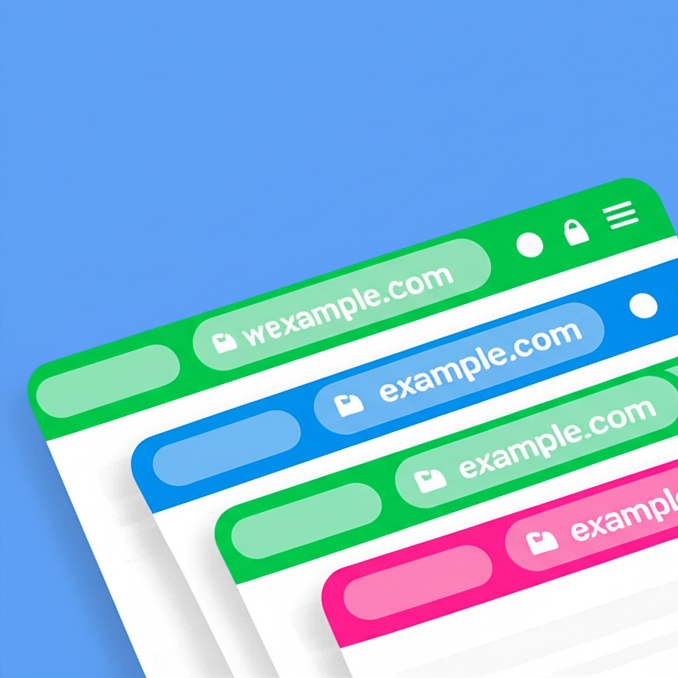
View plugin details ↗Customize your mobile browsing experience by setting theme colors for the address bar of your pages on your WordPress site
★ 4.5/5 (2)300+ active installations
- Version
- 4.2
- WordPress
- 4.6+
- Updated
- 19 Apr 2026
View plugin details ↗eCommerce plugin for online stores, subscriptions, digital downloads & software licensing. Including checkout, payments, tax, and zero commissions.
★ 4.5/5 (47)10,000+ active installations
- Version
- 2.3.3
- WordPress
- 6.7+
- PHP
- 7.4+
- Updated
- 20 Nov 2026
View plugin details ↗Prevents publishing posts with duplicate titles across all post types and taxonomies. Works with both Gutenberg and Classic Editor.
★ 5.0/5 (4)300+ active installations
- Version
- 1.9
- WordPress
- 6.0+
- PHP
- 7.4+
- Updated
- 30 Aug 2026
View plugin details ↗Easily accept payment in WordPress by adding a PayPal button to your website.
★ 4.5/5 (40)4,000+ active installations
- Version
- 1.2.3.49
- WordPress
- 5.3+
- Updated
- 13 Oct 2026
View plugin details ↗Contact Form 7 - Integrate Stripe payment gateway for making your payments through Contact Form 7.
★ 5.0/5 (13)100+ active installations
- Version
- 3.4
- WordPress
- 4.9+
- PHP
- 5.6+
- Updated
- 15 Jun 2026
View plugin details ↗Create and display responsive Accordions, FAQs in a webpage. Also create Product FAQ for WooCommerce and display them in a single product page.
★ 5.0/5 (1)20+ active installations
- Version
- 1.4.7
- WordPress
- 5.8+
- PHP
- 7.4+
- Updated
- 14 Oct 2026
View plugin details ↗