

GutenBee – Gutenberg Blocks
By The CSSIgniter Team
GutenBee enhances the Gutenberg editor with more blocks!
★ 4.9/5 (18)6,000+ active installations
- Version
- 2.20.5
- WordPress
- 7.0+
- PHP
- 7.4+
- Updated
- 22 Oct 2026
WORDPRESS RESOURCES
Explore public plugin information from the official WordPress.org directory. Compare what a plugin does, its requirements and update history before adding it to your website.
Explore WordPress hosting →10,000 matching plugins reported by WordPress.org · Page 16 of 50
Source: WordPress.org
Data refreshed 27 Nov 2026 07:18 UTC
By The CSSIgniter Team
GutenBee enhances the Gutenberg editor with more blocks!
Advanced yet easy, Gutenberg editor page builder blocks. Create a masterpiece, pixel perfect website using modern WordPress Gutenberg blocks.

By socialmediafeather
Lightweight social sharing and follow buttons for WordPress. Fast, flexible, and easy to use.

By Narinder Singh
Showcase your story or company history, events, and roadmap in an interactive timeline using the powerful Cool Timeline plugin.

By Jerry Rietveld
The click-to-call button for WordPress since 2013. Add a call button in under a minute. No code, mobile and desktop, with click tracking.

By Marco Milesi
Attach files to any post or page and let WP Attachments list them for you, with icons, file sizes and a download counter.
By FullStackWP
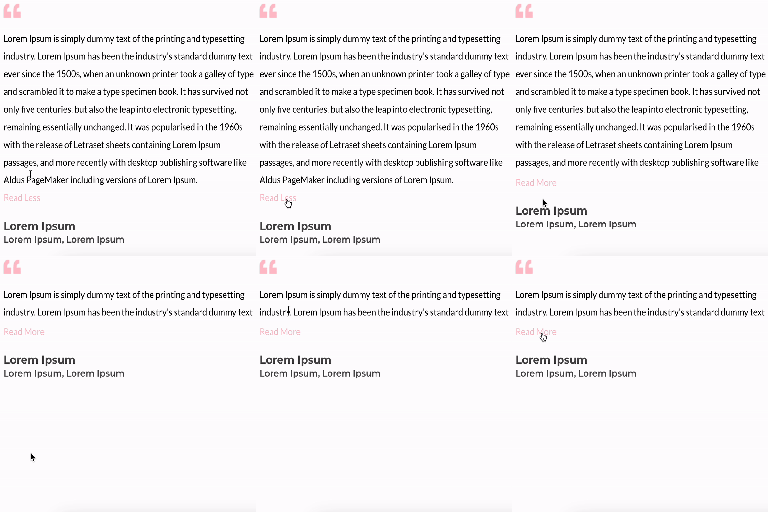
Unfold Text is a straightforward yet powerful add-on for Elementor that allows you to expand and collapse text with ease.

By Happy Coders
Like Dislike for WordPress Comments

By oceanwp
Website: https://oceanwp.org/ Support: https://oceanwp.org/support/ Documentation: https://docs.oceanwp.org/ Extensions: https://oceanwp.

By Pär Thernström
See every page as a drag-and-drop tree. Reorder your site structure in seconds — then edit, add and search right there.

By Magazine3
PWA plugin is bringing the power of the Progressive Web Apps to the WP & AMP to take the user experience to the next level.

By CatFolders
Display WordPress PDF gallery and file gallery from folders. Comes with a clean, searchable & sortable list/grid layout.
CHOOSE WHAT YOUR WEBSITE NEEDS
Start with the task you need to solve. Compare features, WordPress and PHP requirements, update history and the author’s documentation. Test changes on a private copy and avoid adding several plugins for the same job.
This independent directory displays plugin information on WebFulHost and links to the official source. Packages are not mirrored or installed here. A plugin can include paid extensions or services with separate terms from its author.
