WooCommerce blocks and WooCommerce templates for the block editor: store setup wizard, product filters, wishlist, store layouts, PDF invoices.
100+ active installations
- Version
- 1.8.1
- WordPress
- 6.7+
- PHP
- 7.4+
- Updated
- 21 Nov 2026
WORDPRESS RESOURCES
Explore public plugin information from the official WordPress.org directory. Compare what a plugin does, its requirements and update history before adding it to your website.
Explore WordPress hosting →692 matching plugins reported by WordPress.org · Page 16 of 50
Source: WordPress.org
Data refreshed 21 Nov 2026 13:08 UTC
WooCommerce blocks and WooCommerce templates for the block editor: store setup wizard, product filters, wishlist, store layouts, PDF invoices.
Create estimation forms using this powerful drag-and-drop estimation form builder, enabling you to build forms in just a few minutes.

By Seth Smigelski
A custom block that automatically creates a clickable, customizable Jump Links table of contents from the headings in your post.

By Inflow Surge
Beautiful appointment booking — calendar, staff, group bookings, online payments (Square) and a customer panel. Stripe, PayPal & WooCommerce in PRO.

By Binsaifullah
Advanced Timeline Block is a lightweight, responsive Gutenberg timeline block for WordPress.

By Bill Erickson
Add a listing of content on your website using a simple shortcode. Filter the results by category, author, and more.
WooCommerce Product Addons Add custom fields to your WooCommerce product page. With an easy-to-use Custom Form Builder.

By Devnet
Add floating videos to your website that autoplay silently and expand on click. Supports YouTube Shorts, videos, and self-hosted media.

By Galaxy Weblinks
This plugin adds the functionality to add QuickNotes to the WordPress dashboard.

By cl272
The ultimate widget for displaying posts, custom post types or sticky posts with an array of options.
By subhamt411
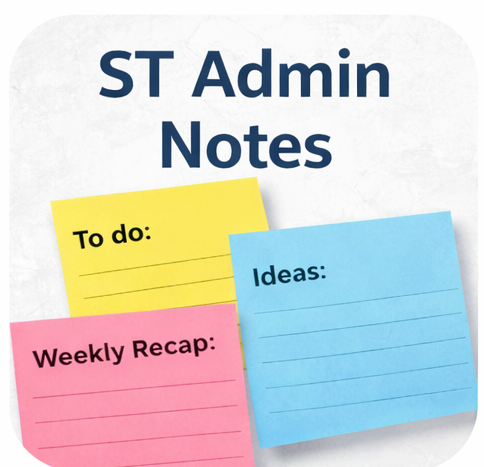
A lightweight draggable admin notes plugin that lets you create sticky notes directly in the WordPress admin area.

By Sayan Datta
RevivePress, the all-in-one tool for republishing & cloning old posts and pages which push old posts to your front page, the top of archive pages, …
CHOOSE WHAT YOUR WEBSITE NEEDS
Start with the task you need to solve. Compare features, WordPress and PHP requirements, update history and the author’s documentation. Test changes on a private copy and avoid adding several plugins for the same job.
This independent directory displays plugin information on WebFulHost and links to the official source. Packages are not mirrored or installed here. A plugin can include paid extensions or services with separate terms from its author.