

Slash Admin
By Giorgos Sarigiannidis
Dozens of settings aiming at creating a friendlier administration environment for both Administrators and Editors.
★ 5.0/5 (9)500+ active installations
- Version
- 3.8.4
- WordPress
- 5.0+
- PHP
- 7.0+
- Updated
- 15 Oct 2026
WORDPRESS RESOURCES
Explore public plugin information from the official WordPress.org directory. Compare what a plugin does, its requirements and update history before adding it to your website.
Explore WordPress hosting →1,680 matching plugins reported by WordPress.org · Page 17 of 50
Source: WordPress.org
Data refreshed 28 Nov 2026 02:35 UTC
By Giorgos Sarigiannidis
Dozens of settings aiming at creating a friendlier administration environment for both Administrators and Editors.
The best WordPress plugin for displaying related posts. Simple and flexible, with a powerful proven algorithm and inbuilt caching.
By Tamas Rottenbacher
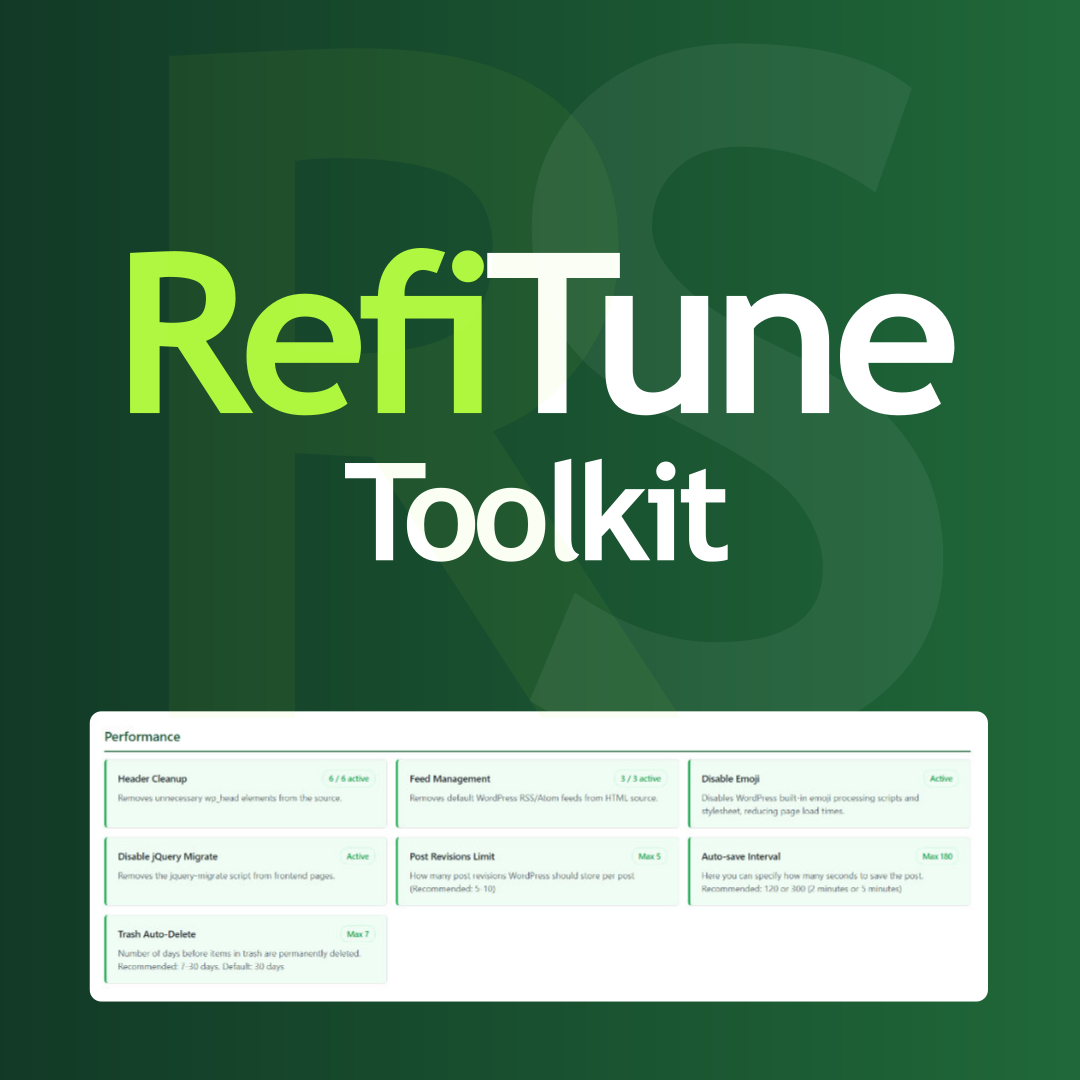
Take control of WordPress with smart performance tweaks, security enhancements, and usability improvements. RefiTune is an all-in-one toolkit.

By Ali Irani
Automatically detect external images in the post content and import images to your site then adding to the media library and replace image urls.

By WordPress.org
Secure Custom Fields boosts content management with custom fields and options. It deactivates Advanced Custom Fields to prevent duplicate code errors.

By WPExtent
Find out exactly what is using space on your WordPress site -- database, autoload, transients, uploads, plugins, and themes.
Strip unused Elementor assets per page, measure page weight, and clean your database from one dashboard.

By Echozat
A modular SEO toolkit: edit meta tags in bulk, manage URL redirections, and replace links across your content — all from one plugin.

By Constantin Oesterling
Schedule content updates for any WordPress page or post type.

By frutilabs
Read-only report of how many revisions each post carries and how much content they hold.

By AdMindra – AI & WordPress Development
Let ChatGPT or Claude check, explain and edit the content of your site over a secure MCP server with OAuth. Content edits only when you allow them.

By frontmanai
Update an existing WordPress site with AI beside a live preview. Select a page element, describe the change, and review the result.
CHOOSE WHAT YOUR WEBSITE NEEDS
Start with the task you need to solve. Compare features, WordPress and PHP requirements, update history and the author’s documentation. Test changes on a private copy and avoid adding several plugins for the same job.
This independent directory displays plugin information on WebFulHost and links to the official source. Packages are not mirrored or installed here. A plugin can include paid extensions or services with separate terms from its author.

