

Build professional knowledge bases with unlimited docs, drag-and-drop editor, live search, and SEO optimization.
★ 4.7/5 (100)2,000+ active installations
- Version
- 2.15.1
- WordPress
- 5.0+
- PHP
- 7.4+
- Updated
- 2 Nov 2026
WORDPRESS RESOURCES
Explore public plugin information from the official WordPress.org directory. Compare what a plugin does, its requirements and update history before adding it to your website.
Explore WordPress hosting →2,010 matching plugins reported by WordPress.org · Page 17 of 50
Source: WordPress.org
Data refreshed 26 Nov 2026 15:03 UTC
Build professional knowledge bases with unlimited docs, drag-and-drop editor, live search, and SEO optimization.

By Dennis Bareis
WordPress revisions do not normally include custom fields or taxonomies. This plugin extends revisions to include taxonomies and custom fields from PO …

By 1WL Agency
Find which media files are in use and which are safe to delete, so you can clean up your uploads folder with confidence.
Lightweight, customizable blocks for building WordPress sites, plus an optional MCP module so AI agents can read your design and draft pages.
Old posts lose traffic. Unstale researches, fact-checks and rewrites them with your own AI provider, connected in WordPress. No credits, no quota.

By Cedaro
Easily assign custom, widget-enabled sidebars to any page.
By Tamas Rottenbacher
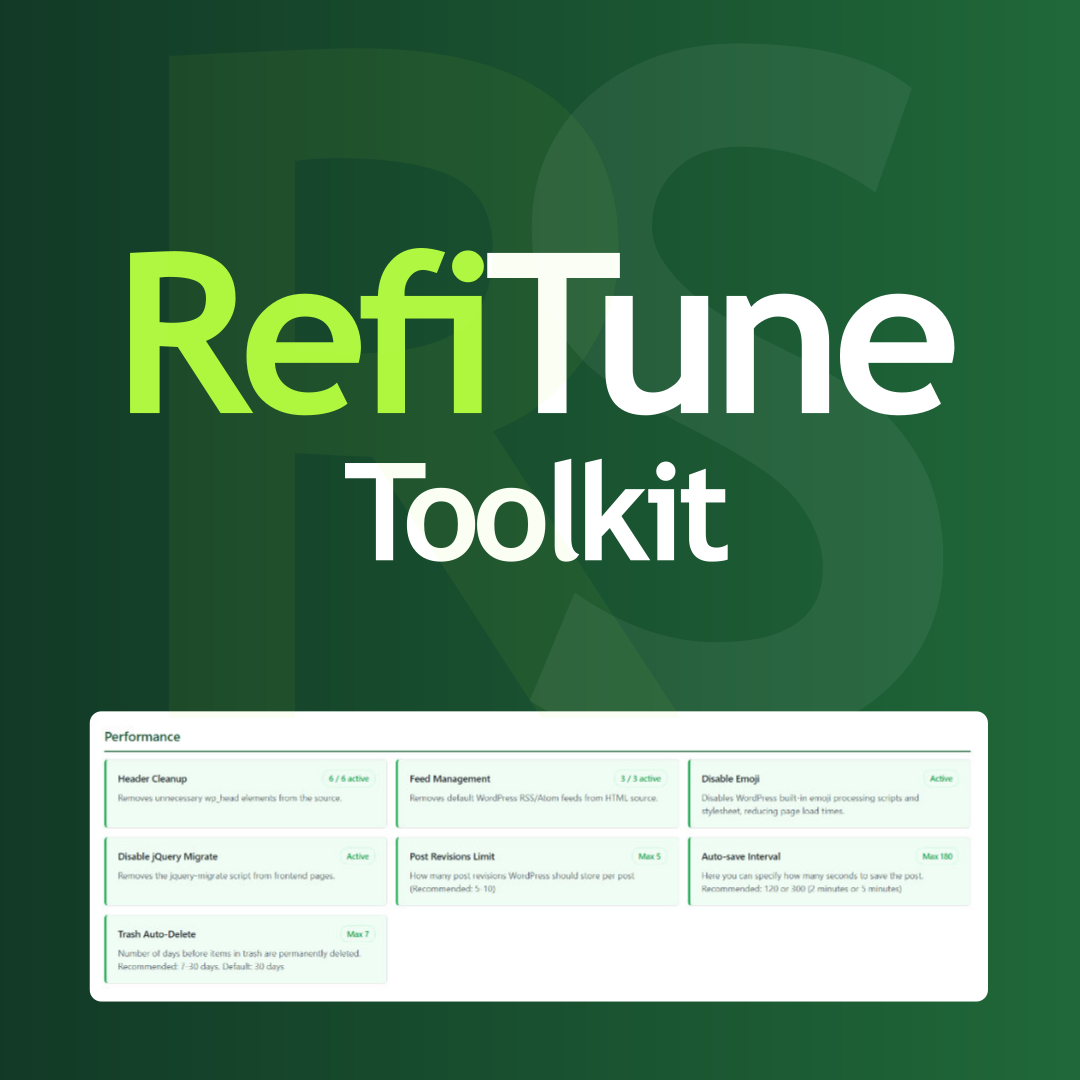
Take control of WordPress with smart performance tweaks, security enhancements, and usability improvements. RefiTune is an all-in-one toolkit.

By iatoai
Connect Claude and other AI clients to your WordPress site to fix SEO and edit Elementor pages and menus, with a rollback for every change.

By Hao Kexin
Create a safe working branch for published WordPress content, review exactly what changed, and merge it back without replacing the public post.

Atarim turns WordPress into an MCP (Model Context Protocol) server, so your AI agent can edit pages, fix code, update plugins and run SEO — with a bac …
Free. Block bad bots, control AI crawlers and review bot traffic with local detection and configurable rules, without CAPTCHAs.
Client & website feedback for WordPress: pin comments and suggest edits on the live page, no login. Resolve in Bricks, Elementor or Gutenberg.
CHOOSE WHAT YOUR WEBSITE NEEDS
Start with the task you need to solve. Compare features, WordPress and PHP requirements, update history and the author’s documentation. Test changes on a private copy and avoid adding several plugins for the same job.
This independent directory displays plugin information on WebFulHost and links to the official source. Packages are not mirrored or installed here. A plugin can include paid extensions or services with separate terms from its author.



