

Payment Button for PayPal
By Noor Alam
Easily accept payment in WordPress by adding a PayPal button to your website.
★ 4.5/5 (40)4,000+ active installations
- Version
- 1.2.3.49
- WordPress
- 5.3+
- Updated
- 13 Oct 2026
WORDPRESS RESOURCES
Explore public plugin information from the official WordPress.org directory. Compare what a plugin does, its requirements and update history before adding it to your website.
Explore WordPress hosting →10,000 matching plugins reported by WordPress.org · Page 17 of 50
Source: WordPress.org
Data refreshed 21 Nov 2026 19:16 UTC
By Noor Alam
Easily accept payment in WordPress by adding a PayPal button to your website.

By NicolasKulka
WPS Cleaner cleans your WordPress site as well as your database.

By Md Aminur Islam
Redirect users to any URL after login or logout with per-role rules, a searchable audit log, live session management, and email notifications.

By WP Engine
A simple plugin to update URLs or other text in a database.
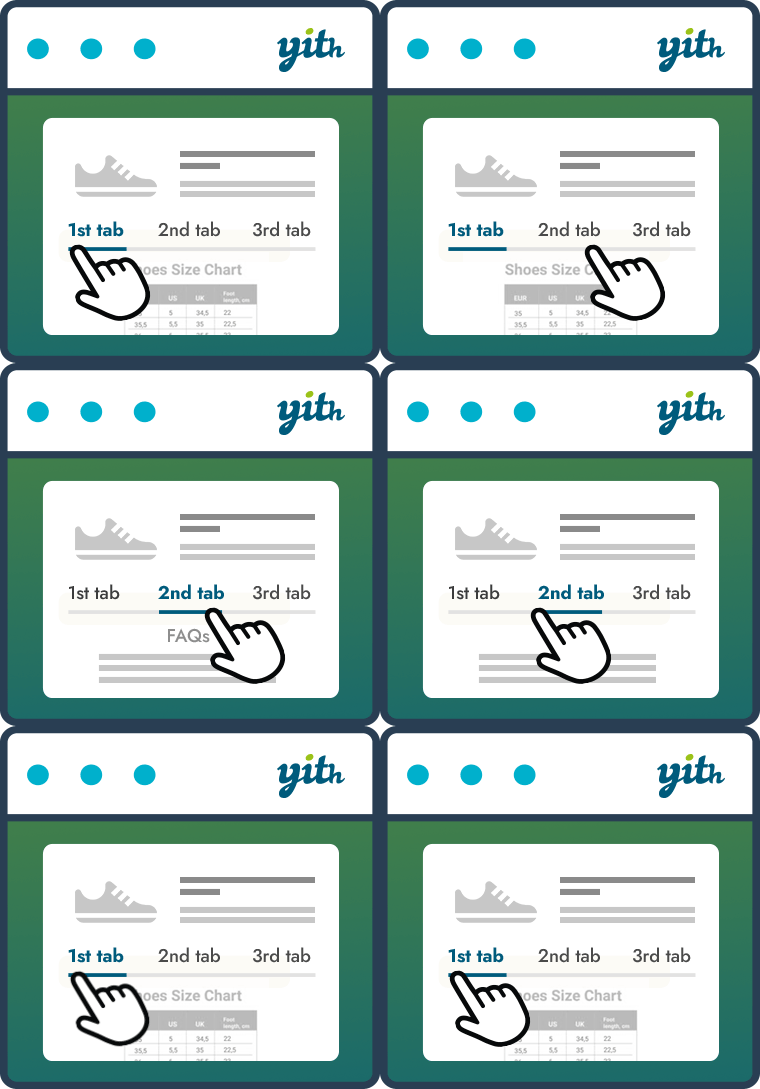
By YITHEMES
Improve your WooCommerce product pages by adding custom tabs and ad hoc content for your customers

By brandtoss
WP Mailster allows your users to be part of a group and communicate by email without having to log into a website.

By Adnan
Include inline javascript, stylesheets, CSS code or anything you want in Header and Footer areas of your WordPress with ease.

By WP Media
Search & Replace data in your database with WordPress admin, replace domains/URLs of your WordPress installation.

By Cloudways
Breeze is a caching plugin developed by Cloudways. Breeze uses advance caching systems to improve site loading times exponentially.
Optimize image sizes, regenerate thumbnails, enable retina, convert to WebP/AVIF, or use cloud optimization. An essential image toolkit.
WordPress backup plugin to create full website backups and restore them easily. Built in migration to easily migrate your website, smart pre-update ba …

Export WooCommerce products, orders, users and any WordPress content to CSV, XML, Excel or Google Sheets file. Bulk export posts, pages, custom post t …
CHOOSE WHAT YOUR WEBSITE NEEDS
Start with the task you need to solve. Compare features, WordPress and PHP requirements, update history and the author’s documentation. Test changes on a private copy and avoid adding several plugins for the same job.
This independent directory displays plugin information on WebFulHost and links to the official source. Packages are not mirrored or installed here. A plugin can include paid extensions or services with separate terms from its author.

