CSS Animation Retrigger for WPBakery
By WPExplorer
Retriggers the WPBakery CSS animations whenever the element is scrolled into view.
70+ active installations
- Version
- 1.1.1
- WordPress
- 6.3+
- PHP
- 8.0+
- Updated
- 10 Mar 2026
WORDPRESS RESOURCES
Explore public plugin information from the official WordPress.org directory. Compare what a plugin does, its requirements and update history before adding it to your website.
Explore WordPress hosting →3,809 matching plugins reported by WordPress.org · Page 18 of 50
Source: WordPress.org
Data refreshed 23 Nov 2026 08:52 UTC
By WPExplorer
Retriggers the WPBakery CSS animations whenever the element is scrolled into view.
Create Announcement Bars, Notification Bars & Popup Campaigns with countdown timers, A/B testing, smart targeting & analytics.

By iworks (Marcin Pietrzak)
Add reading position indicator on page top.

By Ays Pro
The main advantage of this widget is random movement of random links and every time they are changing.
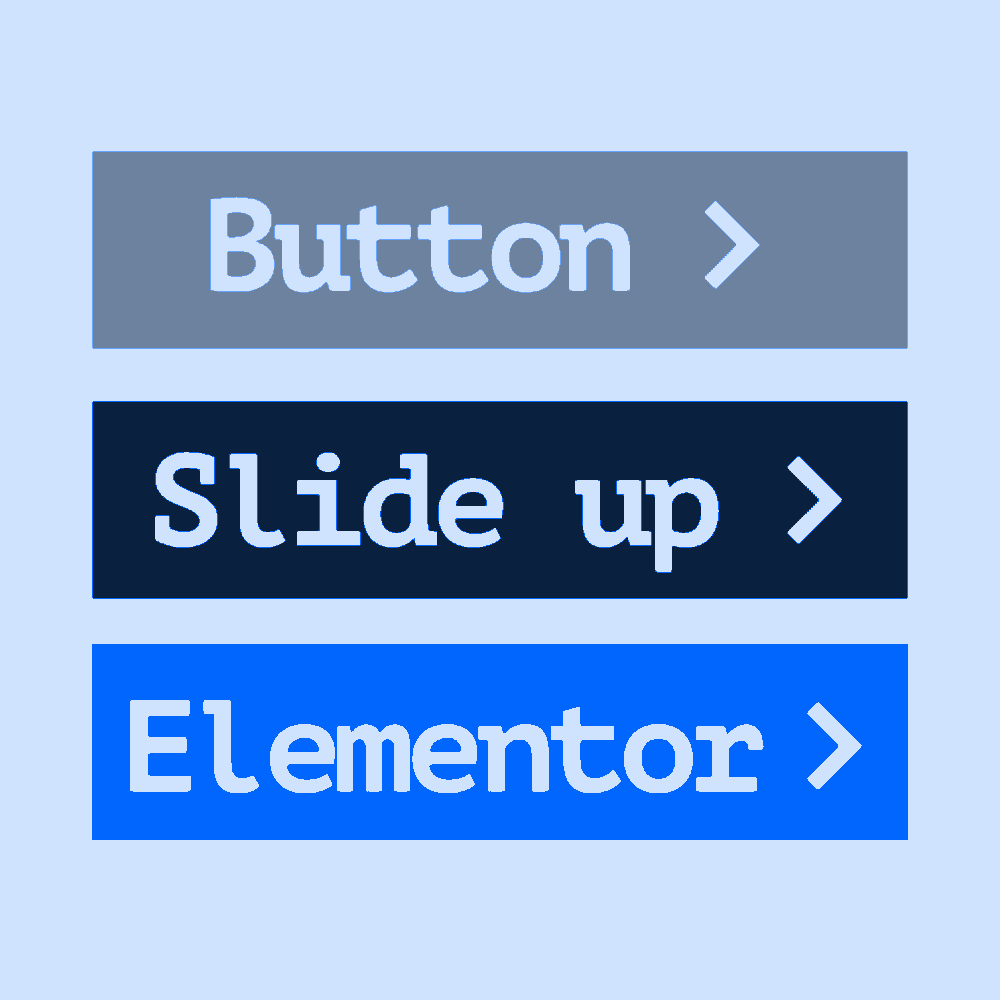
Adds a smooth slide-up text animation on hover to all Elementor buttons, preserving icons and styles.

By Code Tides
Create high-impact floating content that stays visible without annoying visitors. Perfect for announcements, CTAs, and promotions.

By FARAZFRANK
Create stunning responsive sliders in minutes. Drag-and-drop builder, unlimited sliders, mobile-friendly & SEO optimized!

All-in-one Elementor marquee addon for scrolling text, images, posts, testimonials, cryptocurrency price ticker, and news ticker widgets.

By A WP Life
Create responsive image gallery, photo gallery with lightbox, grid & masonry layouts. Display using shortcode, Gutenberg block or Elementor widget.

By Tim Strifler
Exclusive Addons is one of the Best Elementor Addons With 90+ Elementor Free & Pro Widgets with all the customizations options you ever imagined.

Advanced Elementor addons plugin with widgets, WooCommerce builder, mega menu, popup builder and Elementor template kits for faster website design.

By SilkyPress
Awesome image zoom plugin for images in posts/pages and for WooCommerce products.
CHOOSE WHAT YOUR WEBSITE NEEDS
Start with the task you need to solve. Compare features, WordPress and PHP requirements, update history and the author’s documentation. Test changes on a private copy and avoid adding several plugins for the same job.
This independent directory displays plugin information on WebFulHost and links to the official source. Packages are not mirrored or installed here. A plugin can include paid extensions or services with separate terms from its author.