Showcase WooCommerce product categories in sliders, grids, or blocks with styling control, responsive layouts, and shortcode support
★ 5.0/5 (5)1,000+ active installations
- Version
- 2.4.1
- WordPress
- 5.2+
- PHP
- 7.4+
- Updated
- 24 Aug 2026
View plugin details ↗Business Essentials for Contact Form 7
★ 3.5/5 (11)7,000+ active installations
- Version
- 1.2.2
- WordPress
- 3.0+
- PHP
- 5.6+
- Updated
- 26 Sep 2026
View plugin details ↗The easiest drag & drop form builder for WordPress. Create contact forms, surveys, and lead capture forms in minutes with 38+ fields and 21+ integ …
★ 4.2/5 (5)10,000+ active installations
- Version
- 2.10.5
- WordPress
- 5.0+
- Updated
- 8 Nov 2026
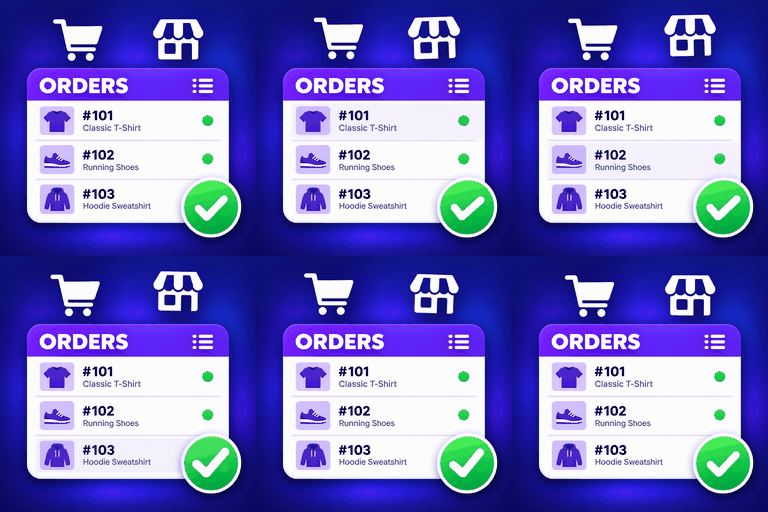
View plugin details ↗Display WooCommerce orders and products in modern, customizable Elementor tables with mobile layouts, product filters and Load More.
★ 4.0/5 (4)400+ active installations
- Version
- 3.2.0
- WordPress
- 5.9+
- PHP
- 7.4+
- Updated
- 28 Oct 2026
View plugin details ↗A slider and carousel block for images, videos and any blocks on top: hero sliders, content carousels and fullscreen background sliders.
★ 4.0/5 (65)10,000+ active installations
- Version
- 7.3.8
- WordPress
- 6.6+
- PHP
- 7.4+
- Updated
- 4 Nov 2026
View plugin details ↗An overlay for the block editor to make it easier to use.
★ 5.0/5 (1)40+ active installations
- Version
- 3.0.3
- WordPress
- 7.0+
- PHP
- 7.0+
- Updated
- 18 Aug 2026
View plugin details ↗WPB Accordion Menu: Responsive accordion, vertical sidebar and mobile menu for WooCommerce categories, navigation menus & Elementor.
★ 4.4/5 (55)10,000+ active installations
- Version
- 1.8.7
- WordPress
- 5.0+
- Updated
- 15 Nov 2026
View plugin details ↗Group core blocks into containers or repeaters to create layouts like grid, carousel, popup, accordion all in the Block Editor. Fast. Easy.
★ 5.0/5 (14)1,000+ active installations
- Version
- 2.8.15
- WordPress
- 6.9+
- PHP
- 8.0+
- Updated
- 12 Oct 2026
View plugin details ↗为什么你们就不能加个空格呢?
★ 5.0/5 (1)10+ active installations
- Version
- 1.0.0
- WordPress
- 4.6+
- PHP
- 5.6+
- Updated
- 17 Sep 2026
View plugin details ↗WCBoost – Variation Swatches is the ultimate plugin to display WooCommerce product variations in style.
★ 4.8/5 (5)40,000+ active installations
- Version
- 1.1.5
- WordPress
- 4.5+
- PHP
- 7.0+
- Updated
- 13 Oct 2026
View plugin details ↗AI Block Editor adds a Gutenberg blocks assistant inside the WordPress editor. Describe what you want to add or change, and AI Editor will place, arra …
★ 4.6/5 (5)100+ active installations
- Version
- 1.0.8
- WordPress
- 6.0+
- PHP
- 7.0+
- Updated
- 19 Oct 2026
View plugin details ↗Build a digital business card with a scannable QR code, a downloadable vCard and tap-to-call contact links. No CSS needed.
★ 4.3/5 (4)1,000+ active installations
- Version
- 2.1.9
- WordPress
- 6.5+
- PHP
- 7.4+
- Updated
- 17 Nov 2026
View plugin details ↗