

Page scroll to id
By malihu
Create links that scroll the page smoothly to any id within the document.
★ 4.9/5 (225)100,000+ active installations
- Version
- 1.7.9
- WordPress
- 3.3+
- Updated
- 9 Jun 2026
WORDPRESS RESOURCES
Explore public plugin information from the official WordPress.org directory. Compare what a plugin does, its requirements and update history before adding it to your website.
Explore WordPress hosting →5,791 matching plugins reported by WordPress.org · Page 2 of 50
Source: WordPress.org
Data refreshed 22 Nov 2026 21:18 UTC
By malihu
Create links that scroll the page smoothly to any id within the document.

By Ninja Team
Duplicate pages, posts, and custom post types with one click. Create templates, preserve content states, and speed up workflows.
Speed up your WordPress site with one-click optimizations like Page Cache, Critical CSS, and Image CDN to improve Core Web Vitals.
Optimize Core Web Vitals and PageSpeed with advanced caching, image compression, lazy loading, critical CSS, and CDN – the ultimate performance tool.

By Aleksandr Guidrevitch
2x-5x improvement in your Page Speed score. A completely new way of optimizing your page speed.
Solid Performance is a no-code solution for increasing the page performance of your WordPress website.

By WPMU DEV - Your All-in-One WordPress Platform
Compress and optimize images, enable lazy load, serve WebP & AVIF, and speed up your site with a global image CDN.
By PI Web Solution
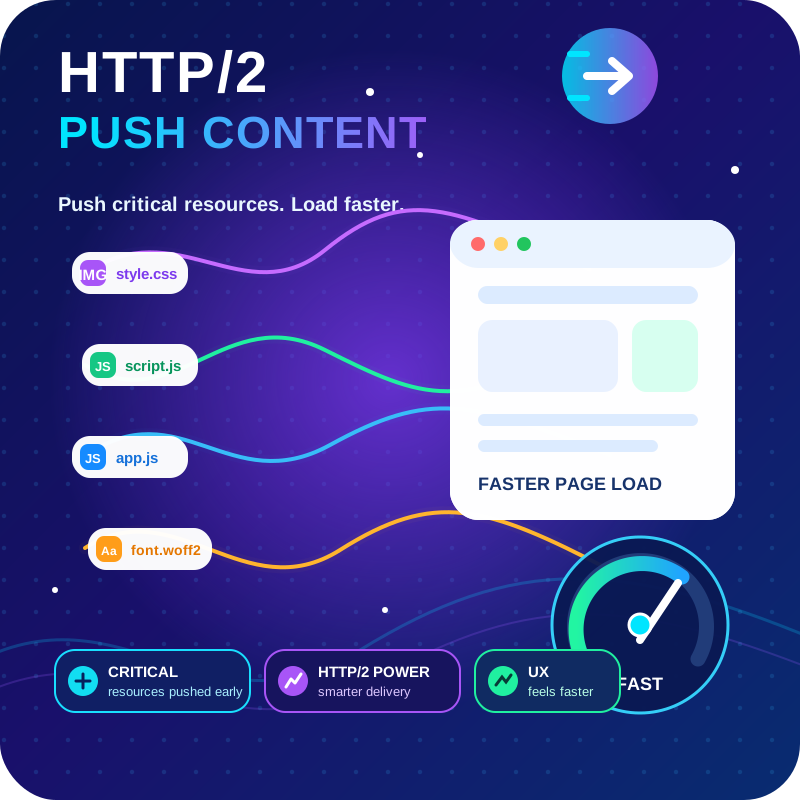
HTTP2 Server push, Async JavaScript, Defer Render Blocking CSS, with fine rule set to control js and css on different page types,

By Kybernetik Services
Let your website visitors get in touch with you easily with permanent visible contact information.

By Elementor
The Elementor Website Builder has it all: drag and drop page builder, Atomic Editor, pixel perfect design, global and reusable style systems, mobile r …
PageSpeed optimization is vital for SEO: A faster website equals better conversions. Optimize your Core Web Vitals metrics (CLS, LCP, TBT) today!
Connect ChatGPT, Claude, or another AI agent to your site. Plus backup, malware scan, firewall, stats, CDN, and SEO tools in one plugin.
CHOOSE WHAT YOUR WEBSITE NEEDS
Start with the task you need to solve. Compare features, WordPress and PHP requirements, update history and the author’s documentation. Test changes on a private copy and avoid adding several plugins for the same job.
This independent directory displays plugin information on WebFulHost and links to the official source. Packages are not mirrored or installed here. A plugin can include paid extensions or services with separate terms from its author.




