

Mailonix – Email Template Customizer for WooCommerce
By VillaTheme
Make your WooCommerce emails become professional.
★ 4.6/5 (105)20,000+ active installations
- Version
- 1.3.6
- WordPress
- 6.2+
- PHP
- 7.4+
- Updated
- 6 Nov 2026
WORDPRESS RESOURCES
Explore public plugin information from the official WordPress.org directory. Compare what a plugin does, its requirements and update history before adding it to your website.
Explore WordPress hosting →3,022 matching plugins reported by WordPress.org · Page 2 of 50
Source: WordPress.org
Data refreshed 20 Nov 2026 00:12 UTC
By VillaTheme
Make your WooCommerce emails become professional.
Need a Before After Image Comparison slider? Create your before and after slider with BEAF. Addon for Elementor Before and After Slider is included.
Supercharge the WordPress block editor with enhanced core blocks, hundreds of block patterns, professional starter sites, and portfolio tools.

By Emran Ahmed
Turn dropdowns into color, image, and button swatches for WooCommerce Variable Products. No coding needed.
Elementor table plugin to build responsive tables in Elementor with drag & drop: merge cells, colspan, rowspan, striped rows and full styling.

By Jb Audras
A simple and 100% free Gutenberg Block to display PDF Viewers / Readers on your website.
A collection of dynamic post blocks to quickly build stunning news, magazine, and blog websites.

By Teydea Studio
Customize the WordPress login screen with your own colors, logo, backgrounds, and form styles.
By FullStackWP
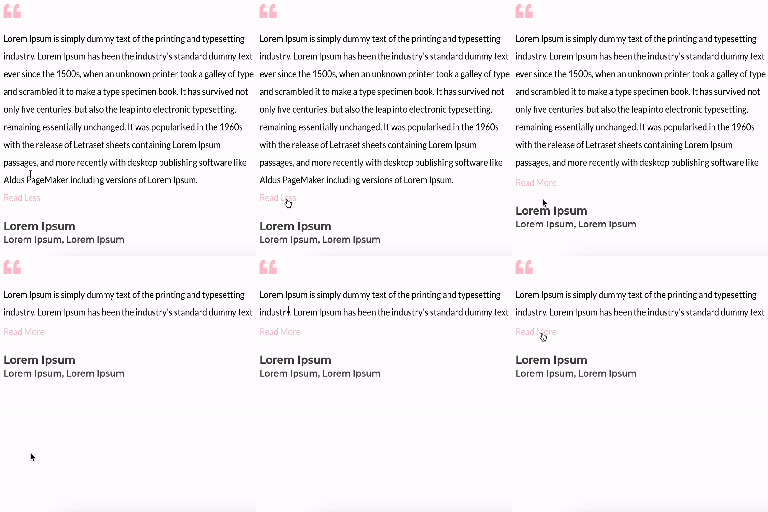
Unfold Text is a straightforward yet powerful add-on for Elementor that allows you to expand and collapse text with ease.

By Mortgage Calculator
Upload your own IcoMoon icon fonts and use them in Elementor, WPBakery and the block editor (Gutenberg). No FontAwesome required.

By Spacetime
Manage Google AdSense ads, banners, ad rotation, sticky widgets, AMP ads, ads.txt, tracking, header and footer code, PHP code, global custom fields
Show client logos and WooCommerce brand logos in a responsive logo slider, carousel, grid or flexbox layout, with a Gutenberg block or shortcode.
CHOOSE WHAT YOUR WEBSITE NEEDS
Start with the task you need to solve. Compare features, WordPress and PHP requirements, update history and the author’s documentation. Test changes on a private copy and avoid adding several plugins for the same job.
This independent directory displays plugin information on WebFulHost and links to the official source. Packages are not mirrored or installed here. A plugin can include paid extensions or services with separate terms from its author.




