

Provides new WooCommerce type attributes (color,label,image) for creating beautiful variations
★ 4.0/5 (9)500+ active installations
- Version
- 1.2.4
- WordPress
- 4.4+
- Updated
- 23 Nov 2026
WORDPRESS RESOURCES
Explore public plugin information from the official WordPress.org directory. Compare what a plugin does, its requirements and update history before adding it to your website.
Explore WordPress hosting →10,000 matching plugins reported by WordPress.org · Page 2 of 50
Source: WordPress.org
Data refreshed 24 Nov 2026 13:25 UTC
Provides new WooCommerce type attributes (color,label,image) for creating beautiful variations
Elementor templates, Header footer builder, Elementor Post Grid, Woocommerce Grid builder, Slider, Forms, Gallery, Nav menu addons, Elementor widgets.

By John James Jacoby
Assign colors to categories, tags, and other taxonomy terms.
By mendibass
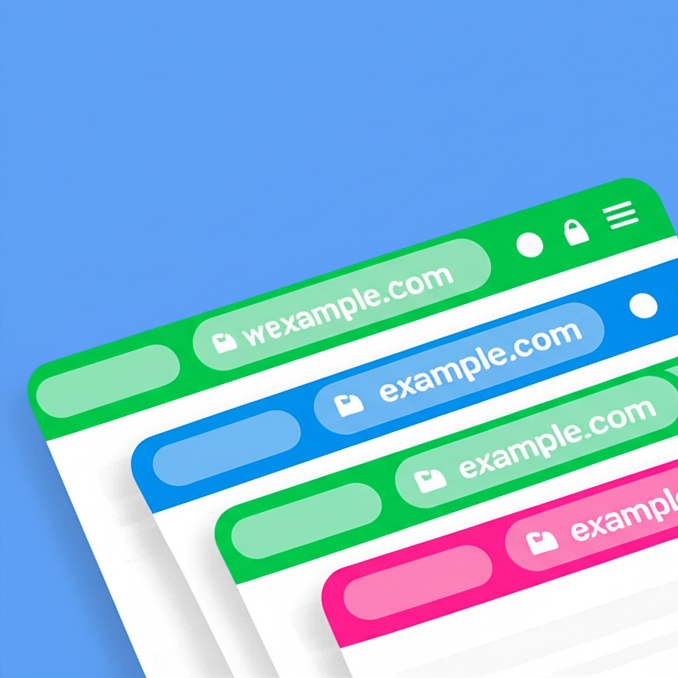
Customize your mobile browsing experience by setting theme colors for the address bar of your pages on your WordPress site

By dudaster
Seven free modules for Elementor: dark mode, container layouts, mobile menu, editorial text, style presets, JSON editor — all modular, all free.

By Rouergue Création
Personnalisez la palette de couleurs Gutenberg,la typographie,les blocs natifs, l'éditeur et l’administration WordPress,sans blocs propriétaires.
Variation swatches for WooCommerce that turn dropdowns into color, image, and label swatches. Easy WooCommerce color attribute and image attribute set …
20+ Gutenberg Blocks with endless options, enabling top-notch efficiency for high-performance dynamic website creation.

By Tobias Bäthge
Embed beautiful, accessible, and interactive tables into your WordPress website’s posts and pages, without having to write code!
Formerly "Instagram Feed". Display clean, customizable, and responsive Instagram feeds from multiple accounts. Supports Instagram oEmbeds.

Easily customize your WordPress sections with solid colors, gradients, or image backgrounds. Add stunning parallax effects and more.
Elementor addon: 120+ widgets & templates — Elementor Gallery, Mega Menu, Slider, Form, Post Grid, Accordion, Header Footer Builder & WooCommerce.
CHOOSE WHAT YOUR WEBSITE NEEDS
Start with the task you need to solve. Compare features, WordPress and PHP requirements, update history and the author’s documentation. Test changes on a private copy and avoid adding several plugins for the same job.
This independent directory displays plugin information on WebFulHost and links to the official source. Packages are not mirrored or installed here. A plugin can include paid extensions or services with separate terms from its author.




