A powerful WooCommerce dynamic pricing plugin for bulk discounts, free gifts, BOGOs, customer role or groups based deals and much more.
★ 3.8/5 (131)9,000+ active installations
- Version
- 2.32.3
- WordPress
- 3.5+
- PHP
- 7.0+
- Updated
- 27 Mar 2025
WORDPRESS RESOURCES
Explore public plugin information from the official WordPress.org directory. Compare what a plugin does, its requirements and update history before adding it to your website.
Explore WordPress hosting →411 matching plugins reported by WordPress.org · Page 2 of 35
Source: WordPress.org
Data refreshed 20 Nov 2026 03:11 UTC
A powerful WooCommerce dynamic pricing plugin for bulk discounts, free gifts, BOGOs, customer role or groups based deals and much more.
A flexible discount system for WooCommerce. Create tiered coupons, conditional promotions, and user-specific discounts with ease.

By WPFactory
Manage payment gateways in WooCommerce. Beautifully.

By Karolina Vyskocilova
Payment gateway fees & discounts for WooCommerce: COD surcharges, card fees, fixed or percentage — on every gateway, block checkout included.

Easily manage WooCommerce shipping & payment methods by cart, user roles, address & more. Enhance checkout with conditional shipping & payments.

WooCommerce discount rules plugin to create automatic product and cart discounts, bulk pricing, BOGO deals, and dynamic pricing without coupon codes.
Enable or disable WooCommerce payment gateways based on cart conditions like the order total.

Want to boost sales & marketing efforts? Use your favorite forms & builder. Unlimited popups & impressions, keep your data, no monthly subscription.

By Dotstore
Allows store owners to hide shipping methods based on specific conditions!
By PI Web Solution
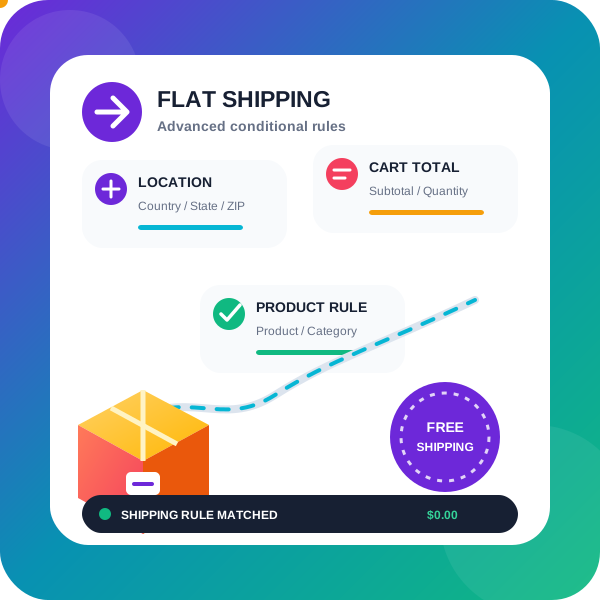
WooCommerce conditional shipping & WooCommerce Advanced shipping rates plugin to create Advanced Flat rate shipping or Free shipping method or tab …
Finale lets you create scheduled one time or recurring campaigns. It induces urgency with visual elements such as Countdown Timer and Counter Bar to m …
This plugin provides a configuration to display shipping methods as Radio button or select box on the checkout page.
CHOOSE WHAT YOUR WEBSITE NEEDS
Start with the task you need to solve. Compare features, WordPress and PHP requirements, update history and the author’s documentation. Test changes on a private copy and avoid adding several plugins for the same job.
This independent directory displays plugin information on WebFulHost and links to the official source. Packages are not mirrored or installed here. A plugin can include paid extensions or services with separate terms from its author.