Automatically add a table of contents to your posts and pages, with smooth scrolling, anchor links, and simple styling options.
★ 4.5/5 (193)200,000+ active installations
- Version
- 202609.1
- WordPress
- 5.7+
- PHP
- 7.4+
- Updated
- 17 Sep 2026
WORDPRESS RESOURCES
Explore public plugin information from the official WordPress.org directory. Compare what a plugin does, its requirements and update history before adding it to your website.
Explore WordPress hosting →10,000 matching plugins reported by WordPress.org · Page 2 of 50
Source: WordPress.org
Data refreshed 26 Nov 2026 16:35 UTC
Automatically add a table of contents to your posts and pages, with smooth scrolling, anchor links, and simple styling options.

By Arno Welzel
Plugin to show or hide portions of a Page or Post based on specific date/time characteristics.

By Barn2 Plugins
Discover the easy way to add extra tabs to your WooCommerce product pages.
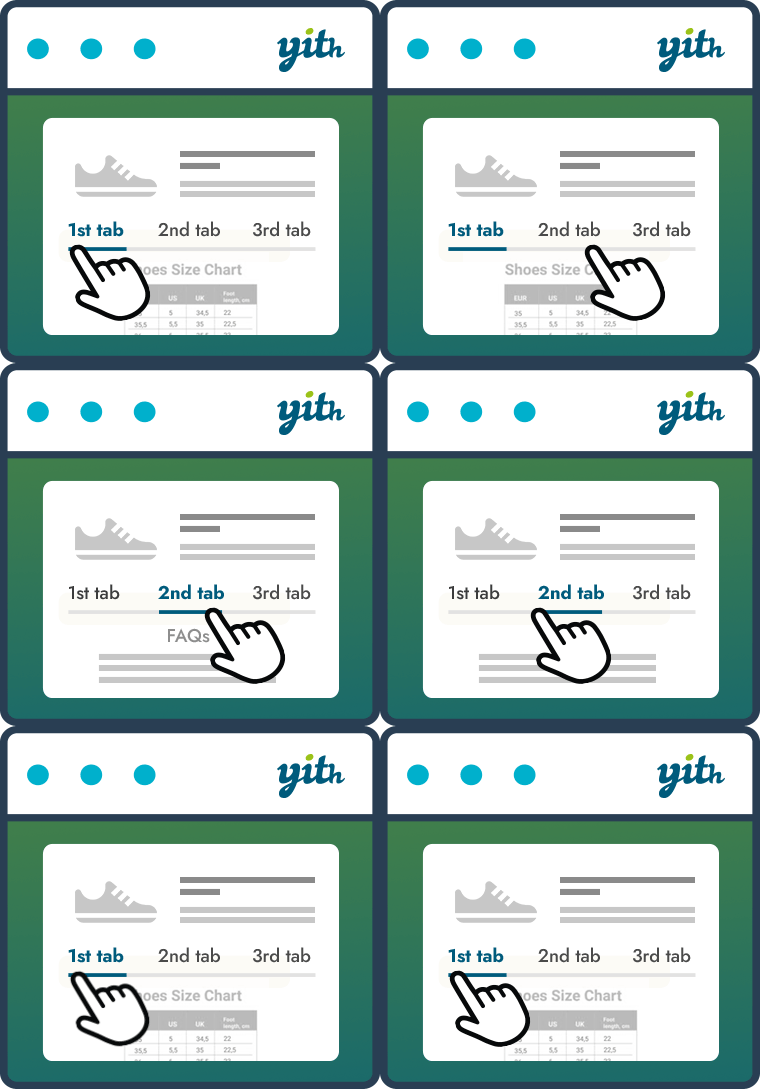
By YITHEMES
Improve your WooCommerce product pages by adding custom tabs and ad hoc content for your customers

By Catch Themes
Essential Content Types allows you to feature the impressive content through different content/post types on your website just the way you want it.
Add 50+ shortcodes with live preview for tabs, accordions, buttons, FAQs, sliders and boxes. Works in Block Editor and Classic Editor.
WordPress plugin that adds the content of all ACF fields to the Yoast SEO score analysis.
Import affiliate products, compare prices, and publish product reviews with 25+ editorial Gutenberg blocks.
Free AI chatbot and content generation for WordPress. Train ChatGPT, Claude, Gemini or Grok on your content. WooCommerce ready with RAG.
WPB WooCommerce tab manager can add additional dynamic tabs to your products. It enhances the customer experience and helps reduce pre-sale inquiries.

By Johan Jonk Stenström
Be fully GDPR and CCPA compliant through Content Security Policy. Blocks cookies and unwanted external content.
Grow your organic traffic and AI visibility with powerful SEO tools, XML sitemaps, Schema automation, and built-in AI SEO, all in one place.
CHOOSE WHAT YOUR WEBSITE NEEDS
Start with the task you need to solve. Compare features, WordPress and PHP requirements, update history and the author’s documentation. Test changes on a private copy and avoid adding several plugins for the same job.
This independent directory displays plugin information on WebFulHost and links to the official source. Packages are not mirrored or installed here. A plugin can include paid extensions or services with separate terms from its author.