Speed up your WordPress site with one-click optimizations like Page Cache, Critical CSS, and Image CDN to improve Core Web Vitals.
★ 4.7/5 (613)200,000+ active installations
- Version
- 4.9.0
- WordPress
- 7.0+
- PHP
- 7.4+
- Updated
- 19 Nov 2026
WORDPRESS RESOURCES
Explore public plugin information from the official WordPress.org directory. Compare what a plugin does, its requirements and update history before adding it to your website.
Explore WordPress hosting →8,740 matching plugins reported by WordPress.org · Page 2 of 50
Source: WordPress.org
Data refreshed 19 Nov 2026 16:33 UTC
Speed up your WordPress site with one-click optimizations like Page Cache, Critical CSS, and Image CDN to improve Core Web Vitals.

By Joel James
Use Disqus comments with advanced features like lazy load, shortcode, widgets etc. Don't let Disqus to slow your site down.

By enomoto celtislab
Dynamically activate the selected plugins for each page. Response will be faster by filtering plugins.

By Joel James
Speed up your posts by lazy-loading the WordPress comments on scroll or click. Works with classic and block themes.

By Emre Vona
The simplest and fastest WP Cache system
By PI Web Solution
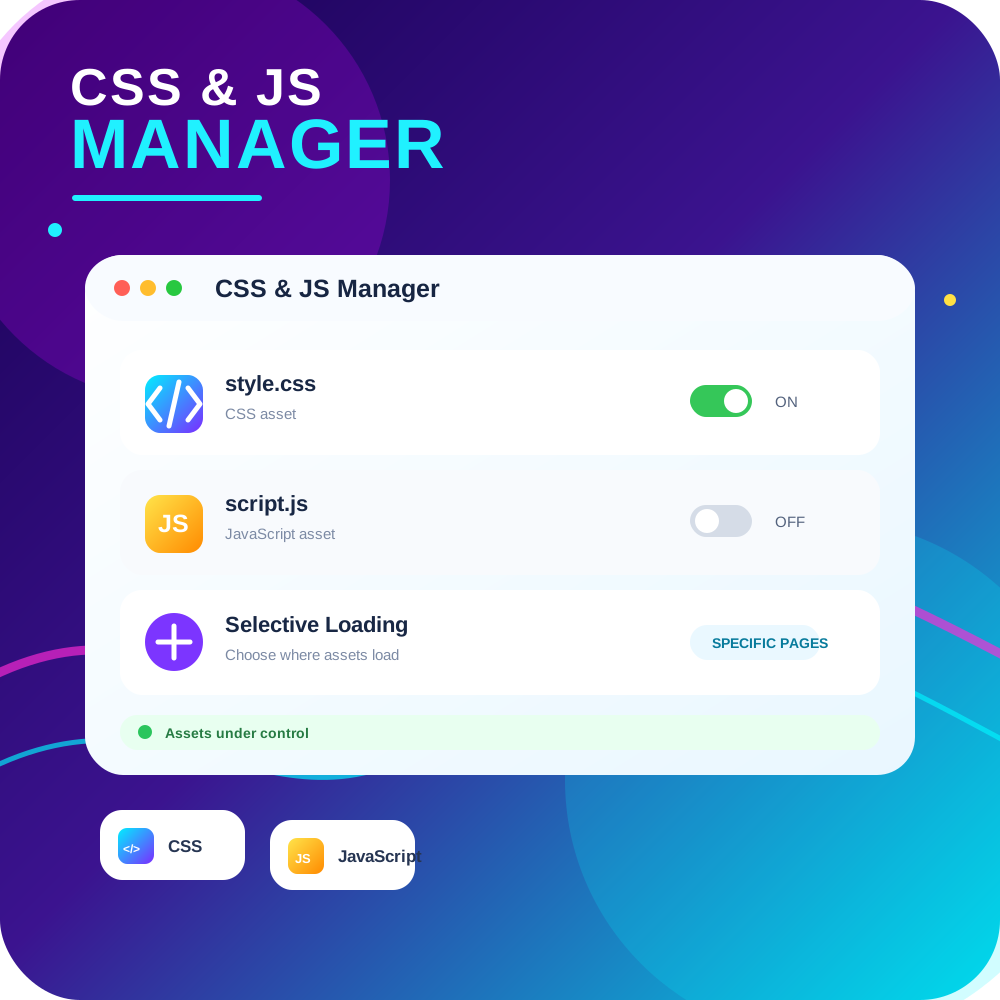
CSS JS Manager, Async JavaScript, Defer Render Blocking CSS, Remove javascript, Remove CSS, Defer Render Blocking CSS, Both CSS and JS can be loaded A …

By BoldGrid
Search Engine (SEO) & Performance Optimization (WPO) via caching. Integrated caching: CDN, Page, Minify, Object, Fragment, Database support.
Remove Unused CSS, Optimize CSS, Optimize JS and speed up your site.

By Weston Ruter
Workaround for sites experiencing issues with WordPress 6.9's changed default behavior to load block styles on demand in classic themes.
Critical CSS For WP removes the unused CSS which helps to paint fast and render the above fold content, before downloading the complete css files.

By YellowPencil
Style your WordPress site visually. Discover the most popular front-end design plugin! Try live demo.
Easily add code snippets in WordPress. Insert header & footer scripts, add PHP code snippets with conditional logic, insert ads pixel code, and more.
CHOOSE WHAT YOUR WEBSITE NEEDS
Start with the task you need to solve. Compare features, WordPress and PHP requirements, update history and the author’s documentation. Test changes on a private copy and avoid adding several plugins for the same job.
This independent directory displays plugin information on WebFulHost and links to the official source. Packages are not mirrored or installed here. A plugin can include paid extensions or services with separate terms from its author.