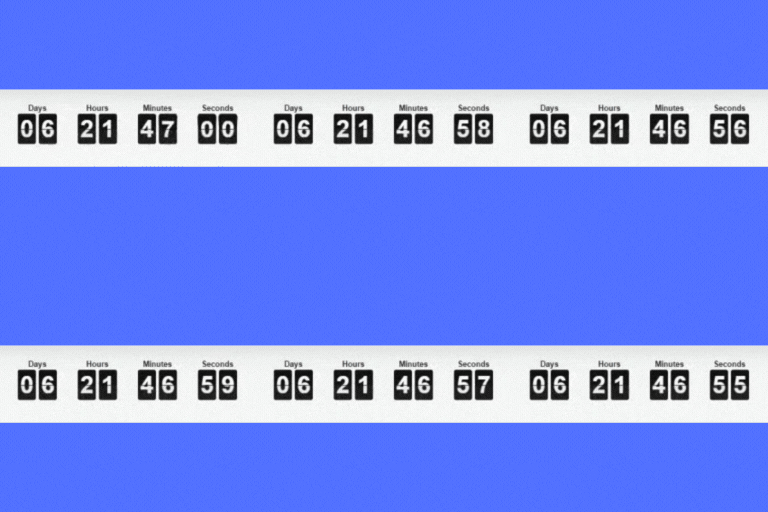
Allows you to easily display a count down/up timer, the time or the current date on your website, and to schedule an automatic content modification.
★ 4.3/5 (17)1,000+ active installations
- Version
- 5.0
- WordPress
- 3.5+
- PHP
- 5.3+
- Updated
- 26 Oct 2025
View plugin details ↗Add a countdown to any page or post for a sale, launch or event. Build one in a click, or customise every part of it.
★ 5.0/5 (2)1,000+ active installations
- Version
- 1.0.6
- WordPress
- 5.3.0+
- PHP
- 7.0.0+
- Updated
- 6 Sep 2026
View plugin details ↗Auto-publish posts, pages & CPTs, plus manage Google Business Profile posts. All from your WordPress dashboard!
★ 4.9/5 (160)10,000+ active installations
- Version
- 3.5.7
- WordPress
- 4.9.0+
- PHP
- 7.4+
- Updated
- 15 Nov 2026
View plugin details ↗Display your event's date on a timer to your visitor with a countdown timer block
★ 4.0/5 (4)2,000+ active installations
- Version
- 1.3.4
- WordPress
- 6.5+
- PHP
- 7.4+
- Updated
- 17 Nov 2026
View plugin details ↗Build Stunning Slider and Popup. Exit intent Popup, Image slider carousel, video slider carousel, post slider carousel, product slider, promote popup
★ 4.6/5 (236)70,000+ active installations
- Version
- 4.8.5
- WordPress
- 5.9+
- PHP
- 7.4.0+
- Updated
- 18 Nov 2026
View plugin details ↗AJAX-powered Post Grid widget for Elementor with preset layouts, filters, pagination types, and slider support.
★ 5.0/5 (1)200+ active installations
- Version
- 1.3.2
- WordPress
- 5.6+
- PHP
- 7.4+
- Updated
- 23 Aug 2026
View plugin details ↗🤩 Make popups & optin forms to get more email newsletter subscribers, leads, and sales - #1 most popular popup builder plugin! 🚀
★ 4.3/5 (822)1,000,000+ active installations
- Version
- 2.17.1
- WordPress
- 6.0+
- PHP
- 7.4+
- Updated
- 14 Aug 2026
View plugin details ↗A very fast caching engine for WordPress that produces static html files.
★ 4.3/5 (1,346)1,000,000+ active installations
- Version
- 3.1.5
- WordPress
- 6.8+
- PHP
- 7.4+
- Updated
- 2 Nov 2026
View plugin details ↗Get rid of duplicate posts and pages (any post type) on your blog with manual or automatic modes.
★ 4.8/5 (153)10,000+ active installations
- Version
- 5.2.2
- WordPress
- 4.7+
- PHP
- 7.4+
- Updated
- 7 Oct 2026
View plugin details ↗20+ Gutenberg Blocks with endless options, enabling top-notch efficiency for high-performance dynamic website creation.
★ 4.8/5 (337)600,000+ active installations
- Version
- 3.9.1.2
- WordPress
- 6.6+
- PHP
- 7.4+
- Updated
- 19 Nov 2026
View plugin details ↗Automate SEO and content with dynamic shortcodes for dates, years, months, age calculations, seasons and countdowns in content, titles and meta.
★ 5.0/5 (18)8,000+ active installations
- Version
- 1.8.1
- WordPress
- 6.5+
- PHP
- 7.4+
- Updated
- 27 Aug 2026
View plugin details ↗Extend Elementor with 68+ widgets, 114 prebuilt demos, Mega Menu Builder, Theme Builder, and advanced interactive effects.
★ 3.8/5 (79)300,000+ active installations
- Version
- 3.3.1
- WordPress
- 5.0+
- PHP
- 7.4+
- Updated
- 7 Nov 2026
View plugin details ↗