

Display your event's date on a timer to your visitor with a countdown timer block
★ 4.0/5 (4)2,000+ active installations
- Version
- 1.3.4
- WordPress
- 6.5+
- PHP
- 7.4+
- Updated
- 17 Nov 2026
WORDPRESS RESOURCES
Explore public plugin information from the official WordPress.org directory. Compare what a plugin does, its requirements and update history before adding it to your website.
Explore WordPress hosting →577 matching plugins reported by WordPress.org · Page 2 of 49
Source: WordPress.org
Data refreshed 19 Nov 2026 20:08 UTC
Display your event's date on a timer to your visitor with a countdown timer block

By Vollstart
Sell tickets on your site: seating plans, PDF tickets with QR codes, a built-in POS for door sales (box office), and a scanner app — no per-ticket ser …
By GrandPlugins
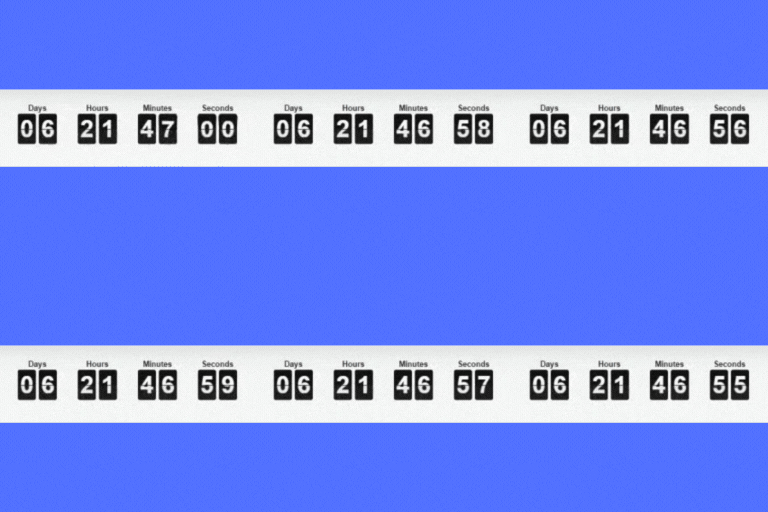
Add a countdown to any page or post for a sale, launch or event. Build one in a click, or customise every part of it.

By Elementor
The Elementor Website Builder has it all: drag and drop page builder, Atomic Editor, pixel perfect design, global and reusable style systems, mobile r …

By Narinder Singh
Event search and filter bar for The Events Calendar. Add an event search box, date filters and filtered event lists anywhere with a shortcode.
Easily add countdowns, timers, and counters to your WordPress site. Ideal for sales, events, stats, and personalized time-based experiences.
Elementor addon: 120+ widgets & templates — Elementor Gallery, Mega Menu, Slider, Form, Post Grid, Accordion, Header Footer Builder & WooCommerce.

🤩 Make popups & optin forms to get more email newsletter subscribers, leads, and sales - #1 most popular popup builder plugin! 🚀
Join millions who empower their websites with ElementsKit Elementor Addons. Get templates, & 100+ widgets like header-footer, mega menu, custom widget

Cookie notice banner for GDPR, CCPA, EU cookie law, data protection and privacy regulations and other cookie law and consent notice requirements on yo …

By Thomas Geiger
Advanced tag management for WordPress with Google Tag Manager

By WPDeveloper
Highlight Upcoming Events With Countdown Timer with Countdown Block.
CHOOSE WHAT YOUR WEBSITE NEEDS
Start with the task you need to solve. Compare features, WordPress and PHP requirements, update history and the author’s documentation. Test changes on a private copy and avoid adding several plugins for the same job.
This independent directory displays plugin information on WebFulHost and links to the official source. Packages are not mirrored or installed here. A plugin can include paid extensions or services with separate terms from its author.


