

Speed Up – JavaScript To Footer
By Simone Nigro
Move all the possible JavaScript files from head to footer and improve page load times.
★ 4.3/5 (6)1,000+ active installations
- Version
- 1.0.14
- WordPress
- 6.0+
- PHP
- 7.0+
- Updated
- 26 Jul 2026
WORDPRESS RESOURCES
Explore public plugin information from the official WordPress.org directory. Compare what a plugin does, its requirements and update history before adding it to your website.
Explore WordPress hosting →10,000 matching plugins reported by WordPress.org · Page 2 of 50
Source: WordPress.org
Data refreshed 20 Nov 2026 10:20 UTC
By Simone Nigro
Move all the possible JavaScript files from head to footer and improve page load times.
Boost your website performance and page speed, and increase conversions with powerful caching, frontend, media, and environment optimizations.

By 3DWeb
Turn a series of images into an interactive 360 degree view.
Easily add code snippets in WordPress. Insert header & footer scripts, add PHP code snippets with conditional logic, insert ads pixel code, and more.

By edo888
Translate WordPress with Google Translate multilanguage plugin using AI translation. Complete multilingual SEO solution, WooCommerce compatible.
A lightweight plugin that automatically minifies, compresses, and caches HTML, CSS, and JavaScript on demand to improve your website’s load speed.
Boost PageSpeed, SEO, and Core Web Vitals with full page caching, JS/CSS optimization, media optimization, and Cloudflare CDN.
By PI Web Solution
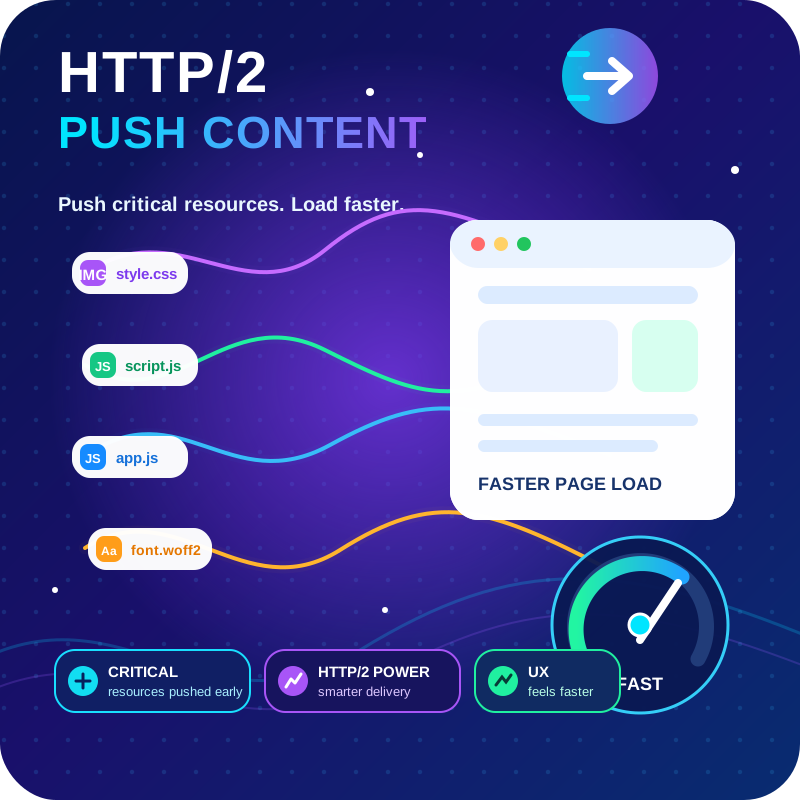
HTTP2 Server push, Async JavaScript, Defer Render Blocking CSS, with fine rule set to control js and css on different page types,

By Cloudways
Breeze is a caching plugin developed by Cloudways. Breeze uses advance caching systems to improve site loading times exponentially.
By PI Web Solution
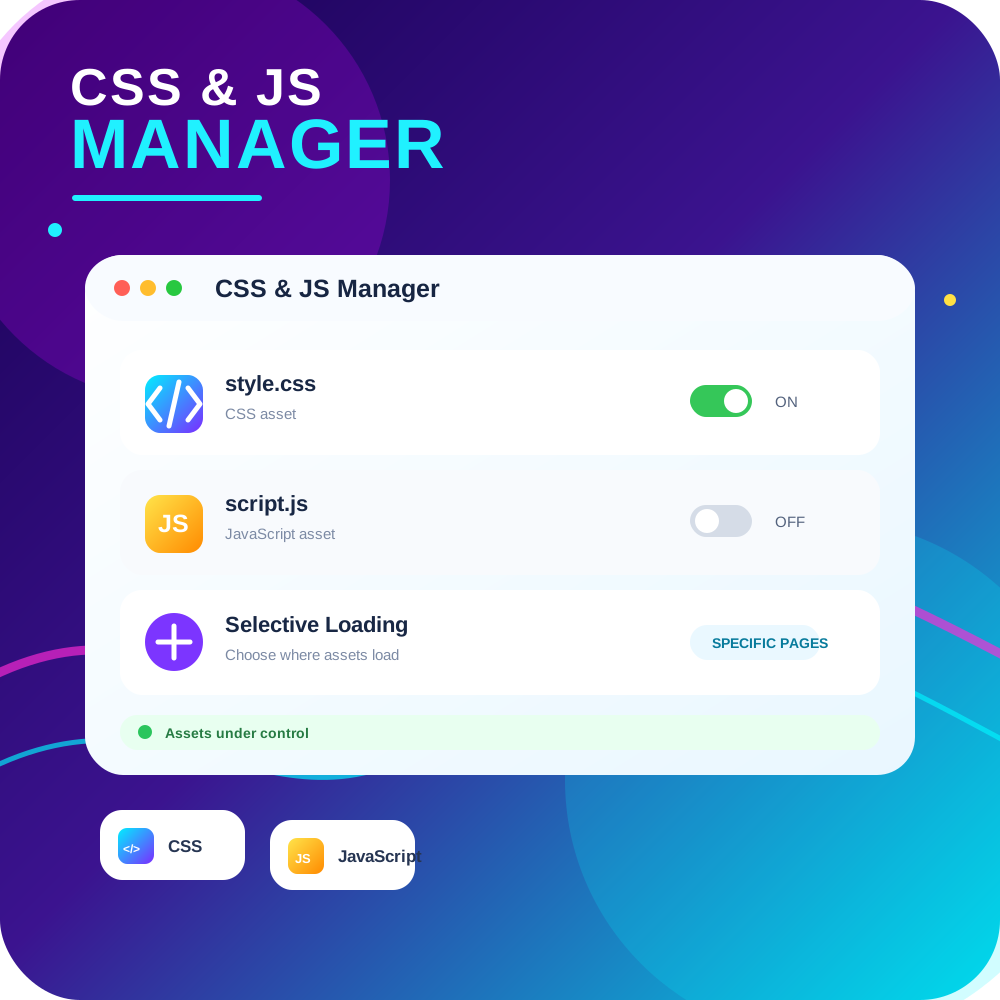
CSS JS Manager, Async JavaScript, Defer Render Blocking CSS, Remove javascript, Remove CSS, Defer Render Blocking CSS, Both CSS and JS can be loaded A …
Insert PHP, JavaScript, CSS, HTML, ads & tracking code into WordPress headers, footers, pages & content with conditional logic — no theme editing.

By Marc Tönsing
SEO-friendly Table of Contents Gutenberg block. No JavaScript or CSS by default.
CHOOSE WHAT YOUR WEBSITE NEEDS
Start with the task you need to solve. Compare features, WordPress and PHP requirements, update history and the author’s documentation. Test changes on a private copy and avoid adding several plugins for the same job.
This independent directory displays plugin information on WebFulHost and links to the official source. Packages are not mirrored or installed here. A plugin can include paid extensions or services with separate terms from its author.




