MaxGalleria
By maxfoundry
Responsive WordPress Gallery plugin with built in Slider and Lightbox
★ 4.4/5 (65)1,000+ active installations
- Version
- 6.5.5
- WordPress
- 3.9+
- Updated
- 12 Nov 2026
WORDPRESS RESOURCES
Explore public plugin information from the official WordPress.org directory. Compare what a plugin does, its requirements and update history before adding it to your website.
Explore WordPress hosting →75 matching plugins reported by WordPress.org · Page 2 of 7
Source: WordPress.org
Data refreshed 27 Nov 2026 17:53 UTC
By maxfoundry
Responsive WordPress Gallery plugin with built in Slider and Lightbox
Stop Using Unneccessary Plugins! We have brought an amazing plugin for your woocommerce store. Drag & Drop with Elementor page builder.

By MhrTheme
It will be the best plugin for creating photo and video gallery.
WPMozo Product Carousel for WooCommerce will let you display your store products in a carousel.
Write SEO-ready WooCommerce product and category descriptions in bulk with AI — OpenAI or Google Gemini. Free to start.

By Aleksandar Urošević
Quick and easy make gallery for custom set of YouTube videos provided in shortcode, and autoplay video on click in Magnific PopUp lightbox.
The ultimate team member WordPress plugin for showing team members profile in grid, slider, Isotope, and lightbox layouts easily using by shortcodes.

By Elicus
WPMozo Blocks and Addons is a plugin that enhances the Block editor with a collection of powerful and customizable blocks.
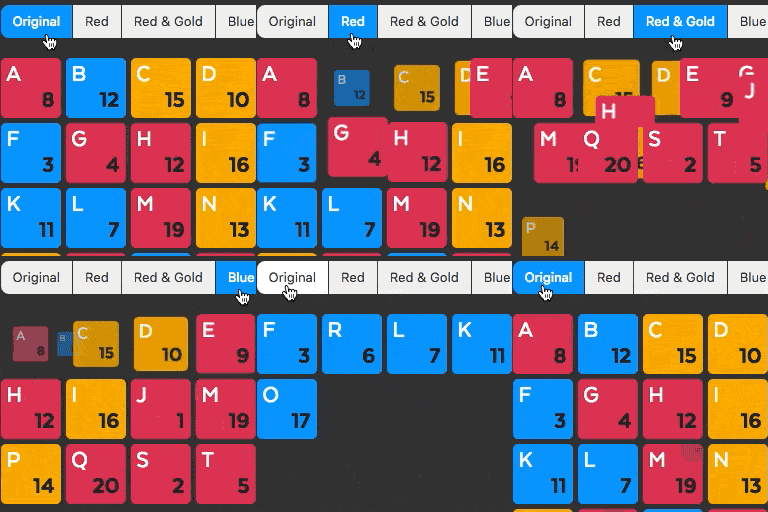
By Sharabindu Bakshi
Display your portfolio, posts, and product items in a grid with filterable

By Goal Prevail
Search eight stock image libraries and import straight into your Media Library, with direct provider connections and no middleman proxy.

By Md Rubel Islam
Generate stunning AI product images for WooCommerce with DALL-E 3, Gemini & Magnific. Save time and money on professional photography.

By Tiger12
Actively maintained fork of Qubely. 29 advanced blocks for the block editor; Roobely Pro converts existing Qubely blocks automatically.
CHOOSE WHAT YOUR WEBSITE NEEDS
Start with the task you need to solve. Compare features, WordPress and PHP requirements, update history and the author’s documentation. Test changes on a private copy and avoid adding several plugins for the same job.
This independent directory displays plugin information on WebFulHost and links to the official source. Packages are not mirrored or installed here. A plugin can include paid extensions or services with separate terms from its author.