

A simple and powerful WordPress portfolio plugin to showcase your creative work beautifully with different ways.
★ 4.6/5 (38)7,000+ active installations
- Version
- 3.2.3
- WordPress
- 5.0+
- PHP
- 7.1+
- Updated
- 13 Oct 2026
WORDPRESS RESOURCES
Explore public plugin information from the official WordPress.org directory. Compare what a plugin does, its requirements and update history before adding it to your website.
Explore WordPress hosting →246 matching plugins reported by WordPress.org · Page 2 of 21
Source: WordPress.org
Data refreshed 21 Nov 2026 04:37 UTC
A simple and powerful WordPress portfolio plugin to showcase your creative work beautifully with different ways.
With the Document Viewer for Office plugin, you can view Microsoft Word, Excel, PowerPoint, and more files in WordPress using shortcode
Replace the default WooCommerce related products with a responsive, dynamic slider to boost product engagement and conversions.
Display WooCommerce product categories in responsive sliders and grids to boost navigation, engagement, and product discovery.

By WUPO Plugins
Organize WooCommerce product attributes into groups, shown as separate sections on your product pages. Works with your existing products.

By apollo13themes
Brings new widgets to be used in Elementor and allows you to import beautiful full page templates for Elementor page builder designed by Apollo13Theme …
Display your event's date on a timer to your visitor with a countdown timer block
The best WooCommerce checkout manager. Edit, remove or add checkout fields. Customize WooCommerce checkout with this checkout field customizer.

By If-So Dynamic Content
All-in-one geolocation. Personalized content, geolocation Dynamic Keyword Insertion shortcodes, Geo Redirects, and more. No coding required!
HappyAddons packs Header Footer Builder, Megamenu, Single Post, Archive Page, & 500+ Ready Templates into one powerful Elementor Addons plugin.
WP Counter Up is a lightweight, responsive, and high-performance WordPress plugin that animates numbers from zero to a target value as they scroll int …
By wpbranddigital
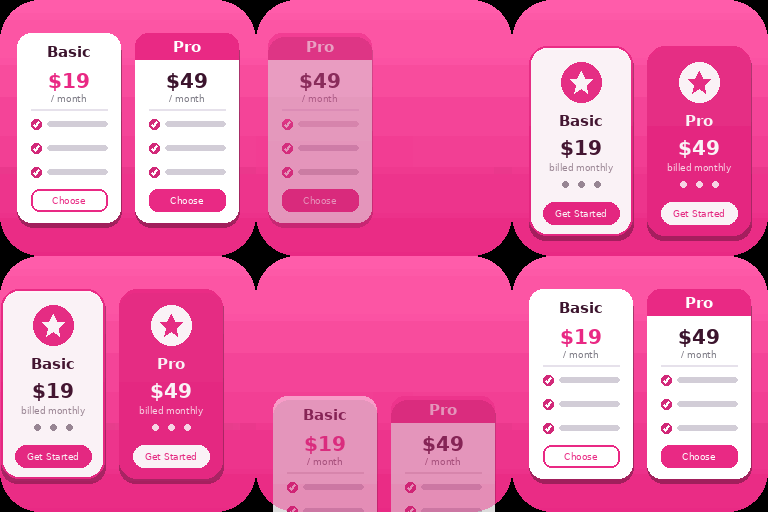
Create responsive WordPress pricing tables in Gutenberg with customizable plans, feature lists, CTA buttons, and clear pricing comparisons.
CHOOSE WHAT YOUR WEBSITE NEEDS
Start with the task you need to solve. Compare features, WordPress and PHP requirements, update history and the author’s documentation. Test changes on a private copy and avoid adding several plugins for the same job.
This independent directory displays plugin information on WebFulHost and links to the official source. Packages are not mirrored or installed here. A plugin can include paid extensions or services with separate terms from its author.



