Powerful, simple CSS editing for WordPress. Visual controls & real-time previews for effortless site customization.
★ 4.9/5 (153)100,000+ active installations
- Version
- 1.6.10
- WordPress
- 6.0+
- PHP
- 7.0.0+
- Updated
- 11 Nov 2026
View plugin details ↗Remove unnecessary code, nags and bloat from WordPress core and certain plugins.
★ 5.0/5 (17)5,000+ active installations
- Version
- 1.7.0
- WordPress
- 4.2+
- PHP
- 7.2+
- Updated
- 12 Jun 2026
View plugin details ↗Add Meta Pixel with Conversion API, Google Analytics (GA4) + Consent Mode, Google Tag Manager, OpenAI Pixel & API, and Head & Footer scripts.
★ 4.3/5 (284)400,000+ active installations
- Version
- 11.4.7
- WordPress
- 4.4+
- PHP
- 5.4+
- Updated
- 21 Nov 2026
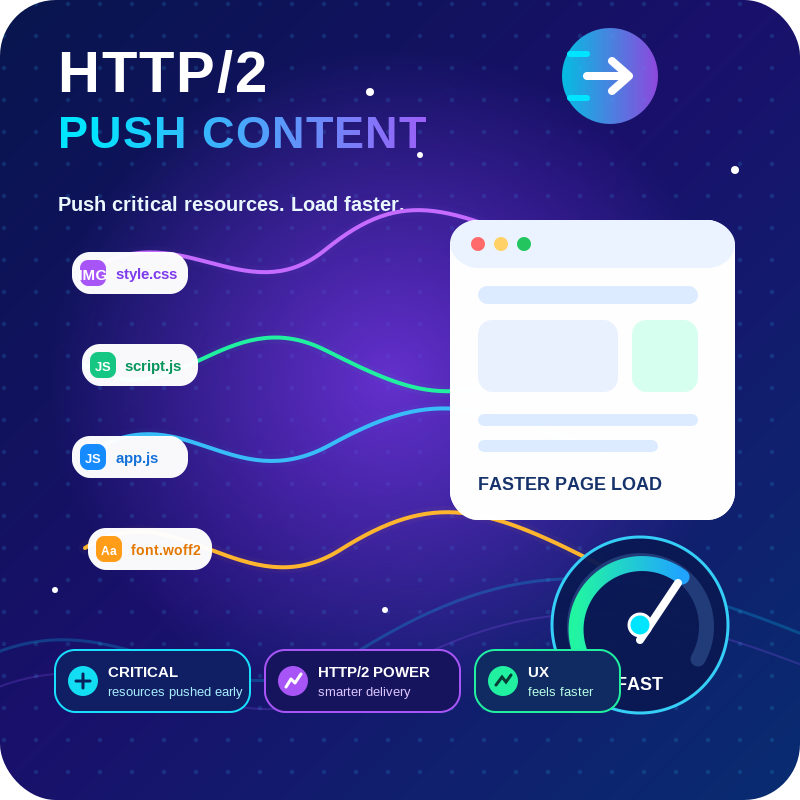
View plugin details ↗HTTP2 Server push, Async JavaScript, Defer Render Blocking CSS, with fine rule set to control js and css on different page types,
★ 4.7/5 (64)6,000+ active installations
- Version
- 1.10.61
- WordPress
- 4.0+
- PHP
- 7.4+
- Updated
- 27 Oct 2026
View plugin details ↗The #1 fonts plugin for WordPress. 1,900+ Google Fonts, Adobe Fonts and your own font files. Live preview, no code required.
★ 5.0/5 (1,222)200,000+ active installations
- Version
- 4.2.3
- WordPress
- 4.0+
- Updated
- 28 Oct 2026
View plugin details ↗Make your website load faster by removing unused CSS. Automatically strips bloated stylesheets down to only what each page actually needs.
★ 5.0/5 (2)70+ active installations
- Version
- 1.0.19
- WordPress
- 5.0+
- PHP
- 7.4+
- Updated
- 14 Oct 2026
View plugin details ↗Easily equalize the height of columns or any collection of elements.
★ 4.9/5 (41)10,000+ active installations
- Version
- 1.2.1
- WordPress
- 3.5+
- Updated
- 10 Mar 2026
View plugin details ↗Web Accessibility (formally known as Ally) is a free, powerful, and user-friendly plugin that helps WordPress creators build more accessible websites …
★ 2.9/5 (163)500,000+ active installations
- Version
- 4.1.4
- WordPress
- 6.7+
- PHP
- 7.4+
- Updated
- 24 Aug 2026
View plugin details ↗The simplest and fastest WP Cache system
★ 4.9/5 (4,235)1,000,000+ active installations
- Version
- 1.5.5
- WordPress
- 5.7+
- Updated
- 5 Nov 2026
View plugin details ↗Get a fast contact form plugin. Create advanced forms using drag and drop form builder with all smart features.
★ 4.8/5 (812)800,000+ active installations
- Version
- 6.2.17
- WordPress
- 6.4+
- PHP
- 7.4+
- Updated
- 2 Nov 2026
View plugin details ↗Simple plugin to display categories in any post or page with a shortcode.
★ 4.5/5 (15)5,000+ active installations
- Version
- 0.5
- WordPress
- 3.3+
- Updated
- 13 Sep 2026
View plugin details ↗Autoptimize speeds up your website by optimizing JS, CSS, images (incl. lazy-load), HTML and Google Fonts, asyncing JS, removing emoji cruft and more.
★ 4.7/5 (1,429)800,000+ active installations
- Version
- 3.1.17
- WordPress
- 5.3+
- PHP
- 7.4+
- Updated
- 25 Oct 2026
View plugin details ↗