

Log in as any WordPress user with one click. Troubleshoot issues and support customers without asking for their password.
★ 4.8/5 (41)30,000+ active installations
- Version
- 1.7.6
- WordPress
- 5.3+
- PHP
- 7.4+
- Updated
- 13 Nov 2026
WORDPRESS RESOURCES
Explore public plugin information from the official WordPress.org directory. Compare what a plugin does, its requirements and update history before adding it to your website.
Explore WordPress hosting →142 matching plugins reported by WordPress.org · Page 2 of 12
Source: WordPress.org
Data refreshed 24 Nov 2026 19:05 UTC
Log in as any WordPress user with one click. Troubleshoot issues and support customers without asking for their password.

By Looks Awesome
Social feed plugin: show Instagram, Facebook and X (Twitter) feeds in one responsive social media wall, grid or widget.

By Marc Armengou
Hardens WordPress with secure headers, login protection, user enumeration blocking, rate limiting, and a built-in security checklist.

By Syde GmbH (formerly Inpsyde)
This plugin allows you to make your WordPress site accessible to logged in users only.
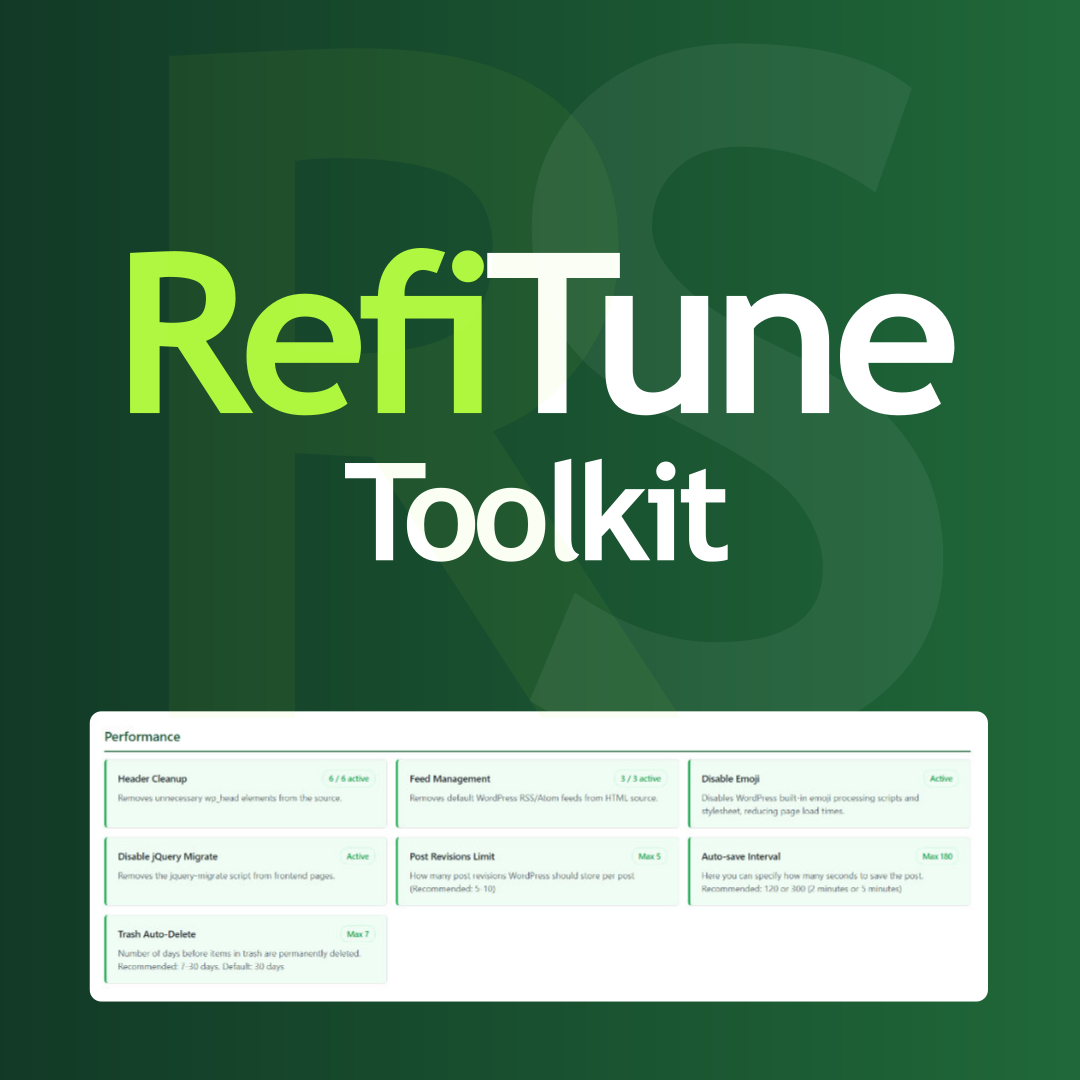
By Tamas Rottenbacher
Take control of WordPress with smart performance tweaks, security enhancements, and usability improvements. RefiTune is an all-in-one toolkit.

By Dennis Buchwald
Infinity logo carousel and text marquee for client, partner or sponsor logos.

By geekontheroad
Show a live summary or order preview next to any Gravity Form. Updates as users type. No coding required.

By luzidmedia
Upload WordPress backup files to Nextcloud via WebDAV, with optional rotation and retention management.

By Daniel Pereyra Costas
This plugin adds a secure form in your website that uses OpenPGP encryption to secure sensitive communications.

By contentguardpro
Scan your WordPress database for hidden SEO spam, pharma hacks, malicious scripts, iframes and spam links in posts and blocks.

By Abhishek Sinha
Selectively disable WordPress features to improve performance, security, and cleanliness. Toggle each feature individually from a single settings page …

By open24
Security hardening for WordPress and WooCommerce: lock down the REST API and login, limit admin accounts, get alerts and detect modified files.
CHOOSE WHAT YOUR WEBSITE NEEDS
Start with the task you need to solve. Compare features, WordPress and PHP requirements, update history and the author’s documentation. Test changes on a private copy and avoid adding several plugins for the same job.
This independent directory displays plugin information on WebFulHost and links to the official source. Packages are not mirrored or installed here. A plugin can include paid extensions or services with separate terms from its author.