Turn WordPress posts, pages and images into digital signage for any TV, kiosk or notice board. Works with Screenly and Anthias.
★ 5.0/5 (1)60+ active installations
- Version
- 2026.11.0
- WordPress
- 6.8+
- PHP
- 8.2+
- Updated
- 25 Nov 2026
View plugin details ↗Add sports schedules, TV channel listings, live scores and match predictions to your website with an adaptive widget.
0+ active installations
- Version
- 1.2.3
- WordPress
- 5.8+
- PHP
- 7.4+
- Updated
- 23 Nov 2026
View plugin details ↗Superb Helper helps you learn how to use WordPress & build a website with it.
8,000+ active installations
- Version
- 1.3.0
- WordPress
- 5.1+
- PHP
- 7.2+
- Updated
- 26 Nov 2025
View plugin details ↗Free live score, league table and fixtures widgets for football (soccer), NBA, NFL, NHL and more, as blocks and shortcodes with live data.
20+ active installations
- Version
- 0.1.0
- WordPress
- 6.3+
- PHP
- 7.4+
- Updated
- 26 Nov 2026
View plugin details ↗Add sources from DOI, ISBN, PubMed, YouTube and more, then publish citations, footnotes, bibliographies, tooltips and glossaries.
★ 5.0/5 (2)60+ active installations
- Version
- 4.7.0
- WordPress
- 6.3+
- PHP
- 7.4+
- Updated
- 26 Nov 2026
View plugin details ↗Abandoned cart recovery for WooCommerce: win carts back on WhatsApp via 6rsh (official Meta Tech Provider) and email, with a live cart monitor.
★ 5.0/5 (2)30+ active installations
- Version
- 2.36.1
- WordPress
- 6.2+
- PHP
- 7.4+
- Updated
- 22 Nov 2026
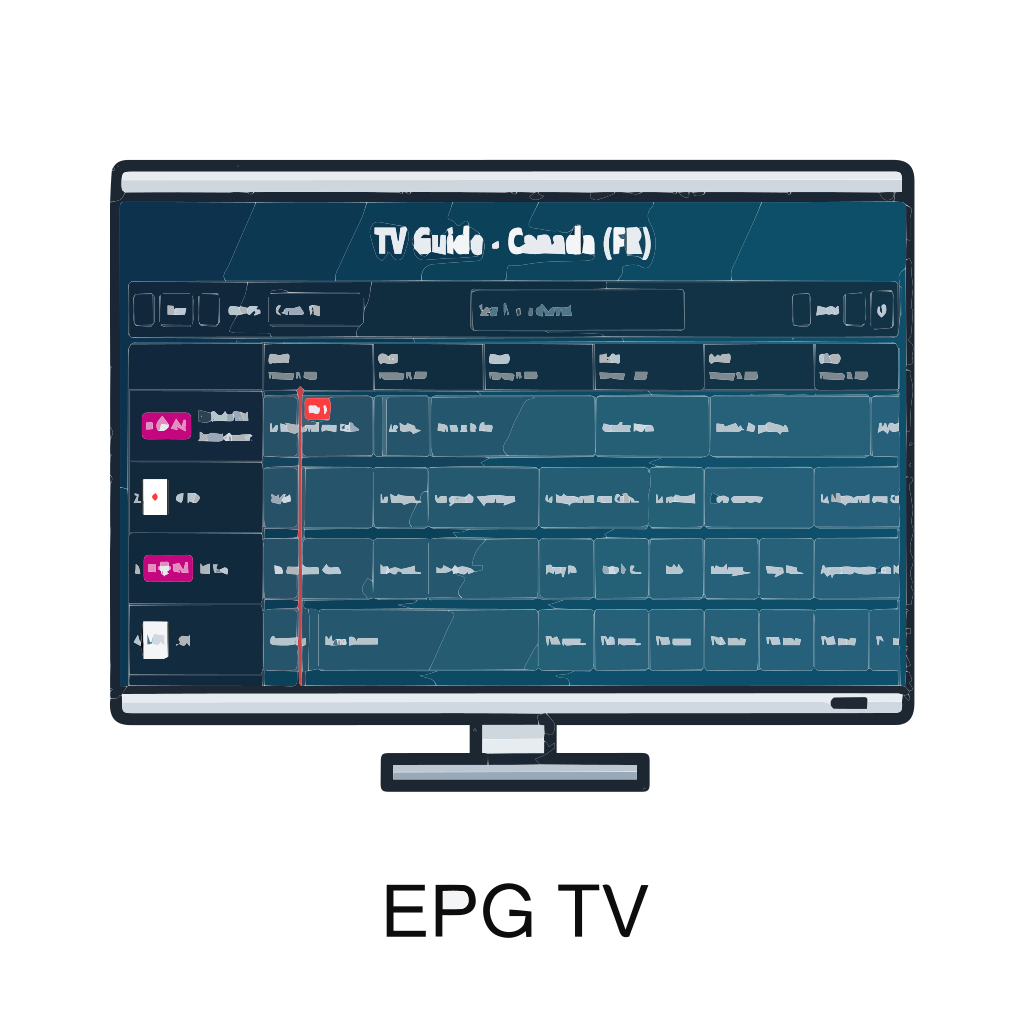
View plugin details ↗A powerful EPG for WordPress that builds a beautiful TV guide from any XMLTV or M3U source and makes channels playable with stream links.
50+ active installations
- Version
- 1.2.2
- WordPress
- 5.8+
- PHP
- 7.4+
- Updated
- 4 Sep 2025
View plugin details ↗Display live football scores, upcoming fixture countdowns, and TV broadcast info for 800+ teams.
0+ active installations
- Version
- 1.1.0
- WordPress
- 6.0+
- PHP
- 7.4+
- Updated
- 4 Sep 2026
View plugin details ↗Display up to 3 product offers with customizable cards, contact form, and admin panel for managing submissions.
0+ active installations
- Version
- 1.1.7
- WordPress
- 5.0+
- PHP
- 7.4+
- Updated
- 23 Feb 2026
View plugin details ↗Turn your YouTube channel into a traffic engine.
0+ active installations
- Version
- 1.6.1
- WordPress
- 6.2+
- PHP
- 7.4+
- Updated
- 29 Oct 2026
View plugin details ↗Connect Claude, ChatGPT and AI agents to WordPress. A self-hosted MCP server that edits posts and Elementor pages, plus 151 free Elementor widgets.
★ 5.0/5 (1)0+ active installations
- Version
- 1.1.5
- WordPress
- 6.9+
- PHP
- 8.0+
- Updated
- 13 Nov 2026
View plugin details ↗Build your own video sharing site with uploads, playlists, responsive discovery, playback and optional membership integrations.
★ 2.3/5 (12)20+ active installations
- Version
- 3.15.5
- WordPress
- 6.9+
- PHP
- 8.2+
- Updated
- 24 Nov 2026
View plugin details ↗