

ShipStation for WooCommerce
By WooCommerce
Power your entire shipping operation from one platform.
★ 3.3/5 (13)40,000+ active installations
- Version
- 5.4.2
- WordPress
- 7.0+
- PHP
- 7.4+
- Updated
- 17 Nov 2026
WORDPRESS RESOURCES
Explore public plugin information from the official WordPress.org directory. Compare what a plugin does, its requirements and update history before adding it to your website.
Explore WordPress hosting →1,633 matching plugins reported by WordPress.org · Page 2 of 50
Source: WordPress.org
Data refreshed 25 Nov 2026 02:50 UTC
By WooCommerce
Power your entire shipping operation from one platform.

By Web Builder 143
Create unlimited WooCommerce tabs and assign them in bulk by category, tag, brand, or product. Also disable WooCommerce’s default product tabs.
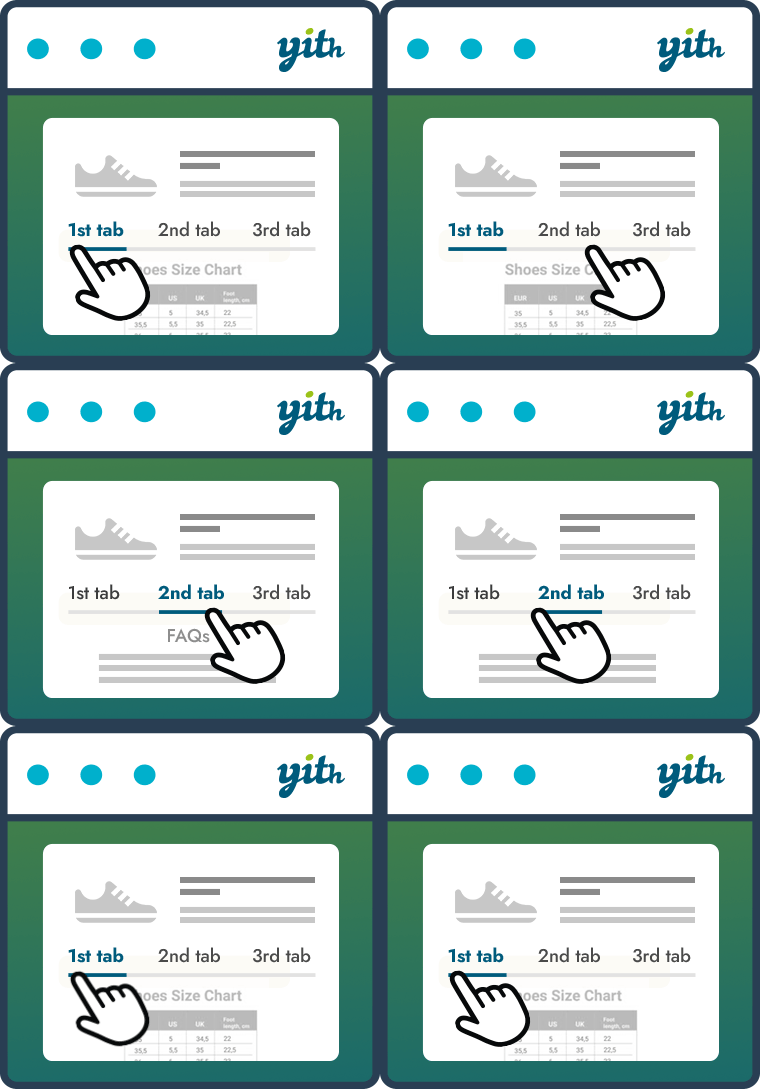
By YITHEMES
Improve your WooCommerce product pages by adding custom tabs and ad hoc content for your customers

By Rustaurius
Full-featured FAQ and accordion plugin with advanced search, simple UI and easy-to-use FAQ blocks and shortcodes.

By Rank Math SEO
Grow your organic traffic and AI visibility with powerful SEO tools, XML sitemaps, Schema automation, and built-in AI SEO, all in one place.
Create responsive FAQs with accordion, tabs, and slider layouts. Includes FAQ Schema markup, Gutenberg blocks, and Elementor widgets.

By ThemeHigh
The FAQ Manager plugin lets you create & manage FAQs in an accordion style. Use this WordPress FAQ plugin to group and display FAQs with ease.
Build responsive FAQ sections with accordion themes, FAQ schema for SEO rich results, Gutenberg block and shortcode support – no coding needed.

By Braintum
Create, organize, and display FAQs with AI-powered answers, one-click FAQ groups, WooCommerce, and a floating chat assistant.

By PickPlugins
Create sleek accordions, tabs, FAQs, and image accordions with a React builder featuring advanced styling, animations, OpenAI support, and customizati …
Documentation, FAQ & Knowledge Base plugin to create docs, FAQs, product FAQ, wikis & help center with MCP, AI writing, instant answers & AI Chatbot.
HUSKY - WooCommerce Products Filter (former WOOF) – filter by categories, attributes, price and meta fields, with a built-in MCP server
CHOOSE WHAT YOUR WEBSITE NEEDS
Start with the task you need to solve. Compare features, WordPress and PHP requirements, update history and the author’s documentation. Test changes on a private copy and avoid adding several plugins for the same job.
This independent directory displays plugin information on WebFulHost and links to the official source. Packages are not mirrored or installed here. A plugin can include paid extensions or services with separate terms from its author.



