50+ blocks to create rich sections in the Gutenberg editor. Use professional starter block patterns & templates to create websites within minutes.
★ 4.8/5 (17)3,000+ active installations
- Version
- 2.3.0
- WordPress
- 5.0+
- PHP
- 5.6+
- Updated
- 6 Oct 2026
View plugin details ↗The Custom Functions Start Kit offers over a dozen easy to use fixes and functions for your WordPress site.
★ 5.0/5 (1)10+ active installations
- Version
- 2.1.7
- WordPress
- 4.9+
- Updated
- 5 Aug 2022
View plugin details ↗Publish events, sell tickets, take bookings and check attendees in with a QR code. Calendar and event list shortcodes included.
★ 5.0/5 (2)10+ active installations
- Version
- 1.1.1
- WordPress
- 5.0+
- PHP
- 7.0+
- Updated
- 14 Sep 2026
View plugin details ↗Build stunning WordPress galleries in minutes. Eight fully-responsive layouts, video, immersive lightbox, albums, templates, SEO, analytics & more.
★ 1.0/5 (1)300+ active installations
- Version
- 1.2.0
- WordPress
- 6.3+
- PHP
- 7.4+
- Updated
- 8 Oct 2026
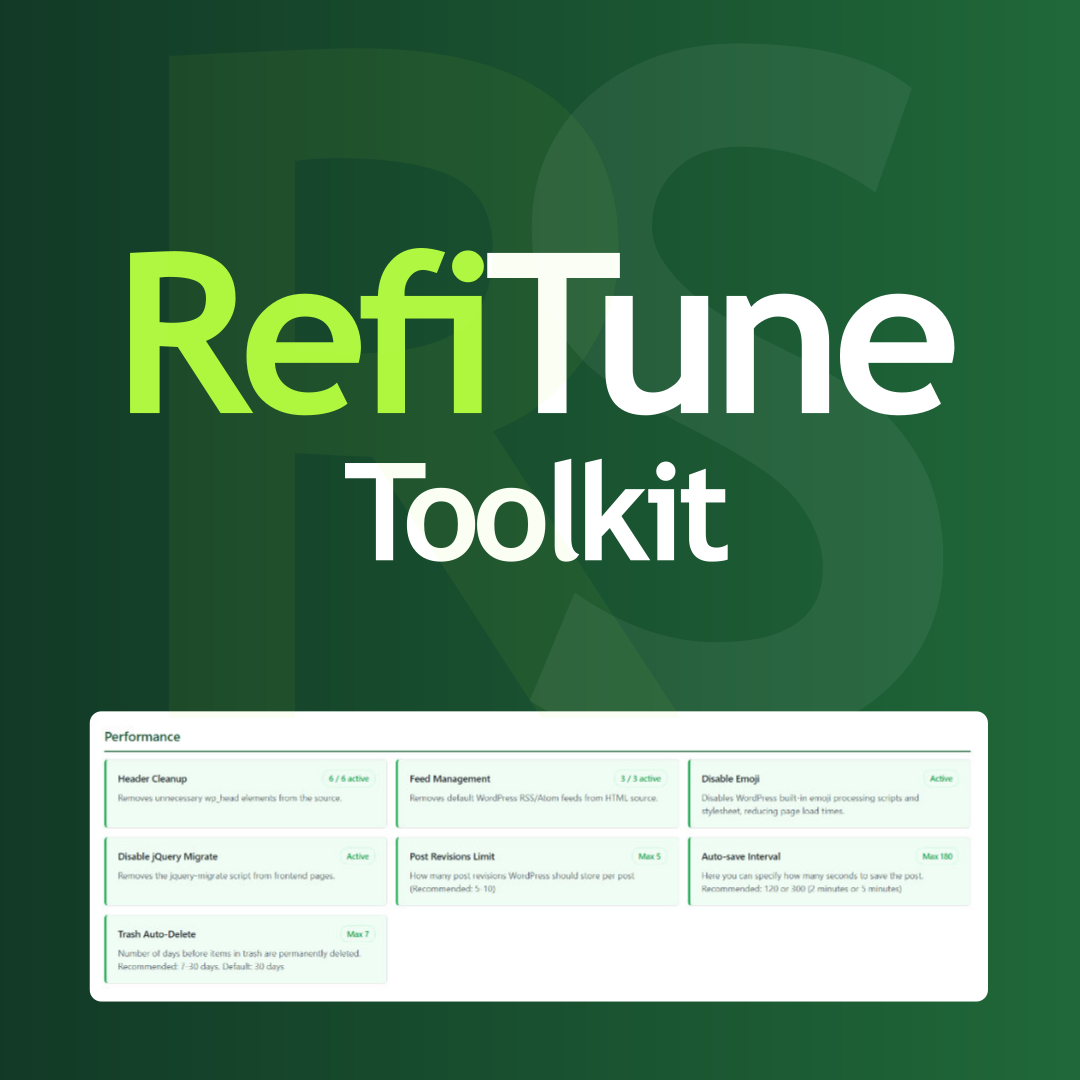
View plugin details ↗Take control of WordPress with smart performance tweaks, security enhancements, and usability improvements. RefiTune is an all-in-one toolkit.
★ 5.0/5 (1)20+ active installations
- Version
- 1.4.0
- WordPress
- 6.2+
- PHP
- 7.4+
- Updated
- 3 Oct 2026
View plugin details ↗Useful classes for creating a custom post type. Creates Page Parts custom post type. Designed for theme developers.
100+ active installations
- Version
- 3.5.1
- PHP
- 7.1+
- Updated
- 24 Nov 2026
View plugin details ↗Lightweight HTML5 video player and video hosting with CDN built for WordPress
★ 4.1/5 (19)1,000+ active installations
- Version
- 2.4.8
- WordPress
- 6.6+
- PHP
- 7.3+
- Updated
- 26 Oct 2026
View plugin details ↗The all-in-one media library for WordPress. Optimize images, reclaim storage, and manage a growing library with ease.
★ 4.2/5 (21)800+ active installations
- Version
- 3.5.2
- WordPress
- 6.0+
- PHP
- 8.0+
- Updated
- 10 Nov 2026
View plugin details ↗Create fast, responsive photo and video galleries with grid, masonry, justified, modular, carousel, filmstrip, and proofing layouts for photographers, …
★ 5.0/5 (6)70+ active installations
- Version
- 1.5.2
- WordPress
- 6.5+
- PHP
- 7.4+
- Updated
- 7 Oct 2026
View plugin details ↗Import a static website from a ZIP file and manage its pages, content, images and files in WordPress.
100+ active installations
- Version
- 1.1.2
- WordPress
- 5.8+
- PHP
- 7.4+
- Updated
- 9 Oct 2026
View plugin details ↗Displays a mini preview when a page or post is being edited.
10+ active installations
- Version
- 1.5.0
- WordPress
- 5.0+
- PHP
- 7.4+
- Updated
- 3 Jun 2026
View plugin details ↗Unlock the magic of your website with the SVG block. Out-of-the-box security, dual storage modes, and turbocharged speed optimization!
200+ active installations
- Version
- 1.5.0
- WordPress
- 5.7+
- PHP
- 7.1+
- Updated
- 25 Apr 2026
View plugin details ↗