Modular WordPress toolkit for security, performance, SMTP, WebP images, code snippets, redirects, administration and more.
★ 5.0/5 (28)5,000+ active installations
- Version
- 2.26.1
- WordPress
- 6.2.0+
- PHP
- 7.4+
- Updated
- 10 Nov 2026
View plugin details ↗Create WordPress websites with free forms, Gutenberg blocks, popups, sliders, countdowns, animations, pre-built pages, patterns & The Theme Designer
★ 4.9/5 (23)80,000+ active installations
- Version
- 4.2.7
- WordPress
- 5.9+
- PHP
- 7.0+
- Updated
- 20 Nov 2026
View plugin details ↗Free Lasso Lite (Simple URLs): cloak affiliate links with a URL shortener and link tracking, add product displays in WordPress, and connect Lasso Hub …
★ 3.1/5 (47)4,000+ active installations
- Version
- 163
- WordPress
- 5.1+
- PHP
- 7.2+
- Updated
- 10 Nov 2026
View plugin details ↗GutenKit – Ultimate no-code Gutenberg blocks to design stunning web pages and visually stunning posts in WordPress block editor.
★ 4.5/5 (48)70,000+ active installations
- Version
- 2.5.7
- WordPress
- 6.1+
- PHP
- 7.4+
- Updated
- 16 Nov 2026
View plugin details ↗Display WordPress child pages in a responsive grid or list using a shortcode, Gutenberg block or Elementor widget.
★ 4.9/5 (49)9,000+ active installations
- Version
- 2.1.2
- WordPress
- 6.7+
- PHP
- 7.4+
- Updated
- 2 Jun 2026
View plugin details ↗Opt-in AI for WordPress: one stable feature plus experiments that may change or be removed. Needs an AI provider plugin and your own API key.
★ 4.2/5 (10)60,000+ active installations
- Version
- 1.5.0
- WordPress
- 7.0.3+
- PHP
- 7.4+
- Updated
- 30 Oct 2026
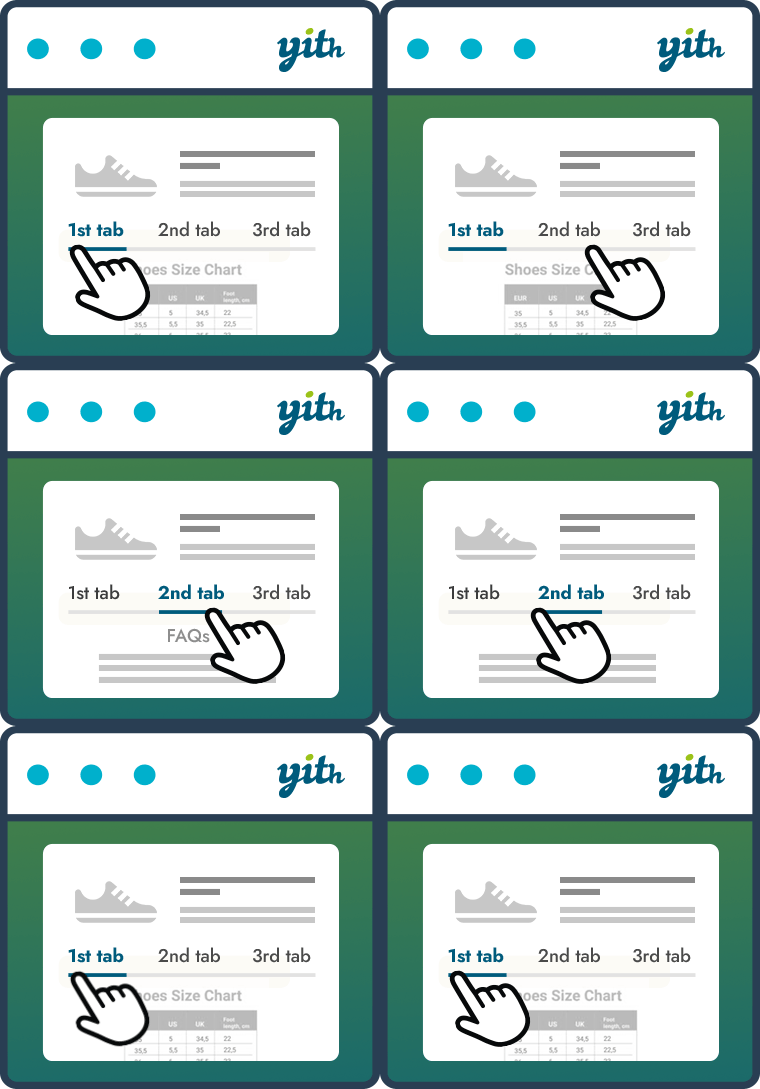
View plugin details ↗Improve your WooCommerce product pages by adding custom tabs and ad hoc content for your customers
★ 3.0/5 (16)3,000+ active installations
- Version
- 2.17.0
- WordPress
- 6.9+
- PHP
- 7.4+
- Updated
- 28 Oct 2026
View plugin details ↗Organize posts into issues or a series. Ideal for magazines, newspapers, teachers, comic artists, and anyone writing multi-part articles.
★ 4.5/5 (74)2,000+ active installations
- Version
- 3.2.0
- WordPress
- 5.5+
- PHP
- 8.2.0+
- Updated
- 12 Nov 2026
View plugin details ↗Adds Open Graph metadata to your posts and pages so that they look great when shared on sites like Facebook and Twitter.
★ 4.3/5 (13)10,000+ active installations
- Version
- 3.0.1
- WordPress
- 6.2+
- PHP
- 7.4+
- Updated
- 25 Sep 2026
View plugin details ↗Unlimited Blocks: WordPress Gutenberg Blocks is the editor blocks that are used to create content layouts that you can insert onto anywhere on your Wo …
★ 3.7/5 (3)800+ active installations
- Version
- 1.2.9
- PHP
- 7.0+
- Updated
- 2 Jul 2026
View plugin details ↗Create excerpts and hide text with an elegant toggle button to show more.
★ 5.0/5 (1)1,000+ active installations
- Version
- 1.1.7
- WordPress
- 4.0.0+
- PHP
- 5.6+
- Updated
- 18 Oct 2026
View plugin details ↗Create content templates for your posts and pages. When creating a new post or page use one of your content templates as the starting point!
★ 4.0/5 (24)1,000+ active installations
- Version
- 2.2.7
- WordPress
- 3.6+
- Updated
- 26 Nov 2025
View plugin details ↗