

Add related, featured, latest, and popular posts to your WordPress website. Connect your blog readers with a relevant content.
★ 3.5/5 (13)800+ active installations
- Version
- 1.4.5
- WordPress
- 5.6+
- Updated
- 10 Jun 2025
WORDPRESS RESOURCES
Explore public plugin information from the official WordPress.org directory. Compare what a plugin does, its requirements and update history before adding it to your website.
Explore WordPress hosting →2,462 matching plugins reported by WordPress.org · Page 20 of 50
Source: WordPress.org
Data refreshed 25 Nov 2026 16:28 UTC
Add related, featured, latest, and popular posts to your WordPress website. Connect your blog readers with a relevant content.

By cl272
The ultimate widget for displaying posts, custom post types or sticky posts with an array of options.

By fusedsoftware
Use the Big Post Shipping plugin with your WooCommerce website to present quotes and shipping options to visitors to your store.
Build a community, forum, feedback portal and public roadmap with posts, profiles, votes, discussions, notifications and moderation.

By Sarah Giles
Powerful and feature-rich user directory based on user profile meta fields.

By CoderPress
Track and display the view counts of WordPress posts and WooCommerce products in the admin panel and via shortcode.

By Hidekazu Ishikawa
This plug-in is an integrated plug-in with a variety of features that make it powerful your web site.

By Jonathan Jernigan
Events calendar - the simple way. Easily display any WordPress post as an event on a flexible front-end calendar. Supports any post type.

By Shahjada
This File Management & Digital Store plugin will help you to control file downloads & sell digital products from your WP site.

By onodev77
Display Amazon affiliate products in WordPress with Creators API v3, responsive product boxes, comparison layouts, caching, and global marketplaces.

Turn your website into a membership business. Sell member subscriptions to content, courses, private pages, & community with posts, comments & more.
By Tamas Rottenbacher
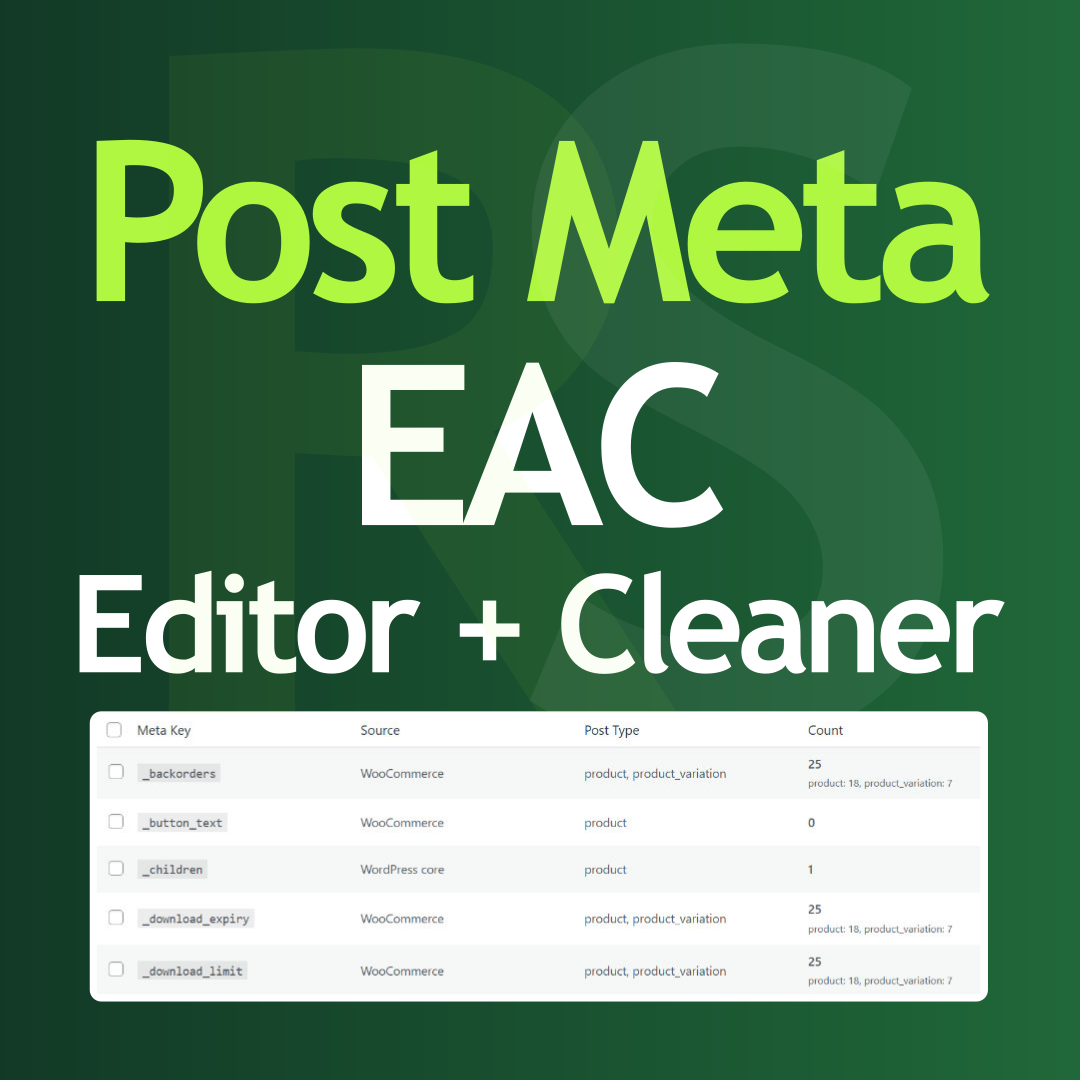
Post Meta bulk editor to delete unused data, overwrite values, run search and replace, and clean your database directly from the admin panel.
CHOOSE WHAT YOUR WEBSITE NEEDS
Start with the task you need to solve. Compare features, WordPress and PHP requirements, update history and the author’s documentation. Test changes on a private copy and avoid adding several plugins for the same job.
This independent directory displays plugin information on WebFulHost and links to the official source. Packages are not mirrored or installed here. A plugin can include paid extensions or services with separate terms from its author.
